
Your backend, handled from your phone
Deploys, CI runs and incidents across Vercel, Netlify, Cloudflare, GitHub and 29 more services, on Android. See what broke, read the log, roll back.
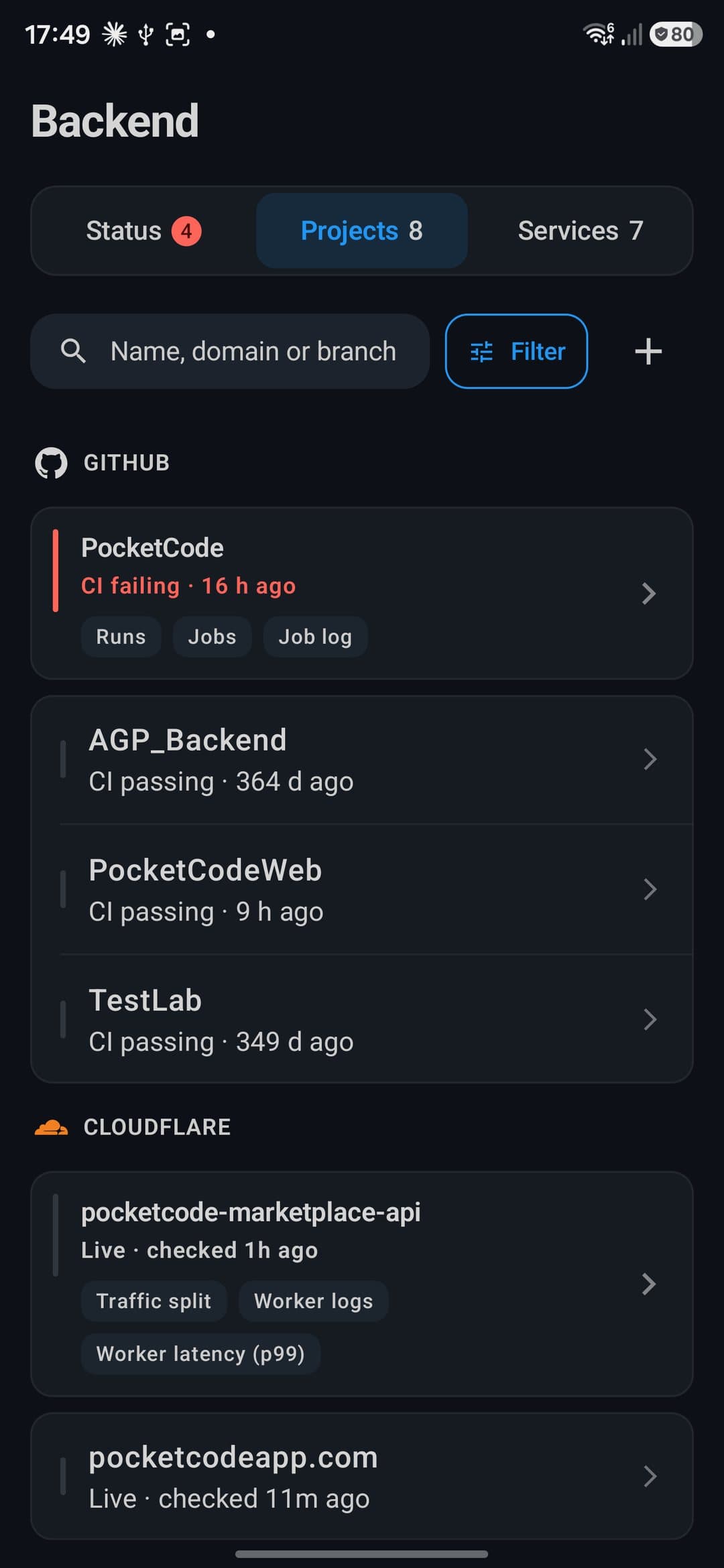
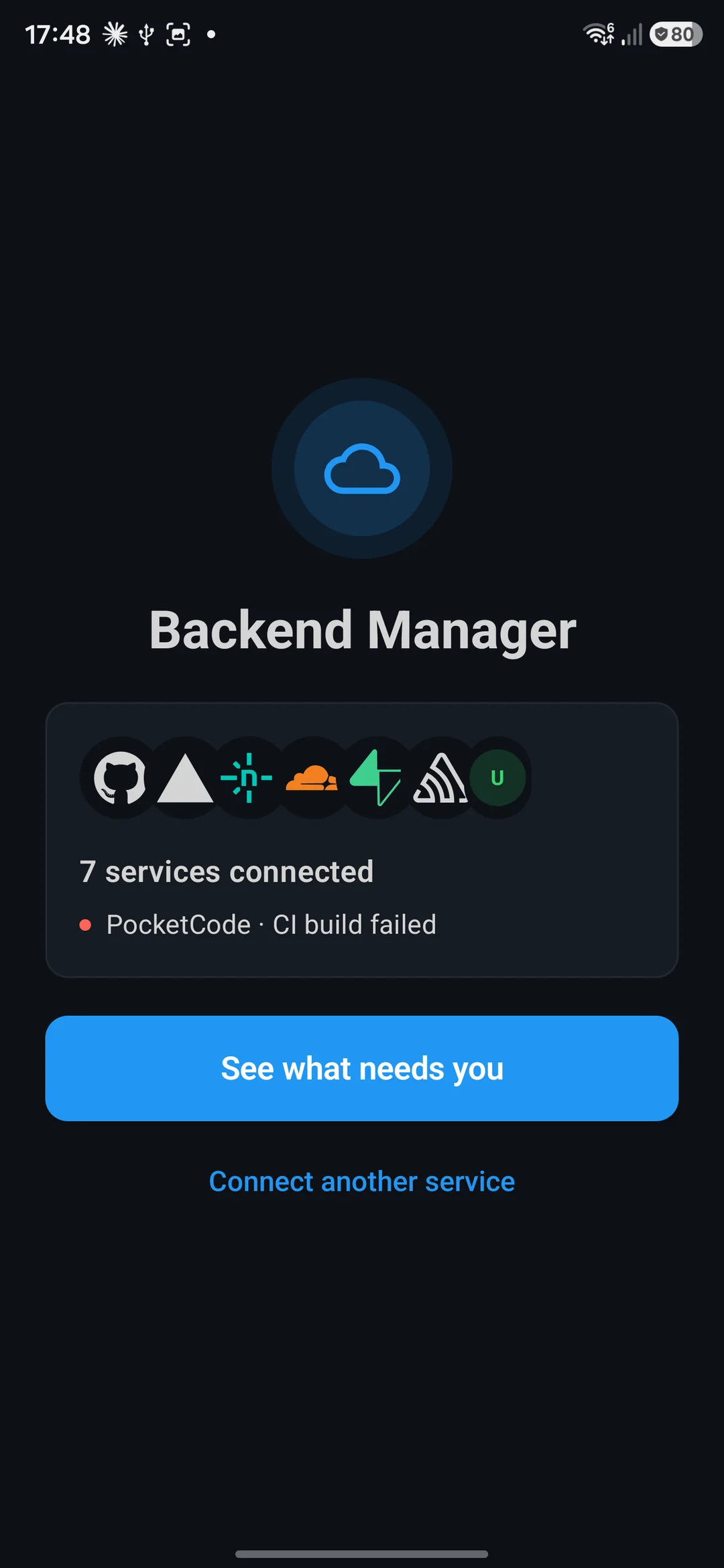
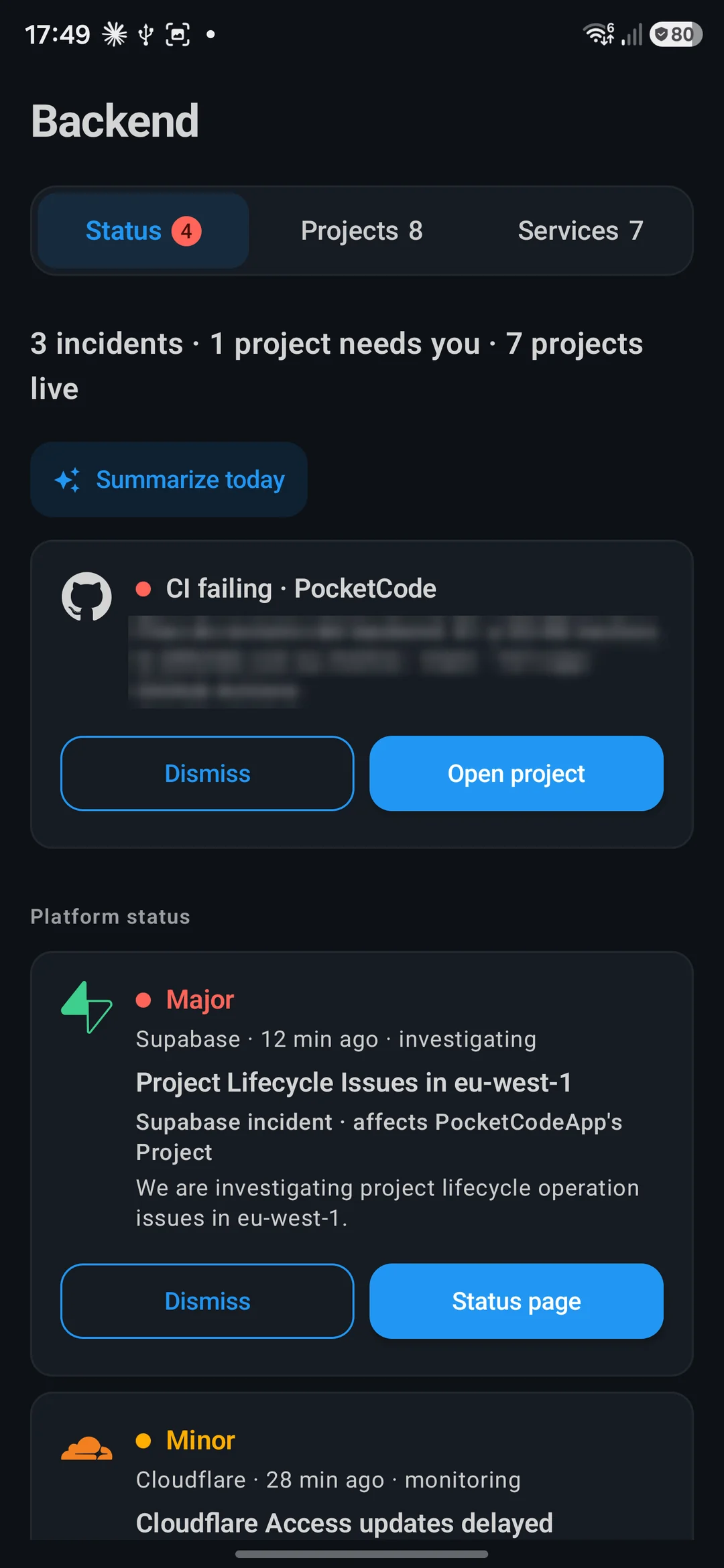
- A failing CI run, with its project and a way straight in
- A provider incident, matched to the projects it affects
What needs you comes first
Open the module and the Status tab already knows what broke, across every account you connected.
- A failed build or deploy names the project and the reason
- Provider incidents say which of your projects they touch
- Dismiss what you have seen; the home badge, widget and tile count the same items
- pocket-code
- Timeline
- Deployment
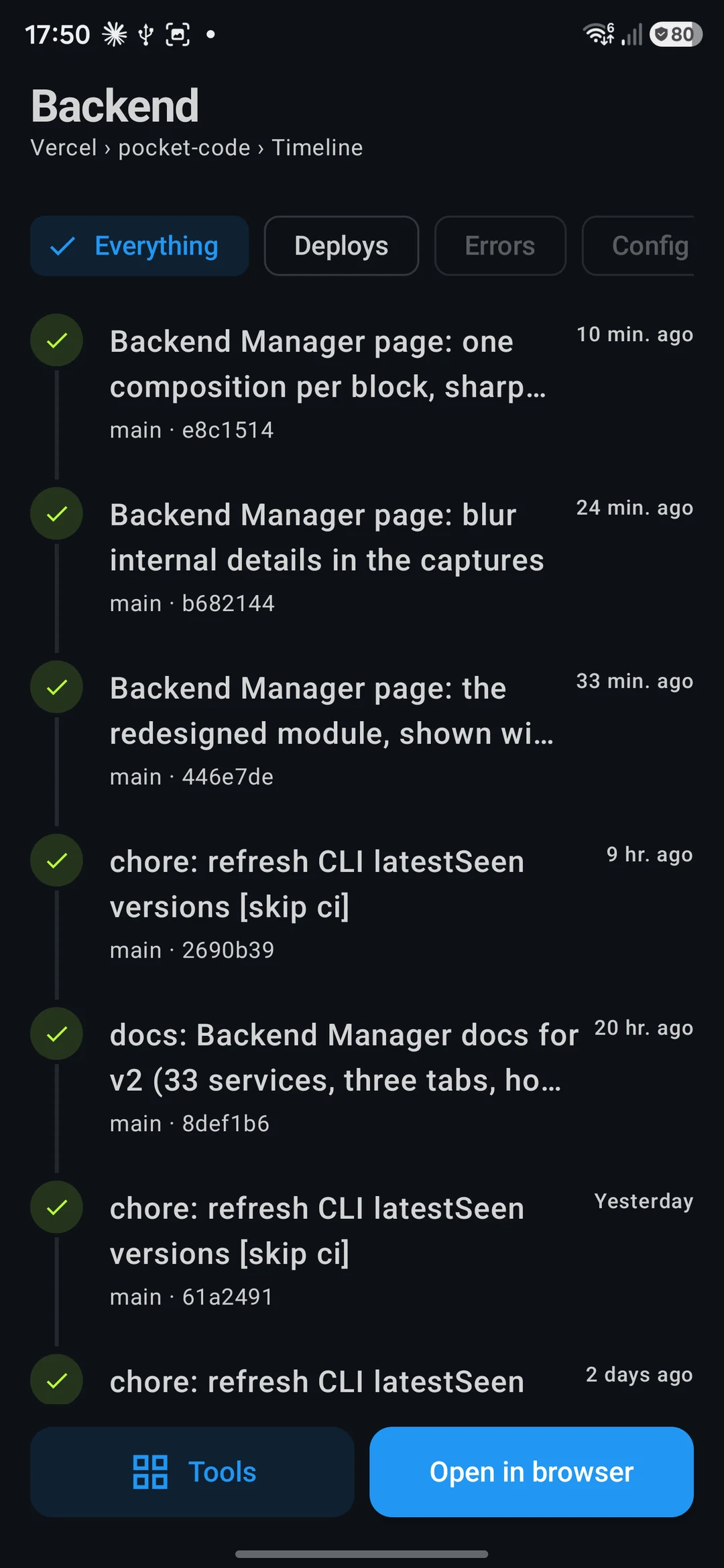
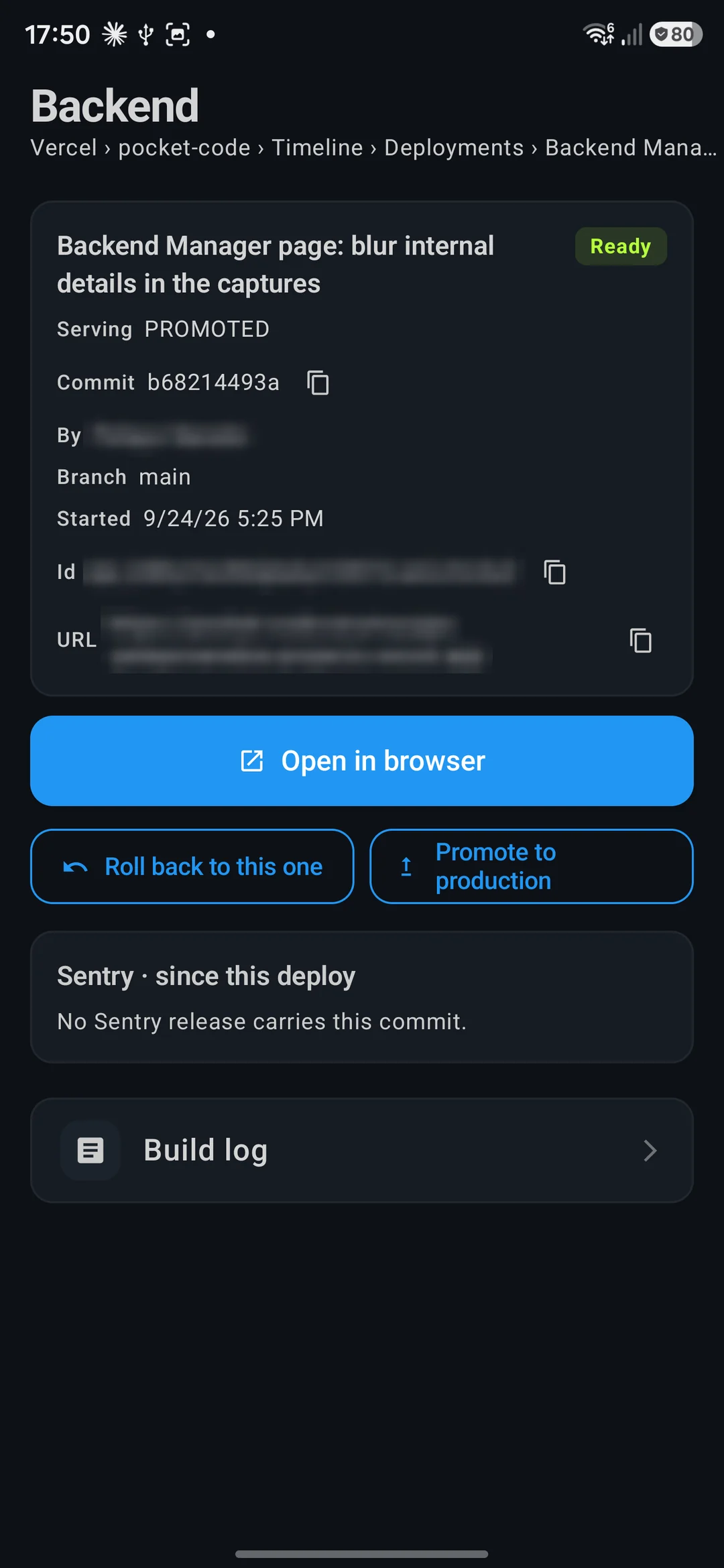
Every project, one layout
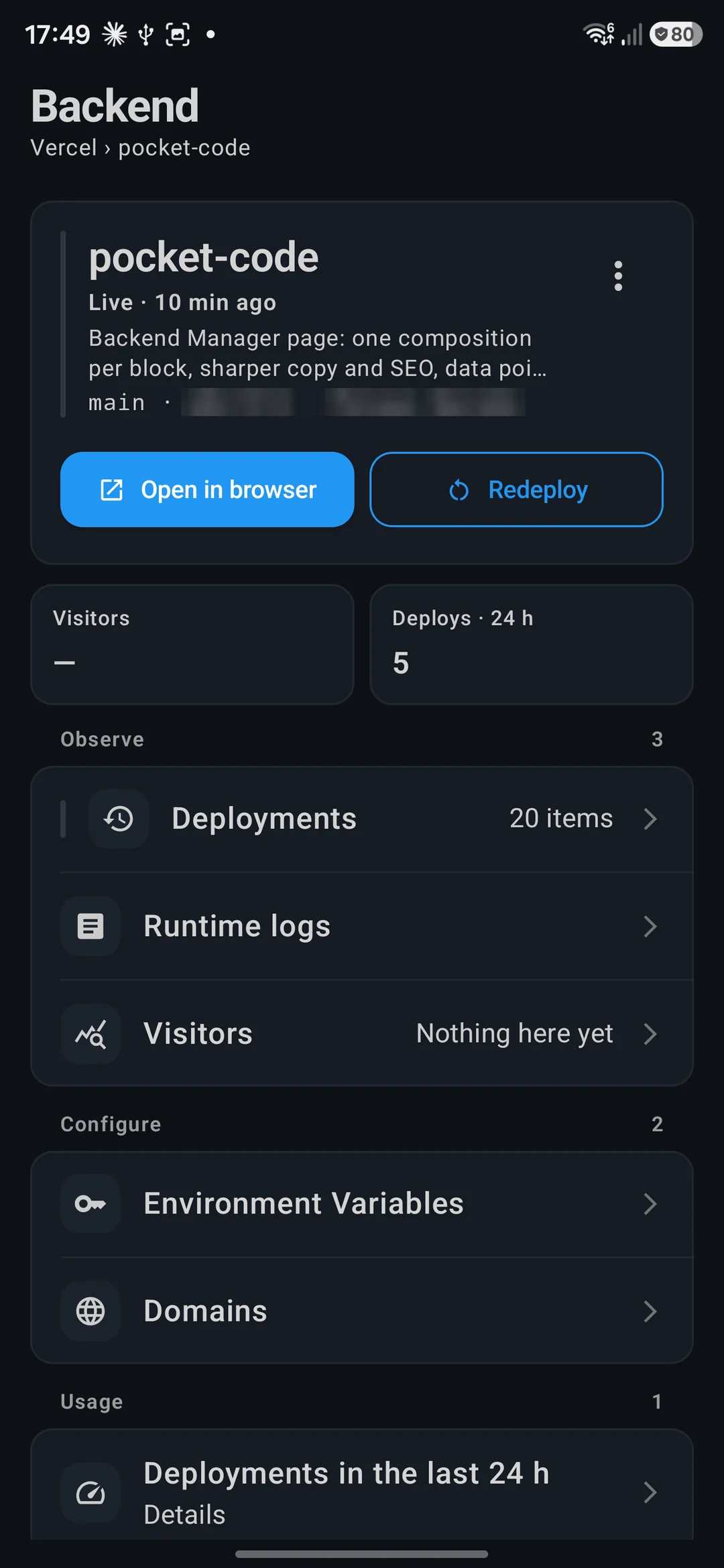
Vercel, Netlify, Cloudflare or GitHub: each project opens the same way, so you never relearn a dashboard.
- State, last deploy and the numbers that matter at the top
- Deployments grouped by day, with Roll back and Promote to production
- Hosting on Vercel, Netlify, Render, Railway, Fly.io, Cloudflare, DigitalOcean and Expo EAS
- CI failing
- Failed step
- Live log
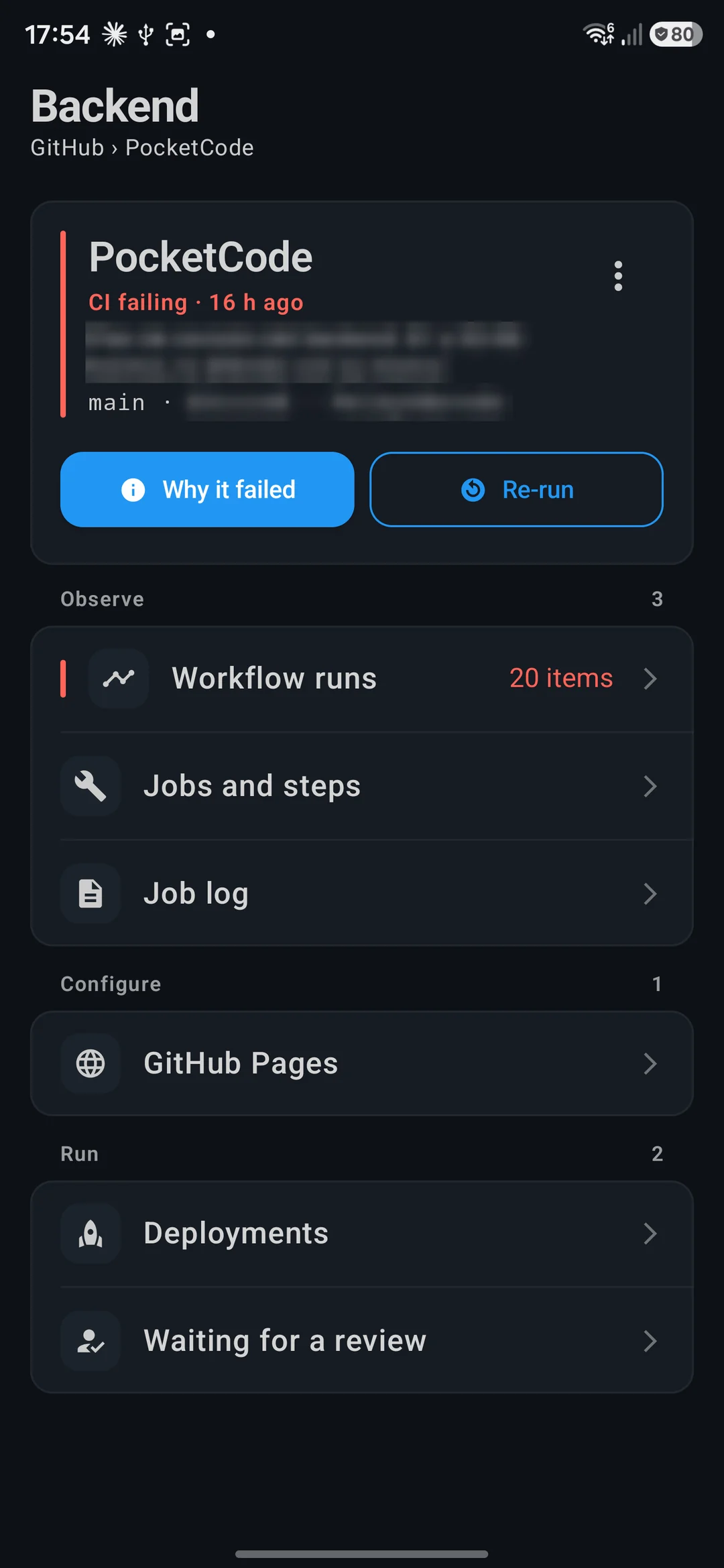
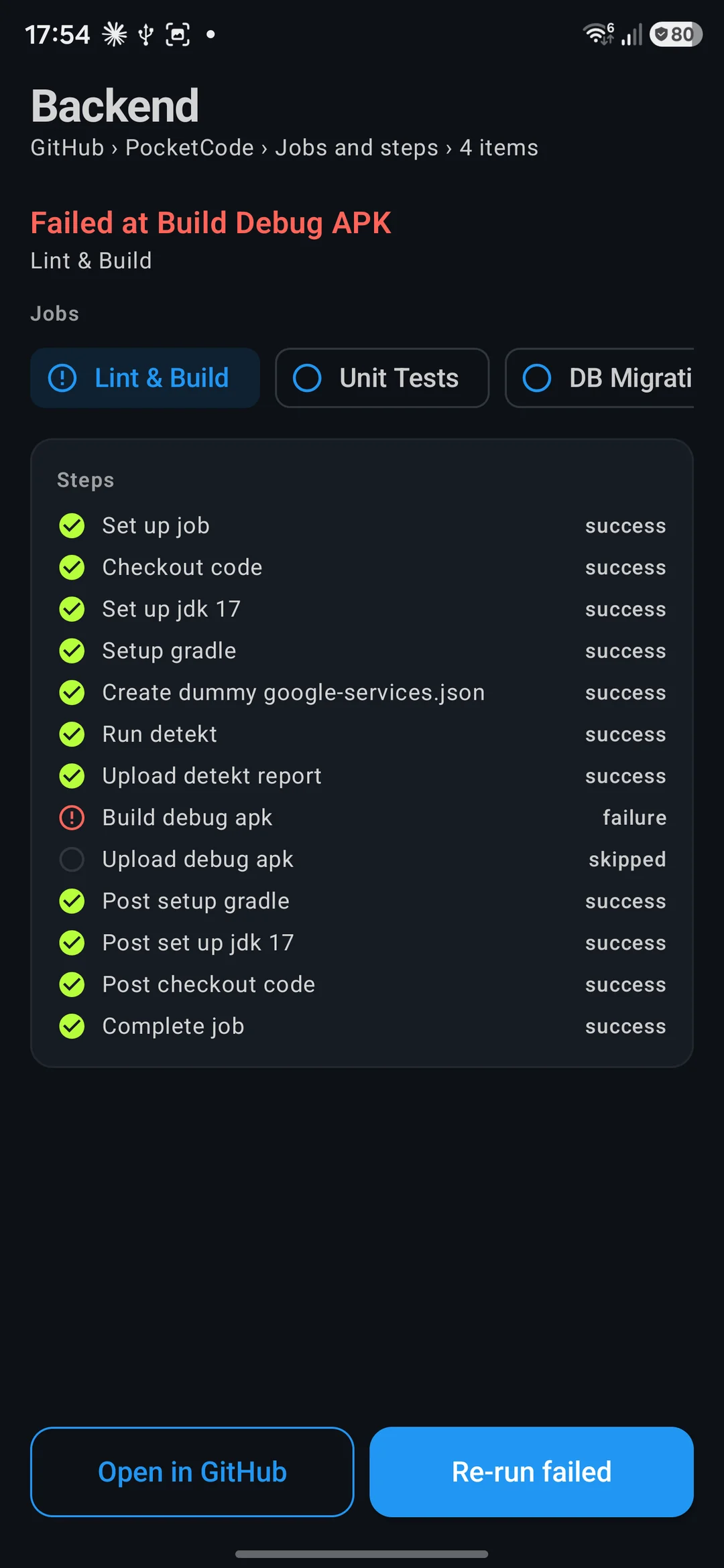
From the red badge to the failing line
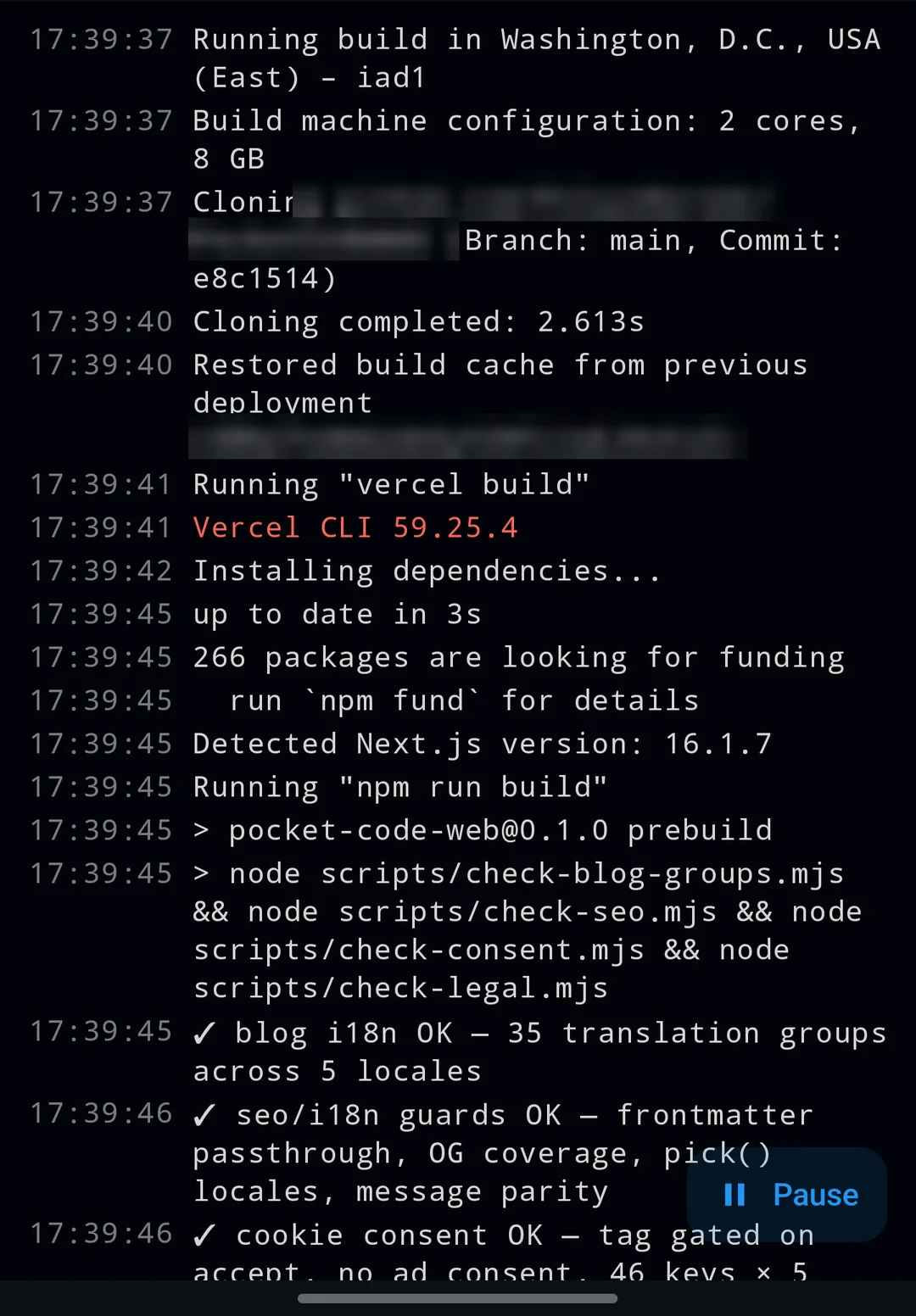
When CI or a deploy fails, the phone takes you to the step that broke, not to a list of runs.
- Jobs as steps, with the failed one already picked
- Live build logs with search, level filters and Pause
- Re-run only the failed jobs, or redeploy, from the same screen
Configuration here, data in Database
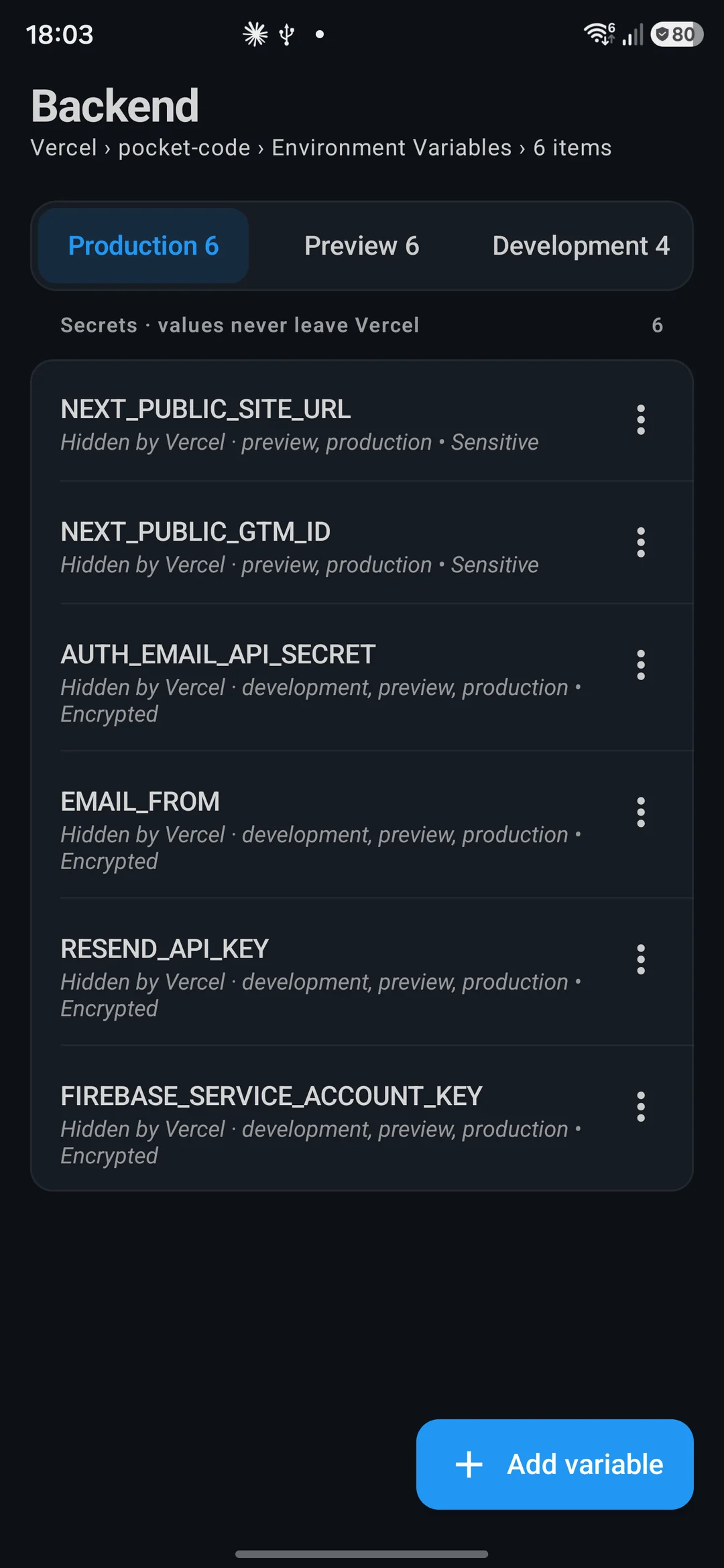
What your app runs with is managed here; your tables and SQL have a module of their own.
- Environment variables per environment; secret values stay with the provider
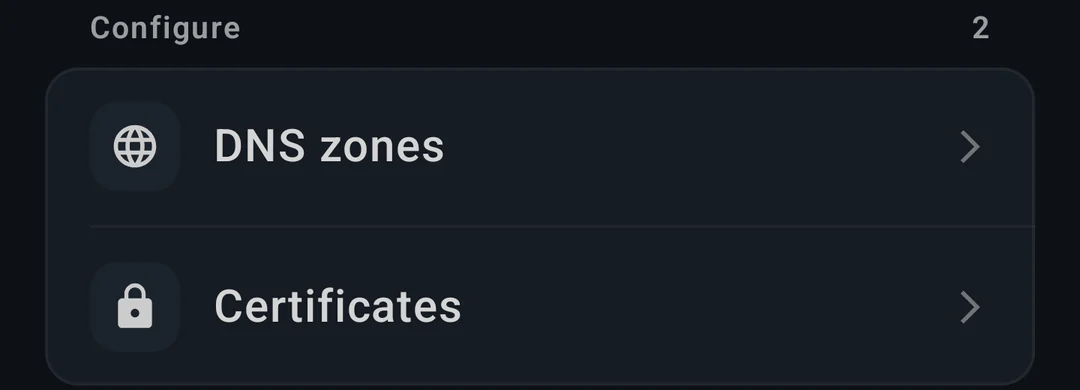
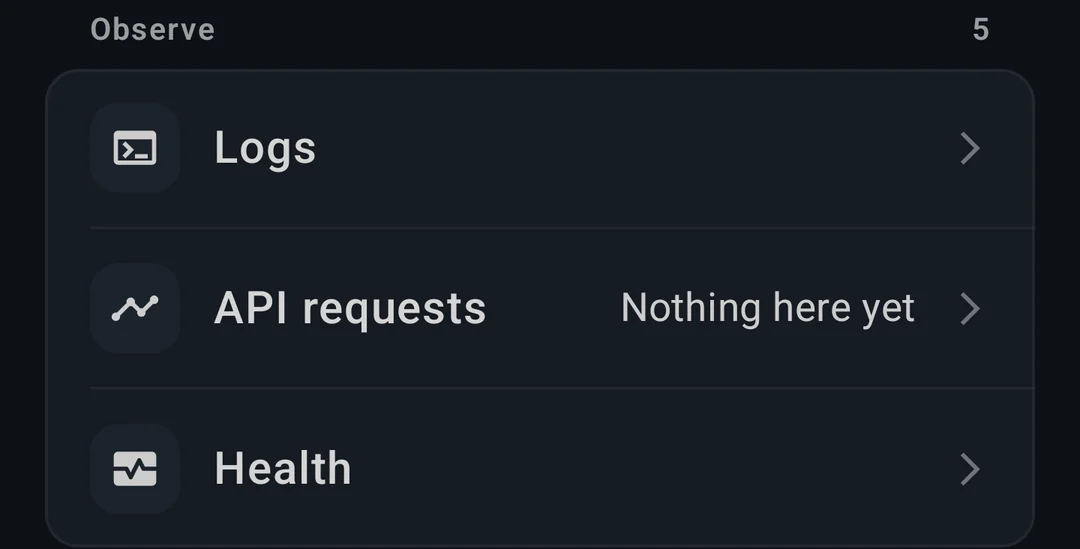
- DNS zones, certificates, Workers, KV and R2 on Cloudflare; functions and logs on Supabase
- Tables, SQL, RLS and schema tools for Supabase, Neon, PlanetScale, Turso, Atlas, Upstash and D1 live in the Database module
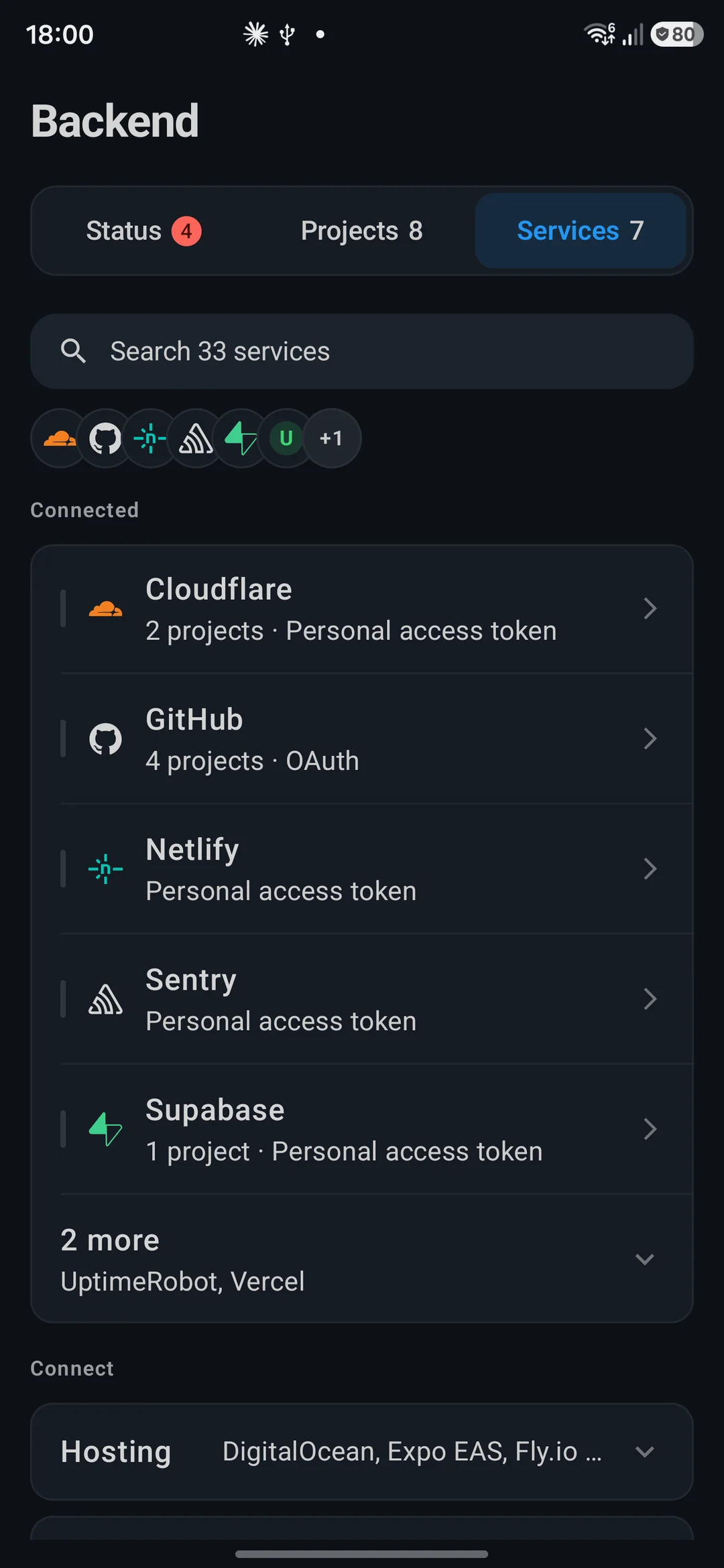
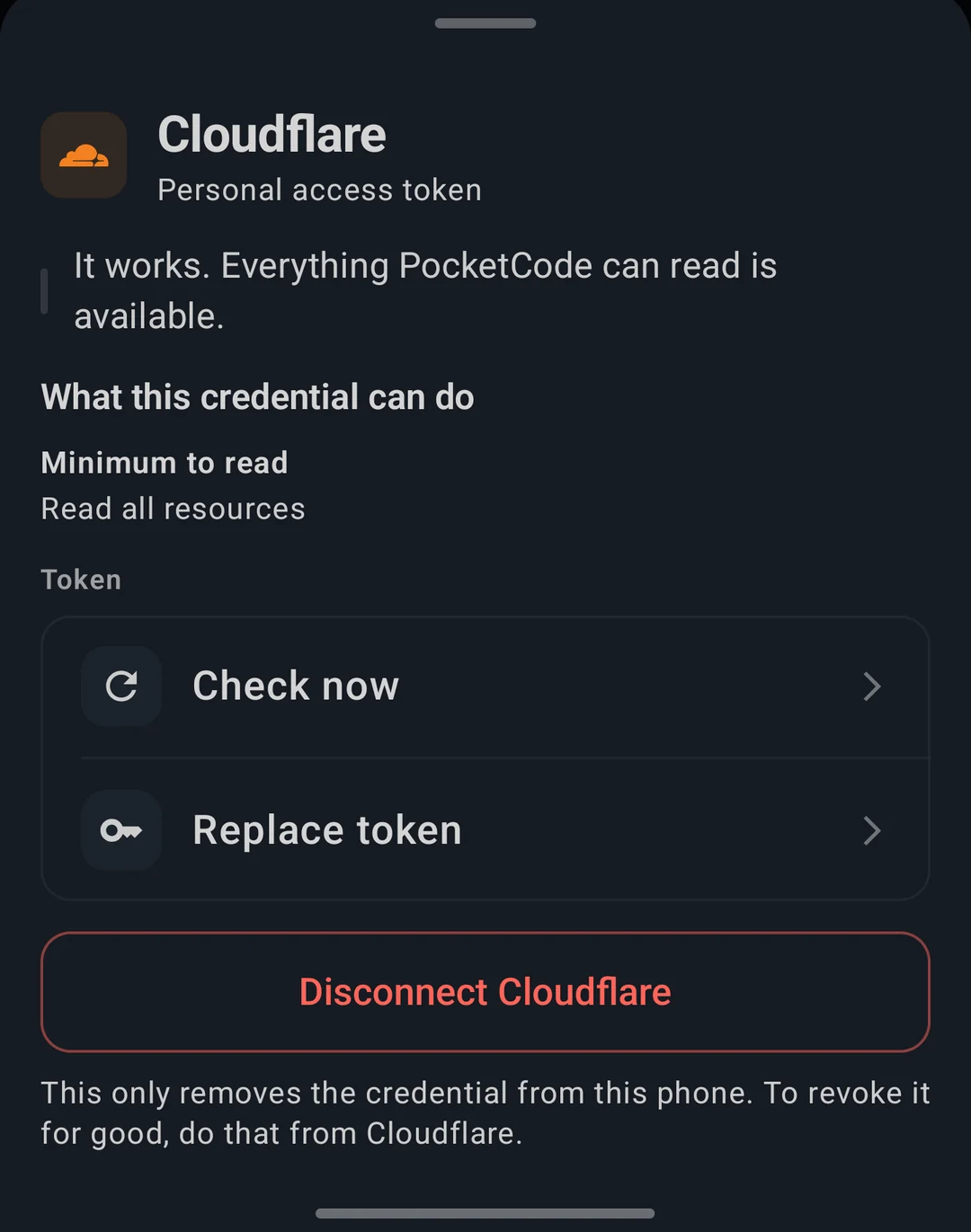
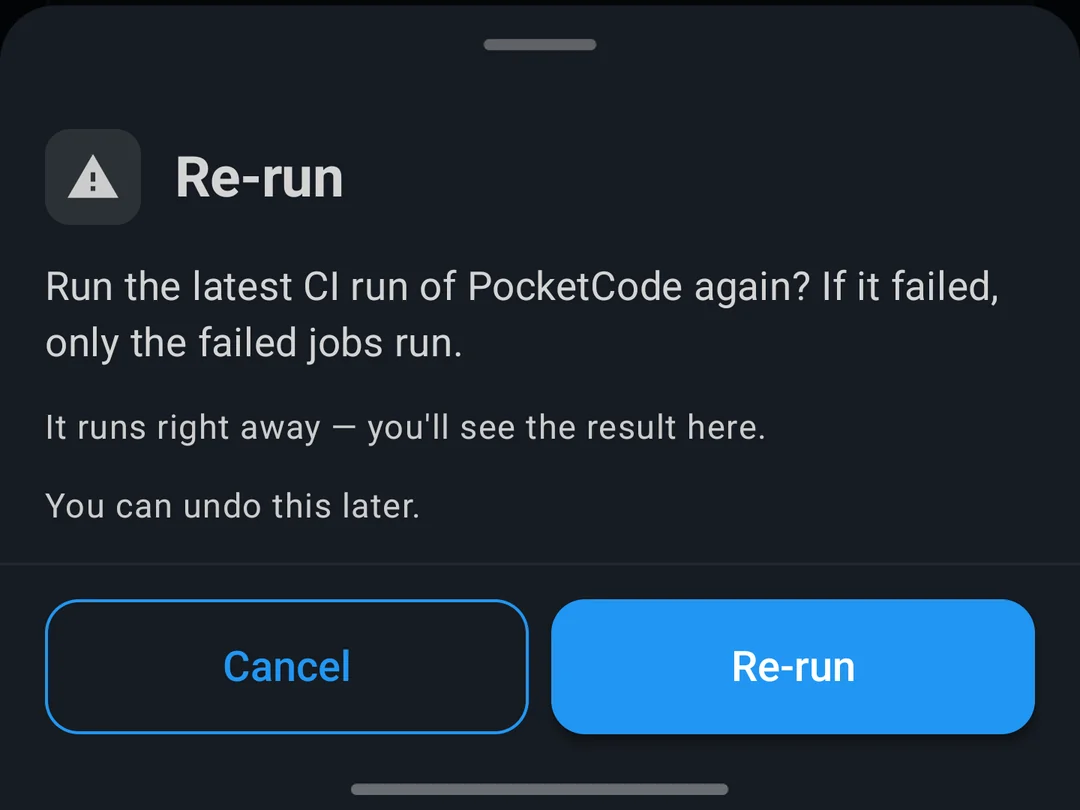
Your accounts, your keys
33 services connect with tokens you create, and nothing changes without asking first.
- Each connection says what its token can do and when it was last checked
- Before a change runs, you see what will happen and whether it can be undone
- Destructive actions ask for your fingerprint; disconnecting removes the token from the phone
// spec
The spec sheet
plan.free
- ·Connect all 33 services, one account each
- ·Status, projects, logs, metrics and usage
- ·One deploy at a time and the Kubernetes YAML generator
plan.premium
- +Changes from your phone: env vars, DNS and more, always confirmed first
- +Rollback in two taps and live build logs
- +Alerts and a widget, several accounts per provider, and AI that explains failed builds
// works with
// faq
Frequently asked questions
Can I deploy and roll back from my phone?
Yes. You can trigger deploys on Vercel, Netlify, Render, Railway, Fly.io, Cloudflare, DigitalOcean and Expo EAS: one at a time on the free plan, unlimited with Pro. With Pro, going back to the last deploy that worked takes two taps on the providers that support it.
Which services does the Backend Manager connect to?
33 services in 8 families: hosting (Vercel, Netlify, Render, Railway, Fly.io, Cloudflare, DigitalOcean, Expo EAS), databases and BaaS (Supabase, Firebase, Neon, PlanetScale, MongoDB Atlas, Turso, Upstash and more), monitoring (Sentry, PostHog, Axiom, Healthchecks.io, UptimeRobot), code (GitHub, GitLab, Bitbucket), payments (Stripe, RevenueCat) and messaging (Resend, OneSignal, Twilio). Each one uses your own account.
How do I find out that something broke?
The Status tab puts it first: a failed CI run or deploy with its project and reason, and provider incidents matched to the projects they affect. With Pro, background checks send a notification and update a home-screen widget; they run on Android's schedule, so an alert can arrive up to 15 minutes late.
Where do I work with my database tables and SQL?
In PocketCode's Database module — tap the "Open in Database" row for Supabase, Neon, PlanetScale, Turso, MongoDB Atlas, Upstash, Cloudflare D1, Firestore or a DigitalOcean managed database, using the account you already connected here. The Backend Manager still covers the service around the data: logs, health, usage, functions and keys.
Is it safe to connect my accounts?
Each service connects with a token you create, and the setup screen lists the minimum permissions to tick; many providers allow read-only keys. Tokens are stored encrypted on your phone. Every change shows what it will do before it runs, destructive ones ask for your fingerprint, and disconnecting removes the token from the phone.
What is free and what needs Pro?
Reading is always free: connect all 33 services and see status, projects, logs, metrics and usage. Pro is for changing things (env vars, DNS and more), rollback, live build logs, background alerts with a widget, several accounts per provider and AI that explains failed builds.