Tutorials, updates and tips about PocketCode
Dcoder shut down: what to use instead on Android
Dcoder shut down on 31 March 2026. What happened, and what to use now on Android for Python, web code or several languages, with the limits of each.
JuiceSSH alternatives for Android: what to use now that it has left Google Play
JuiceSSH left Google Play in December 2025. What happened, and when to pick Termius, ConnectBot, Termux or PocketCode, with the limits of each.
An IDE for Android tablets: what a bigger screen changes, and what to use
An Android tablet with a keyboard can be a real coding machine. What to look for in a tablet IDE, the options, and how PocketCode uses the extra space.
Apps to code on your Android phone in 2026: which one for what
Termux, Acode, Pydroid 3, Replit, Spck and PocketCode: what each app for coding on an Android phone is good at, what it costs and where it stops.
Postman for Android? The alternatives that actually work on a phone
Postman has no Android app. What works on a phone instead: Postman's web app, Hoppscotch, curl in Termux, and an API tester that imports Postman collections.
Termux alternatives for Android in 2026: what each one is actually for
Termux is still the best Linux command line on Android. If you need a distro, a code editor, VS Code or a ready-made IDE, these are the honest alternatives.
VS Code on Android: what works in 2026 and what to use instead
There is no VS Code app for Android. Use vscode.dev, Codespaces or code-server in Termux, or a native editor like Acode, Spck or PocketCode.
PocketCode is in open testing on Google Play
Since October 12 anyone can install PocketCode from Google Play, where it shows as Early access. What open testing means, what's in it and how to report a bug.
Why PocketCode is taking so long
I've spent a year building PocketCode and it still isn't on Google Play. In December my savings ran out and I had to find a job. If you've been waiting, you deserve to know why it's taking this long.
What's new in API Tester: Socket.IO, MQTT and real test scripts
The API Tester grows from four protocols to six with Socket.IO and MQTT, and swaps its old test evaluator for a real sandboxed JavaScript engine. Plus: collections as project files.
Cortex: Stop Being the Index of Your Own AI Chats
A new PocketCode mode where you talk to a coordinator instead of an assistant: it splits your work across specialized chat sessions that stay alive for weeks, and hands back grouped decisions instead of scattered interruptions.
Compile and Run C on Android — On-Device, No Setup
Write C on your Android phone, compile it, and run it — all on the device. Powered by the TCC compiler bundled in the app. How it works and where the limits are.
C++ on Android: What Runs Today and What Doesn't
C++ files open and highlight in PocketCode, but they can't be run yet: the Clang pack can't be installed. Here is what works today, starting with C and TCC.
Run Go on Android — On-Device After a One-Time Download
Run Go on your Android phone: add the optional Go pack once, then execute your code on-device. What runs, what it's for, and the honest limits.
Run JavaScript on Android with a Real Node.js — No Setup
Run JavaScript on your Android phone on a real bundled Node.js runtime — on device, nothing to install. What runs, how it works, and where the honest limits are.
Run PHP on Android — On-Device, No Server
Run real PHP on your Android phone: a genuine interpreter bundled in the app, executing on-device with no server to configure. How it works and where the limits are.
Run Python on your Android phone: what works, what doesn't, and what to use today
Yes, you can. How to run a Python script on an Android phone, and how Pydroid 3, Termux, QPython and PocketCode compare on pip, editor and price.
Run Ruby on Android — On-Device, No Setup
Run real Ruby on your Android phone: a genuine interpreter, bundled in the app, executing on-device. What runs, what it's for, and the honest limits.
Run Code in 16 Languages on Android — On-Device
PocketCode runs 16 languages and file types on your Android phone, not on a server: 13 come with the app, 3 are optional packs. See what runs and what doesn't.
Run TypeScript on Android — On-Device, No Pack Needed
Run TypeScript on your Android phone with nothing extra to download: .ts files run on the Node.js bundled in the app. What runs and where the limits are.
An AI Dev Team in Your Pocket: Multi-Agent Coding with AI Office
Beyond autocomplete: PocketCode's AI Office turns a brief into a team of specialized AI agents that plan, split, build and review your project — with real tools — from your Android phone.
API Testing on Android: A Full REST, GraphQL & WebSocket Client in Your Pocket
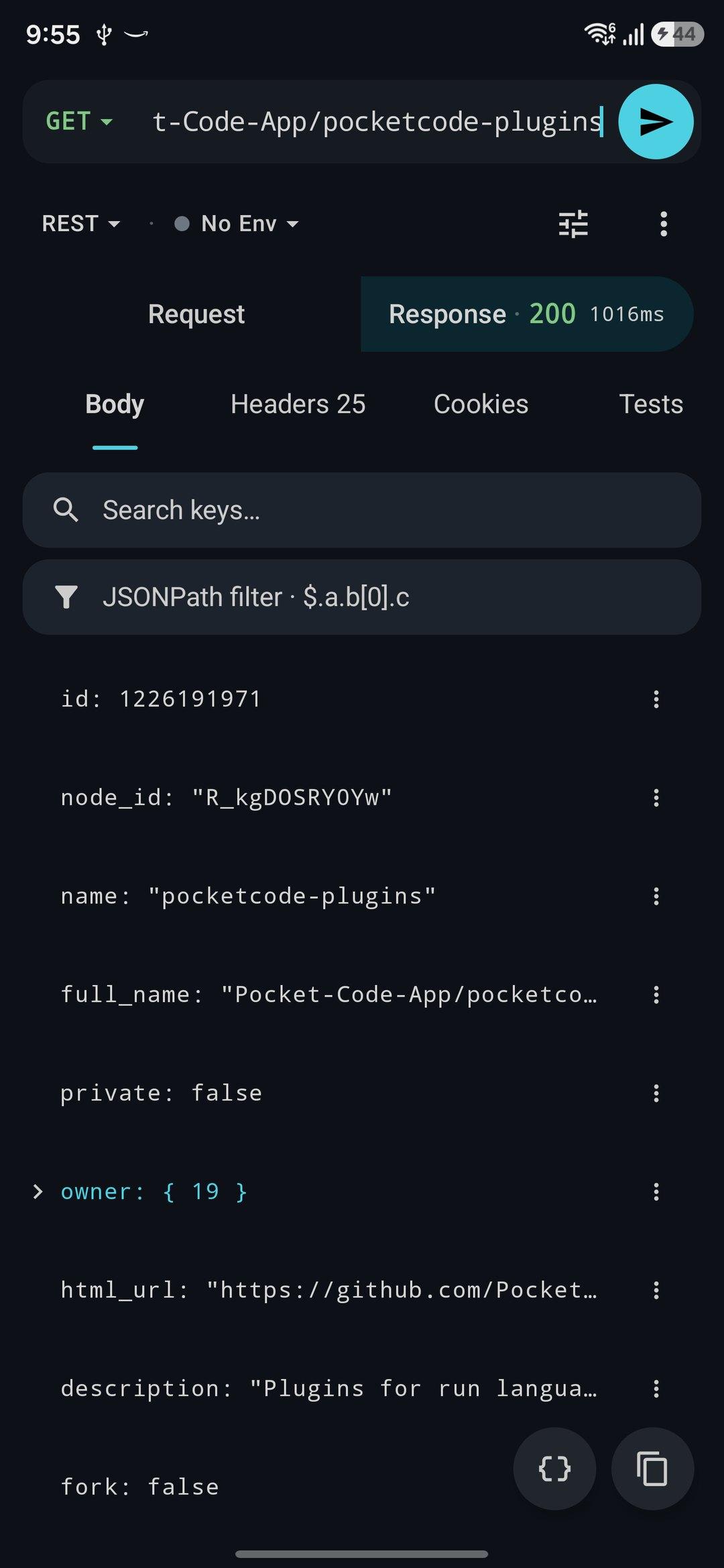
Test and debug REST, WebSocket, GraphQL and SSE APIs from your Android phone. PocketCode ships an HTTP client — auth, scripts, environments, mock server and code generation — built into the IDE.
Workflows: Automate Dev Tasks on Android, No Server Needed
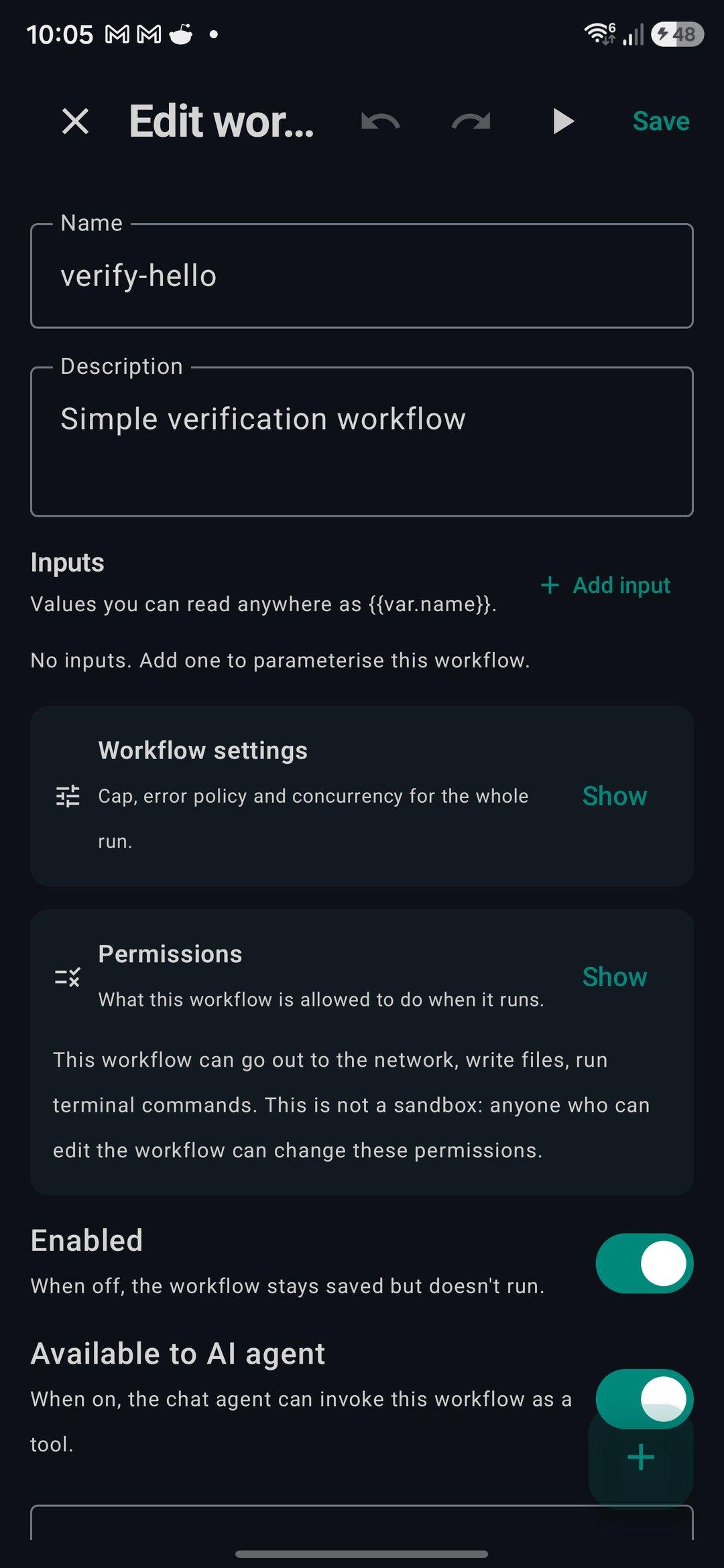
Automate tasks on Android with PocketCode Workflows: 25 triggers, branches, loops, cron, per-workflow permissions and encrypted secrets. No server needed.
The Code Editor Android Deserves: LSP, IntelliSense & More
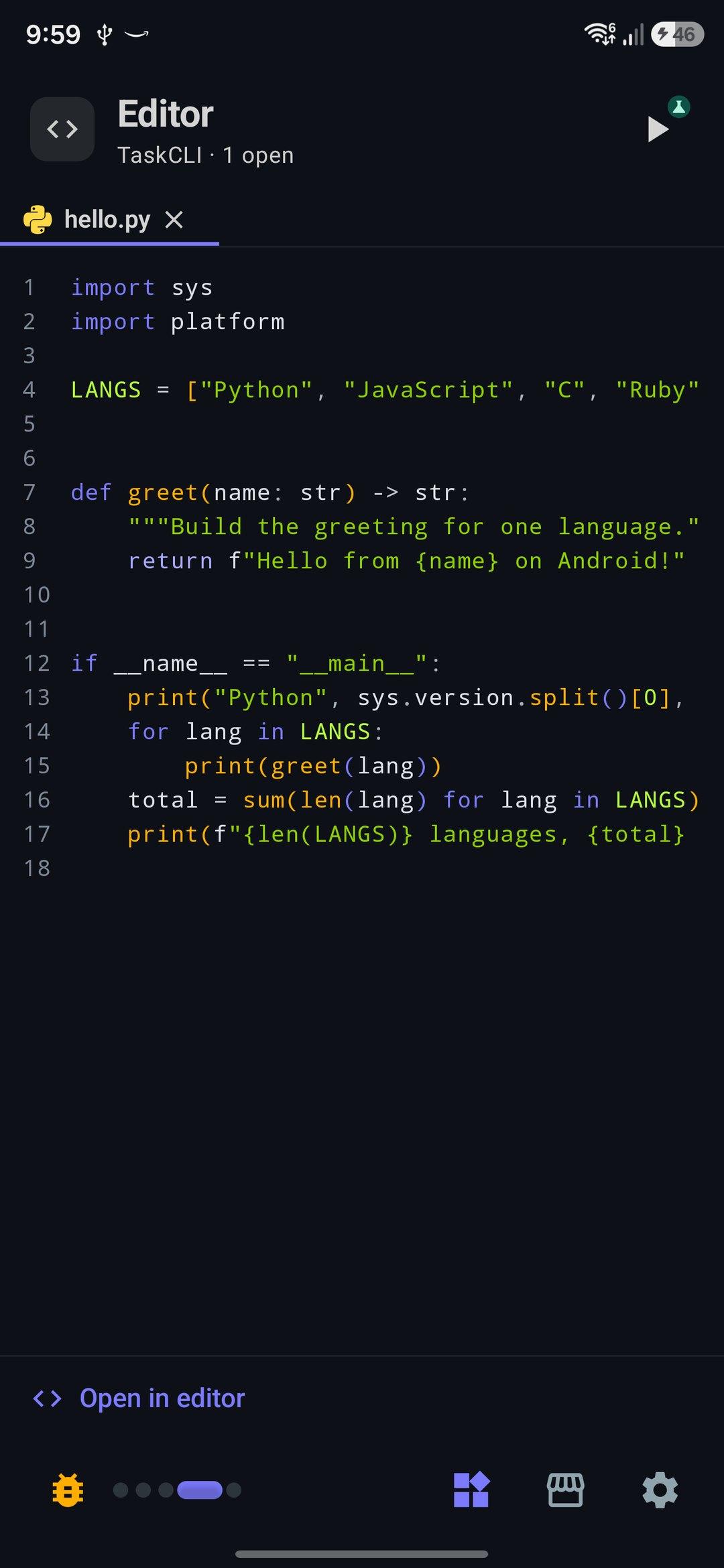
A real code editor for Android: LSP language servers, semantic autocomplete, TextMate syntax highlighting, multi-cursor editing, code navigation and inline diagnostics — all on your phone.
Manage Your Backend From Your Android Phone
Check, deploy, roll back and monitor 33 hosting, database, backend, monitoring, code, payments and messaging services from your Android phone. PocketCode's Backend Manager runs it all from the IDE.
The alpha's final stretch: what comes before launch
PocketCode is wrapping up its alpha. An honest look at what we've validated, what we're polishing now, and how the closed beta will work before we reach Google Play.
Quick Start Templates: Start Coding in Seconds
Discover PocketCode's 15 starter templates: HTML, React, Vue, Python, Node, FastAPI, Django, Next.js, Kotlin, Go, Rust and more, plus two Android app templates, created with a single tap.
PocketCode: Current development status
A transparent look at the real state of PocketCode — what we've built, what's missing, and where we're headed. 9 modules and a Pro plan designed to be fair.
How PocketCode's AI Works Under the Hood
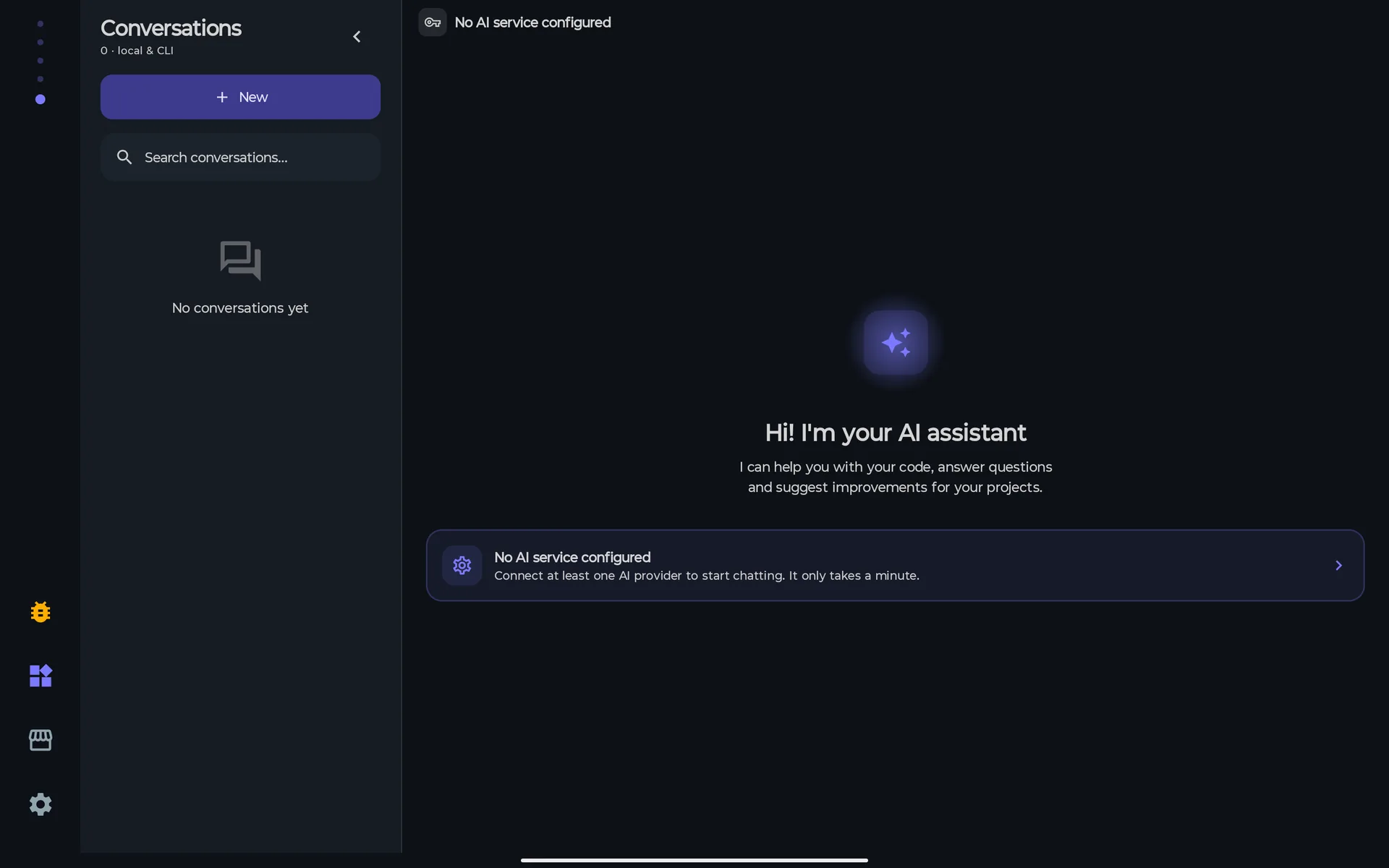
A technical look at how we designed PocketCode's AI assistant: inline suggestions, contextual chat, and tools that reach the app's modules, with your own provider.
Plugins & Extensions: How to Extend PocketCode's Capabilities
How extensions work in PocketCode: what the marketplace can add to your IDE, how to install and manage it, and what the app checks before applying a bundle.
Debugging JavaScript on Android: Breakpoints, Stepping and the Call Stack
Debug Node.js code on your Android phone: breakpoints, conditions and logpoints, stepping, variables, the call stack and Hot Reload — and what it does not do yet.
Version Control: Git Built into PocketCode
Git without leaving the editor: stage, commit, branches, merge, stash and GitHub pull requests, built into PocketCode.
Keyboard Shortcuts & Productivity in PocketCode
Master keyboard shortcuts, snippets, and productivity tricks to code faster from your Android device.
PocketCode for Students: Learn to Code from Scratch
Complete guide for beginners who want to learn programming using PocketCode as their first IDE.
Full Web Development from Android: HTML, CSS and JavaScript
Create professional websites from your phone. Real-time preview, integrated DevTools and direct deploy with PocketCode.
Terminal & SSH on Android: Complete Guide
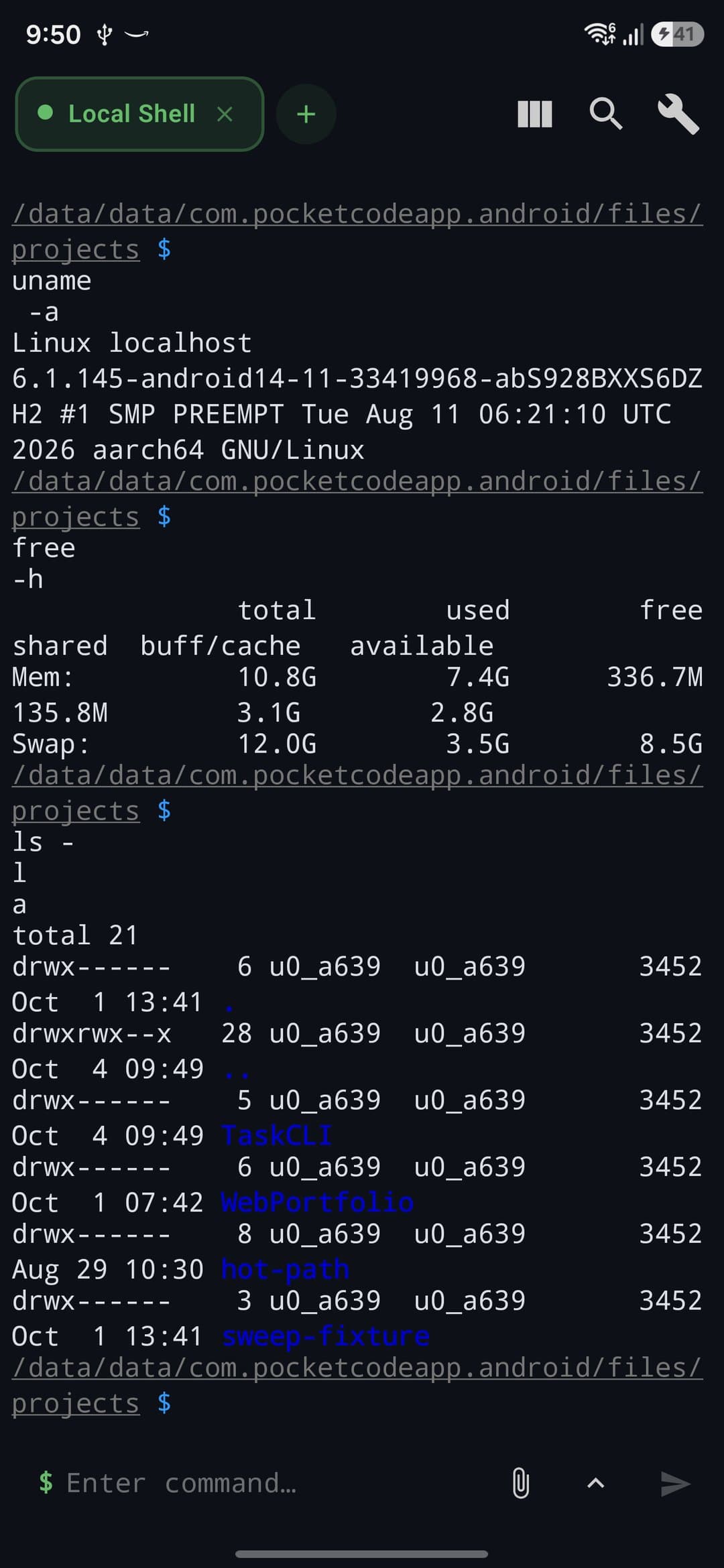
Learn how to use PocketCode's built-in terminal — a local BusyBox shell plus an SSH client with SFTP and port forwarding — for scripting and remote servers.
Managing Databases from Your Phone
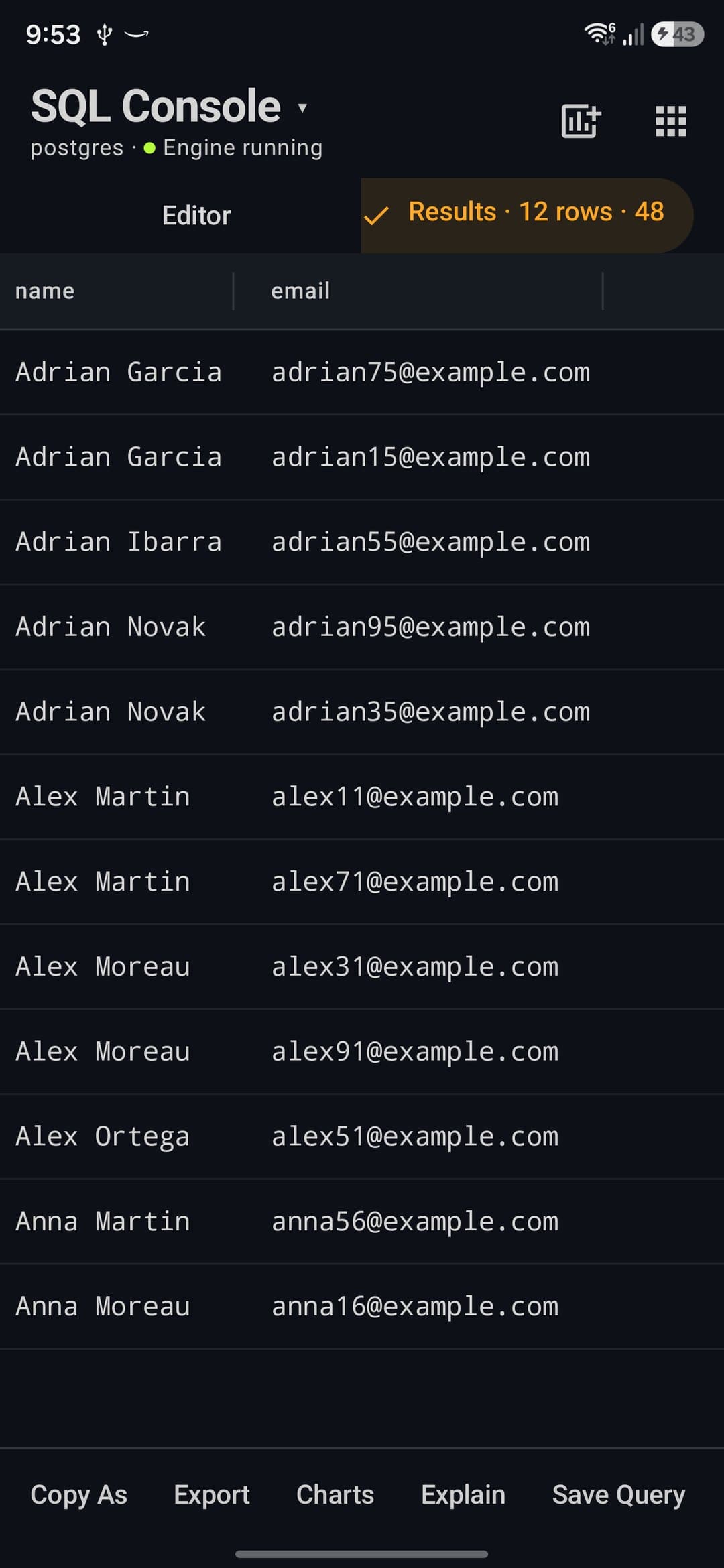
Complete guide to connecting, querying, and managing PostgreSQL, MySQL, MongoDB and more databases directly from PocketCode.
Marketplace: Themes, Snippets, Prompts & MCP Servers
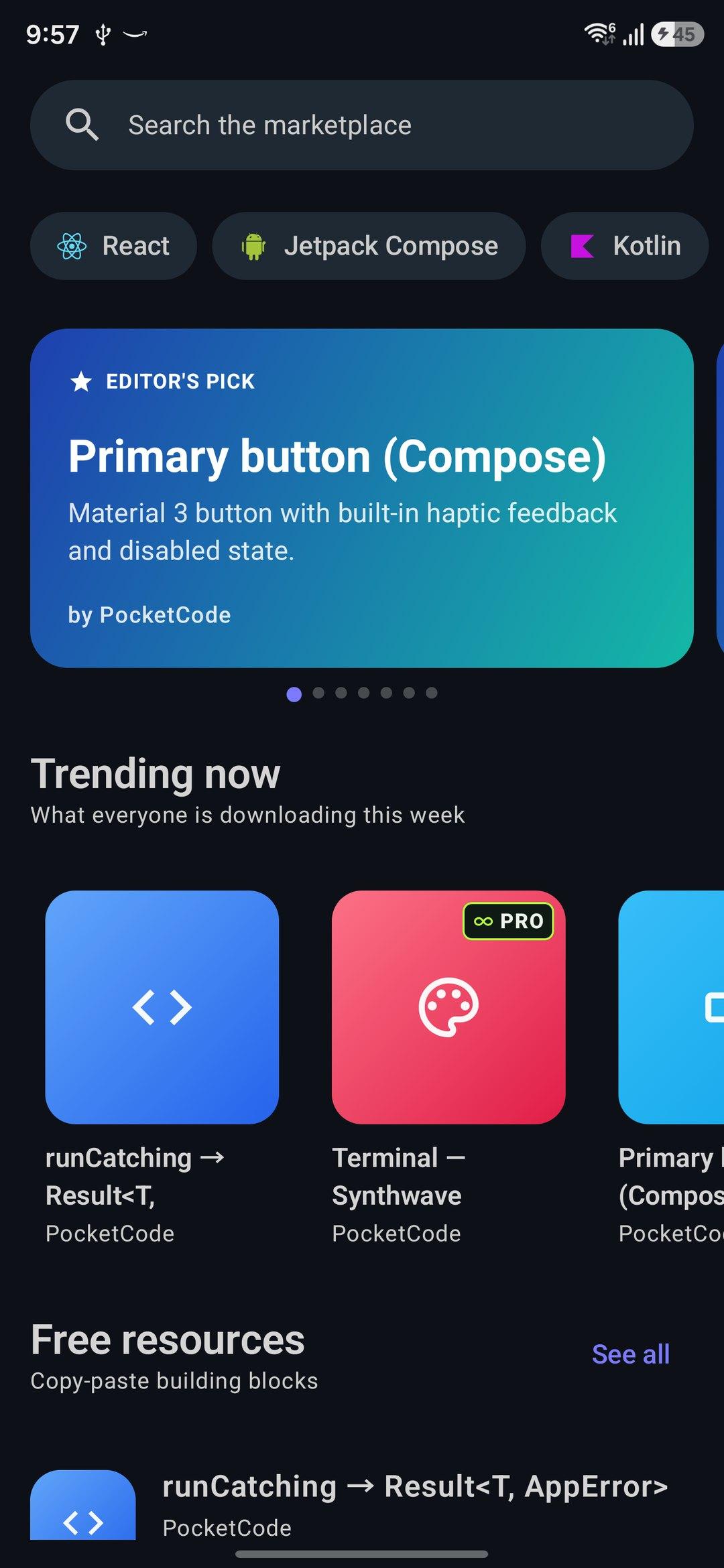
A curated catalog of themes, snippets, AI prompts, regex packs, MCP servers, agents and project templates, each download hash-checked before it is applied.
Visual Designer: Creating UIs Without Writing Code
Learn how to use PocketCode's drag & drop visual designer to build interfaces and export HTML/CSS, or React, Vue and Svelte with Pro.
How to Use AI to Generate Code Faster
Learn techniques and best practices to maximize the integrated AI assistant in PocketCode.
GitHub Integration: Complete Guide
Learn how to connect your GitHub repositories and manage code directly from PocketCode on your mobile.
Getting Started with PocketCode: Your Mobile IDE with AI
Discover how PocketCode revolutionizes mobile development with integrated artificial intelligence and all its main features.