
A Linux terminal. On a phone
A real PTY shell with 70 Linux tools bundled, SSH with key auth and MFA, dual-pane SFTP, three kinds of port forwarding and 100+ snippets.
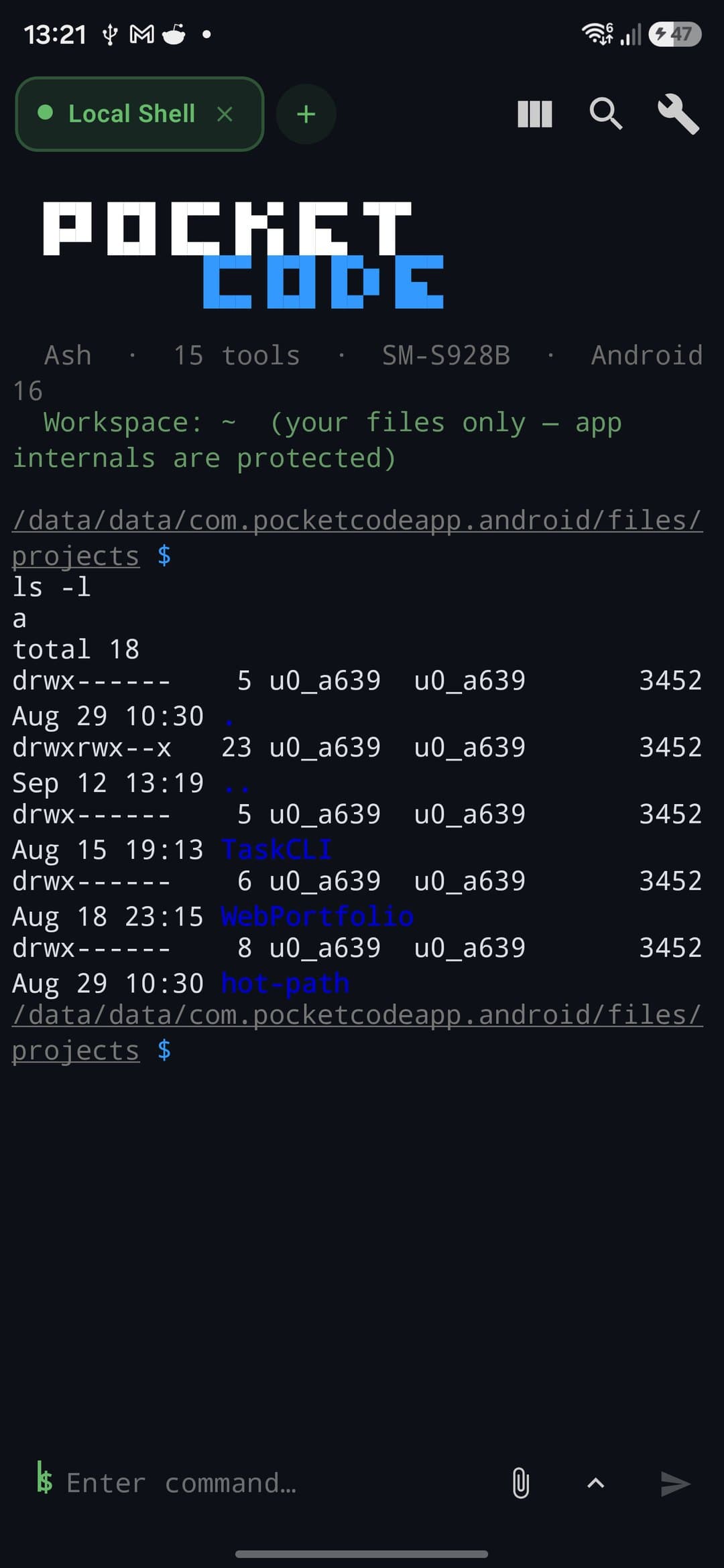
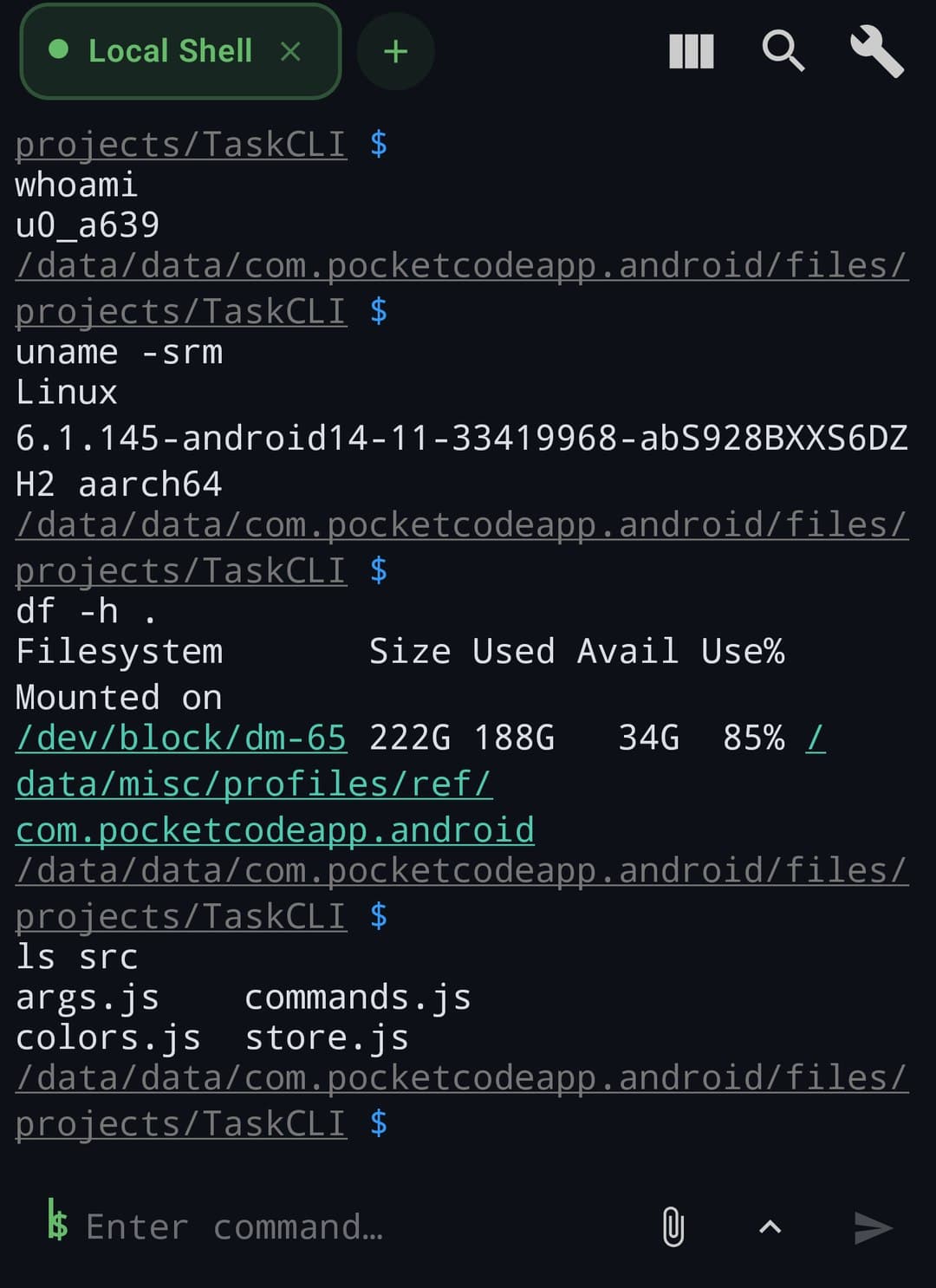
A local shell, real PTY
A full shell environment on any Android device.
- Native forkpty(3) with signals and resize
- BusyBox bundled: 70 applets, auto-symlinked
- Rich prompt with git branch hint and aliases
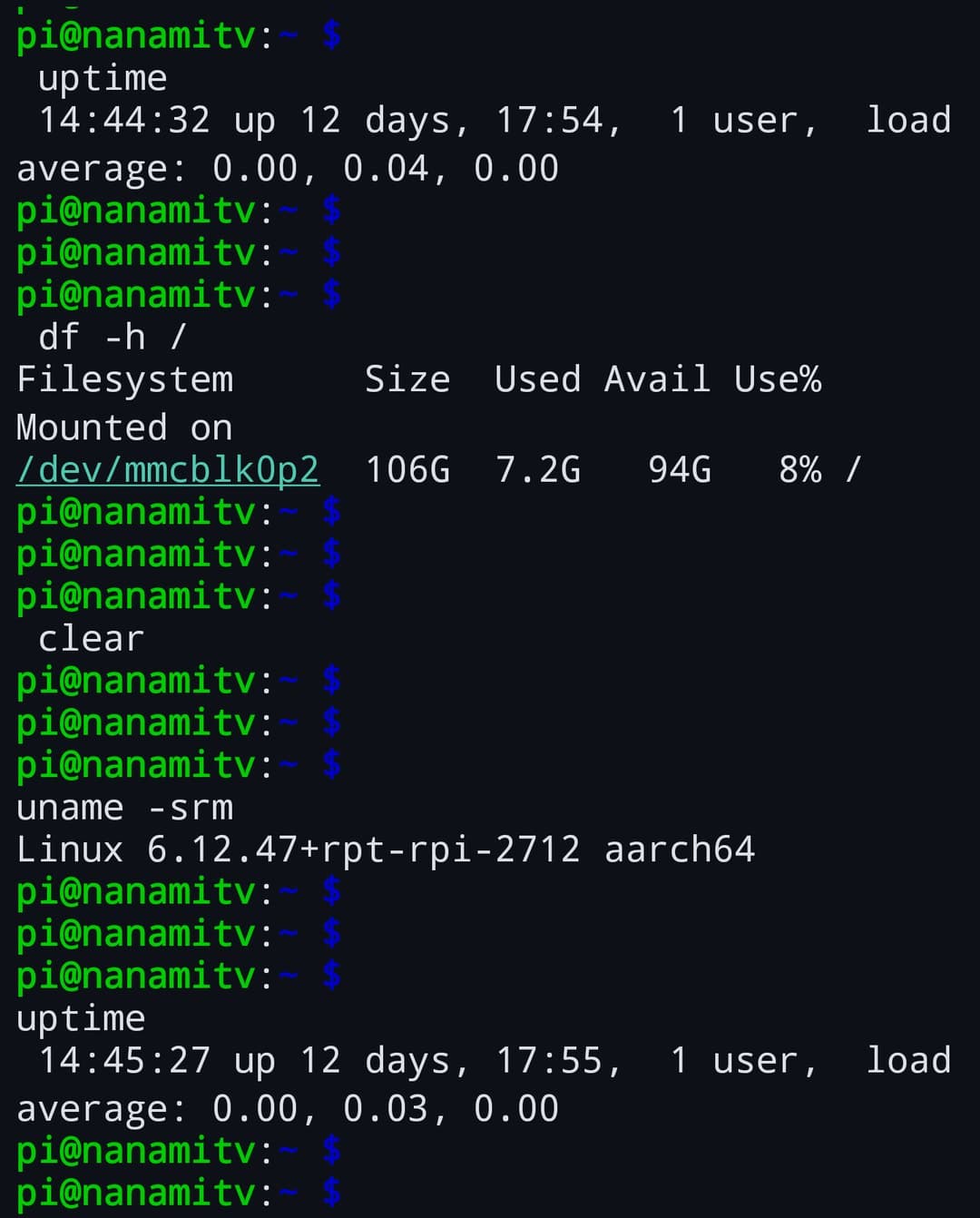
SSH with nothing left out
Standard auth plus tamper detection built in.
- Password, key-pair (RSA/ED25519/ECDSA), keyboard-interactive MFA
- TOFU fingerprints with MITM detection on change
- Jump proxy, SOCKS5/HTTP, auto-reconnect
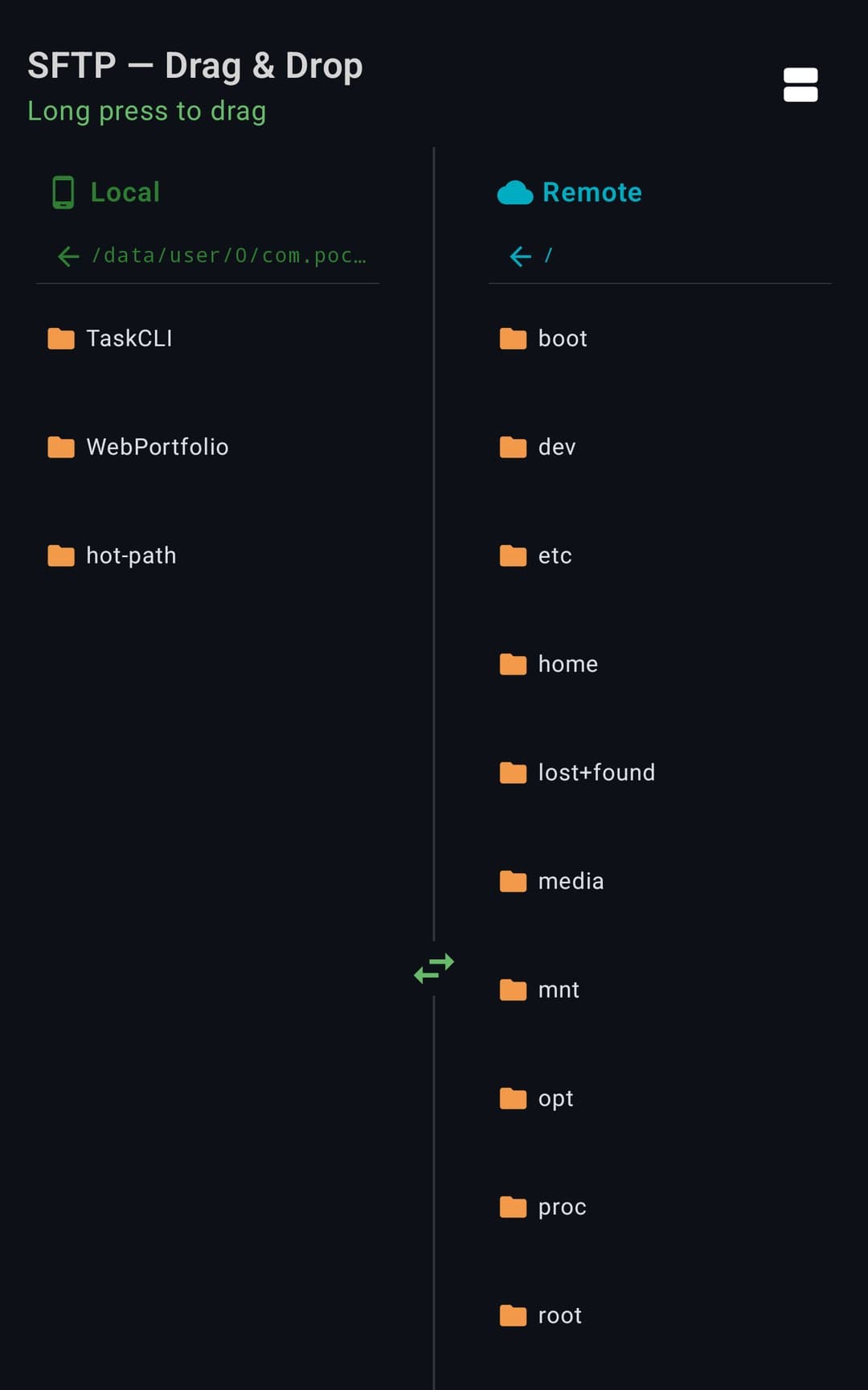
SFTP, dual-pane
Move files between local and remote by drag-and-drop.
- Single and dual-pane browsers, drag to transfer
- Transfer queue with pause, cancel and progress
- Inline editor for remote files with conflict detection
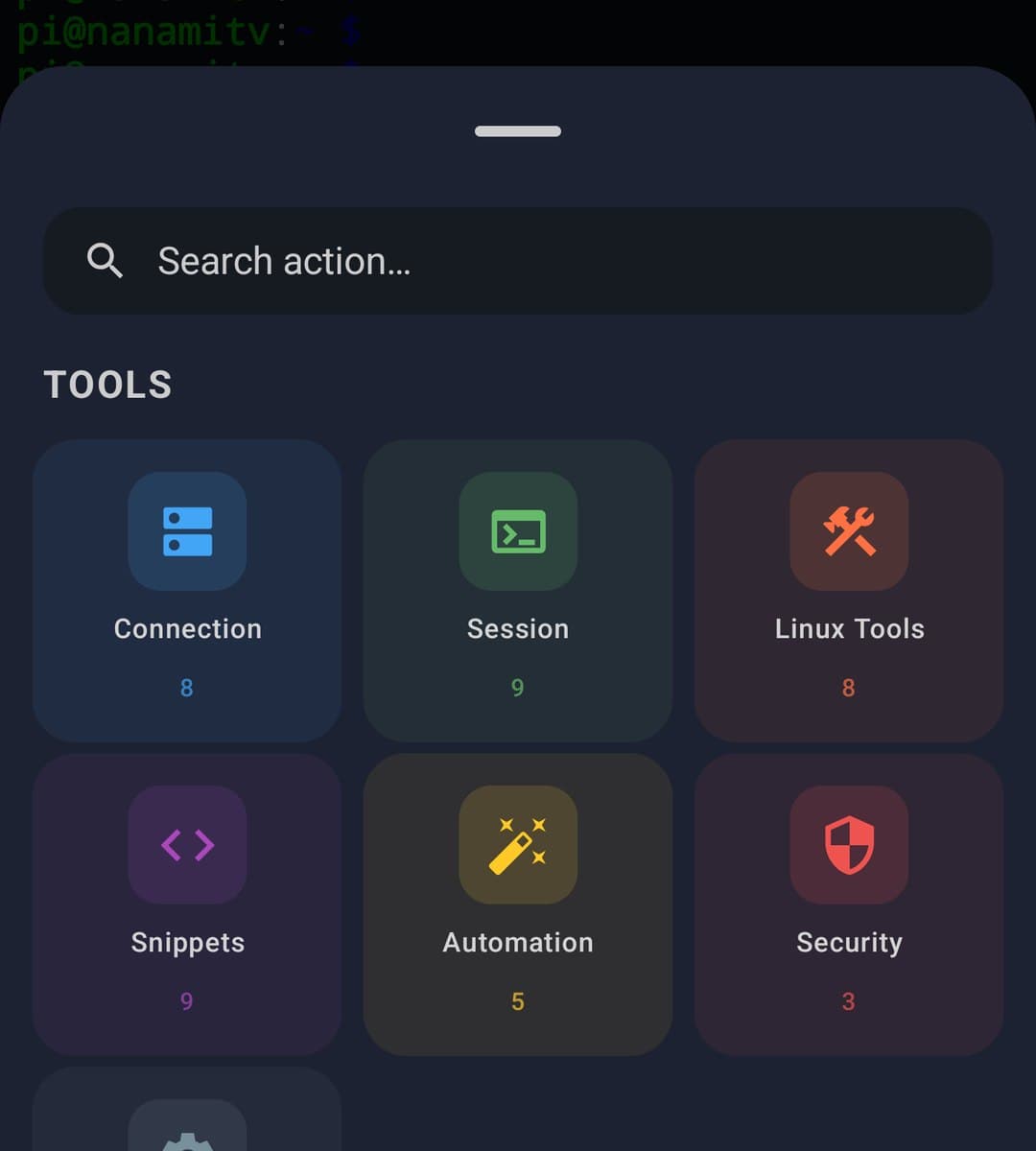
100+ snippets and Linux tools
Ready commands plus a real UI for system inspection.
- 100+ snippets across 15 categories, with variables
- Process viewer, network tools, disk, packages, Git
- Session recording to asciicast v2
// spec
The spec sheet
plan.free
- ·Local shell, SSH and SFTP
- ·SSH, SFTP, Telnet, Serial and Mosh
- ·Port forwarding and snippets
- ·9 themes and recording
plan.premium
- +Split view and broadcast input
- +Keyboard macros and quick scripts
- +Expect rules and watchdog monitors
- +Profiles, marketplace themes and sync
// works with
From the blog
// faq
Frequently asked questions
Can you use a real Linux terminal on Android?
Yes. PocketCode includes a Linux terminal with around 150 built-in commands (applets), 256-color and true-color output, and 10,000 lines of scrollback — a genuine shell running on your phone, not a remote session.
Does the terminal support SSH?
Yes. It supports SSH along with SFTP and other protocols (6 in total), with password, key, and keyboard-interactive authentication, plus local, remote, and SOCKS port forwarding — everything you need to manage a server from your phone.
Can you transfer files over SFTP?
Yes. The terminal has a built-in SFTP client for browsing and transferring files to and from remote servers, so you can upload, download, and manage a server's filesystem directly from your phone.
Does it support port forwarding?
Yes. Local (L), remote (R), and SOCKS forwarding are all supported, letting you tunnel connections through an SSH server the same way you would on a desktop — useful for reaching internal services or a database behind a firewall.
Are there command snippets to save typing?
Yes. It bundles 100+ snippets across 15 categories and lets you save your own, so frequent commands are one tap away instead of retyped on a phone keyboard. Themes (9 built in, plus more from the marketplace) keep it readable.