
An AI office in your pocket_
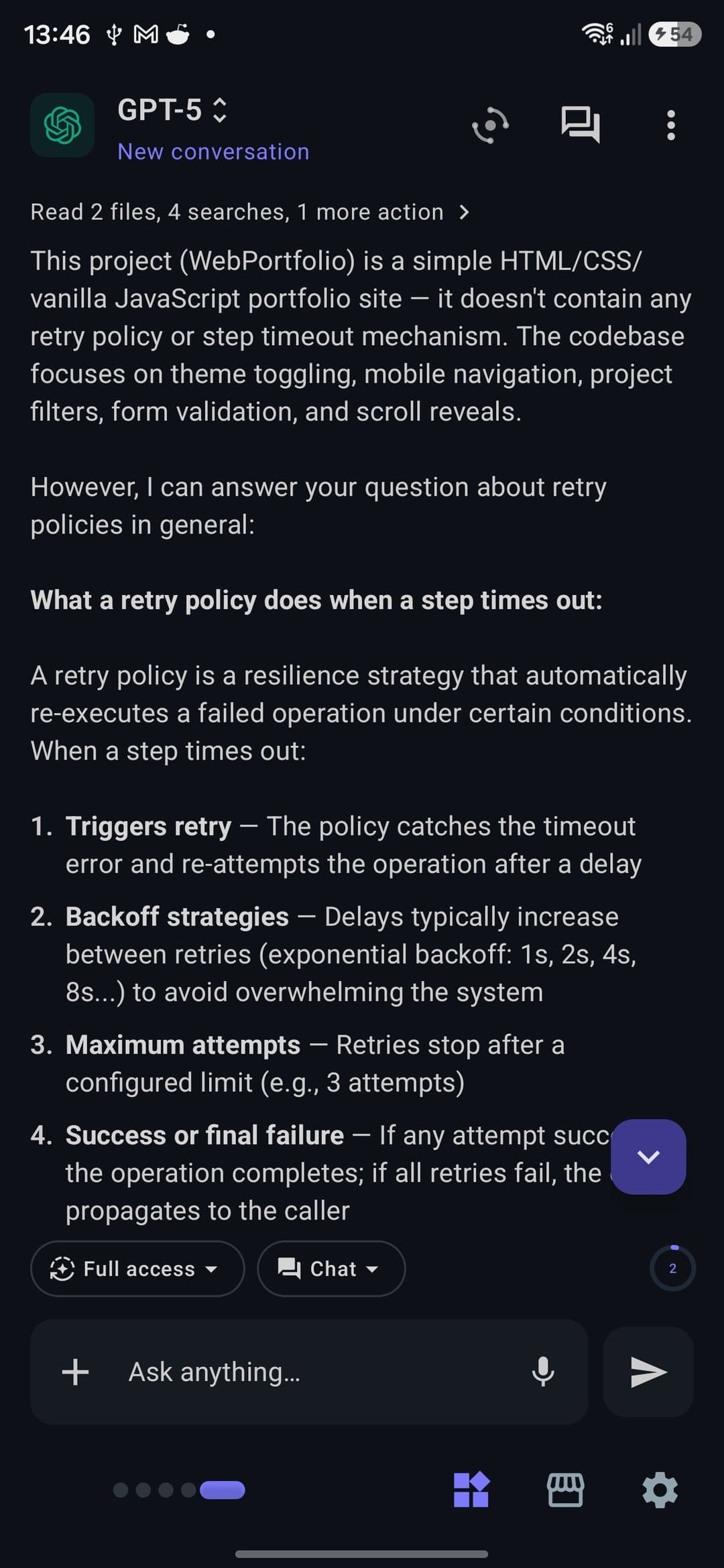
PocketCode charges nothing for AI — bring your own key for OpenAI, Claude, Gemini or Copilot and pay your provider directly, or point it at any OpenAI-compatible endpoint: OpenRouter, a local Ollama that costs nothing, your own server. 47+ tools, three chat modes and an eight-role AI Office, all running on your keys.
Every model, on your keys
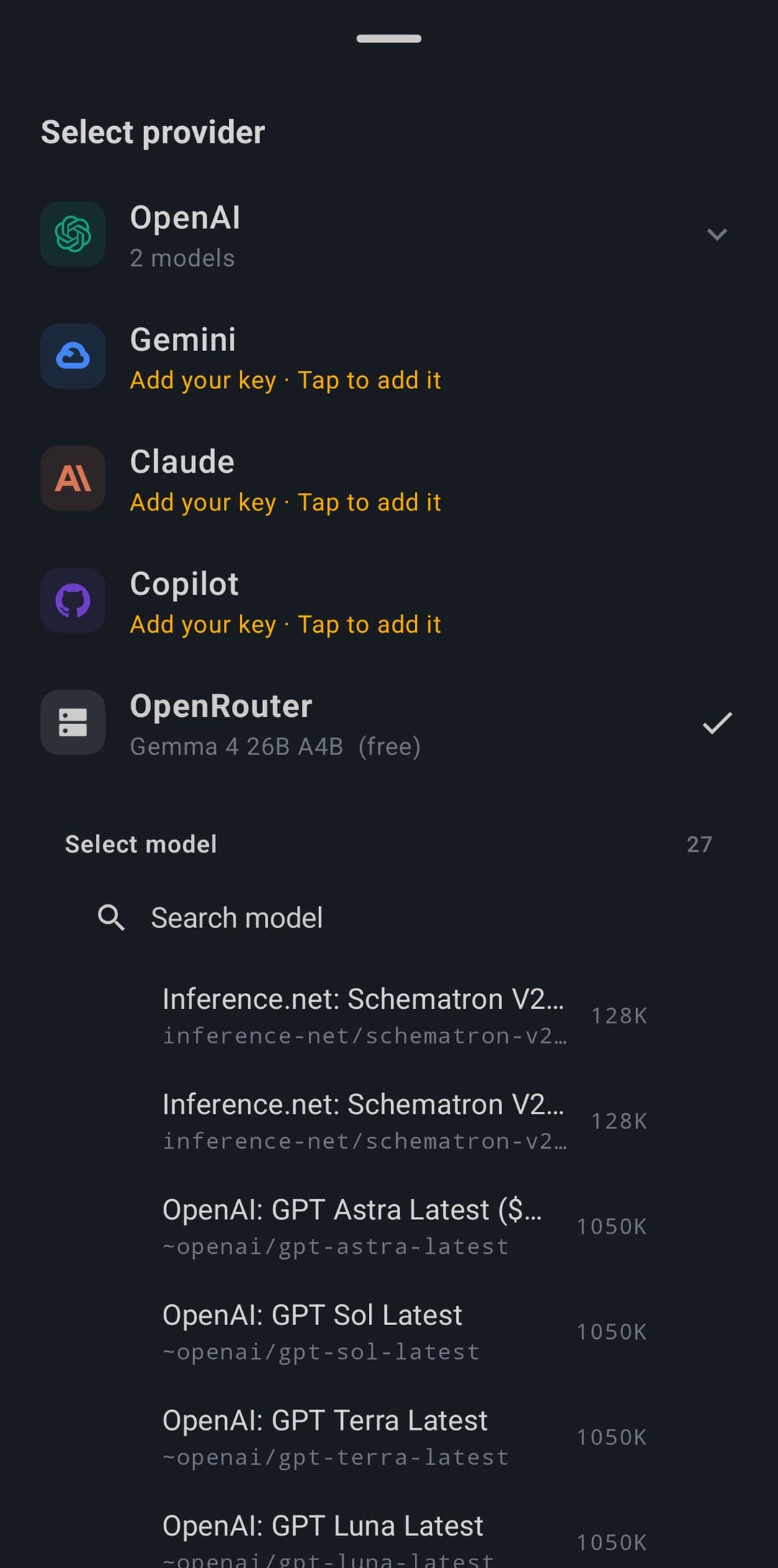
Bring any provider — or run one locally. It's all free.
- OpenAI, Claude, Gemini and GitHub Copilot — your account
- Custom OpenAI-compatible: OpenRouter's 400+ models, self-host and more
- Local, offline models via Ollama — no API key needed
The assistant: one chat, 47+ tools
A real coding agent, fully under your control.
- 47+ tools across 14 categories, each permissioned
- Three chat modes: Ask, Plan and Agent
- Streaming with visible thinking; context auto-compresses
Swarmcode: agents that check each other
Several agents in parallel, verified before you see it.
- Fans out sub-agents, then a panel of judges votes
- You set max agents, concurrency, judges, quorum and review rounds
- On approval, one agent writes the result into your project
AI Office: a whole team on a sprint
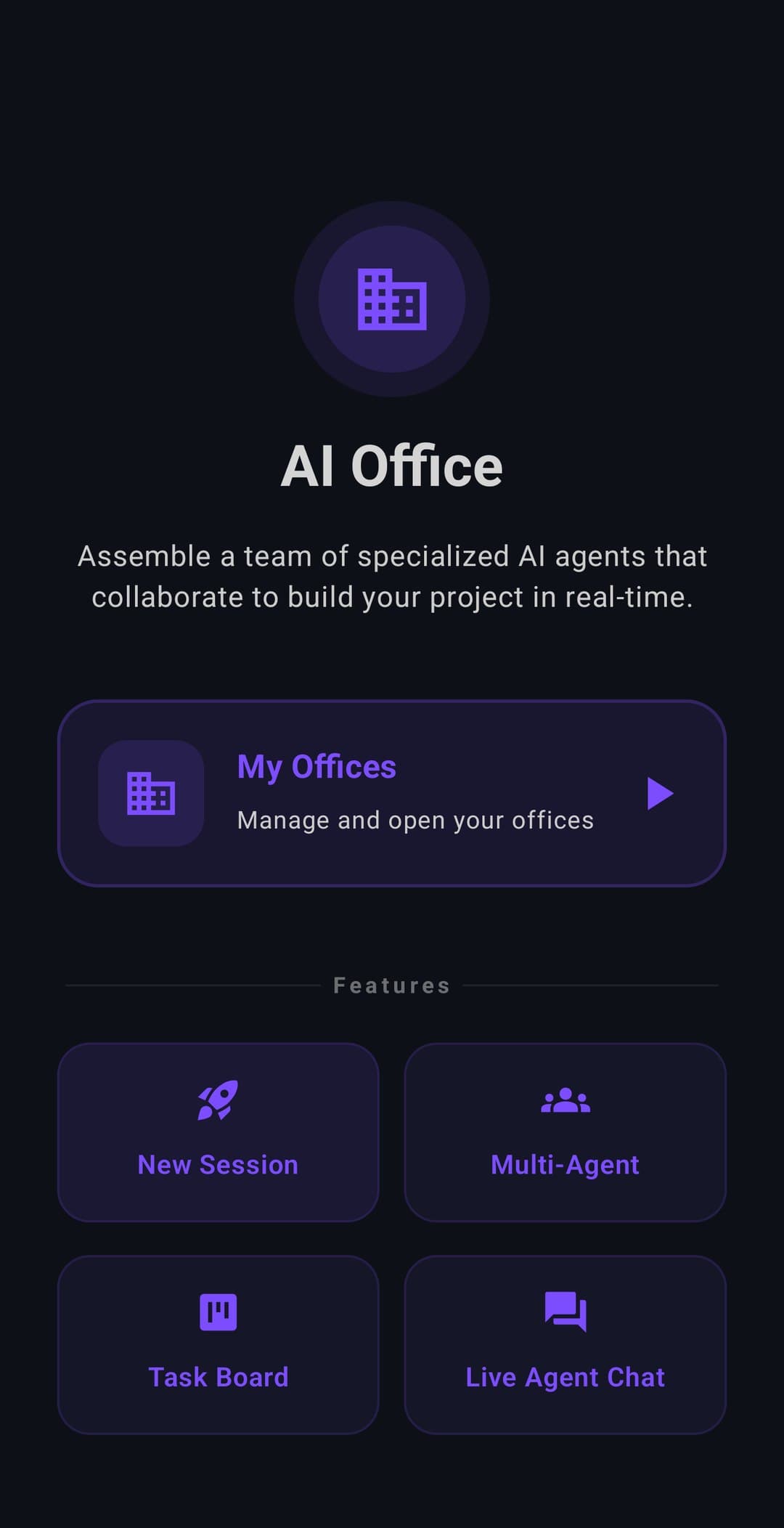
Turn a brief into a planned, reviewed work session — free.
- Eight roles: PM, Architect, Dev, QA, DevOps, Writer, Data
- Nine workflows, from feature to security review to SPARC
- Runs on any provider you've connected — even a local model
// spec
The spec sheet
plan.free
- ·Every provider — OpenAI, Claude, Gemini, Copilot (your key)
- ·Custom OpenAI-compatible: OpenRouter, Ollama, self-host
- ·All 47+ tools and the three chat modes
- ·The full AI Office — 8 roles, 9 workflows, any provider
plan.premium
- +Swarmcode: multi-agent answers, verified by a judge panel
- +Cloud sync of your conversations across devices
// works with
From the blog
// faq
Frequently asked questions
Is the AI in PocketCode free?
PocketCode charges nothing for it. It works through BYOK (bring your own key): you connect your own provider account and pay that provider directly. PocketCode sells no credits and never resells model access — PocketCode adds nothing on top.
Which AI providers work with PocketCode?
You can use OpenAI, Claude, Gemini, and GitHub Copilot, plus any OpenAI-compatible endpoint such as OpenRouter, a local model, or your own server — 4 providers plus Custom, with 26 built-in models to choose from.
Do you need internet for the AI assistant?
The cloud providers need a connection, but because you can point the assistant at any OpenAI-compatible endpoint, you can also run it against a local or self-hosted model on your device or LAN and keep the whole flow private.
What can the AI assistant do?
It works in Agent, Code, and Plan modes with 47+ tools, so it can read and edit files, run commands, and iterate across your whole project — not just answer questions in a chat box but actually make changes for you.
What is Swarmcode?
Swarmcode is a Pro feature that coordinates multiple AI agents across 8 roles to work on one task together. It is part of PocketCode's own paid tooling — the model access underneath stays free and BYOK, so you only pay your provider.