Skip to content
Pocket CodePocket Code

Code. Deploy.
From your phone.

LSP editor, native Linux terminal + SSH, 9 database engines with embedded PostgreSQL, API tester, visual designer and multi-provider AI assistant — the pro Android IDE to code, debug and deploy from your phone, also offline.

Currently in development
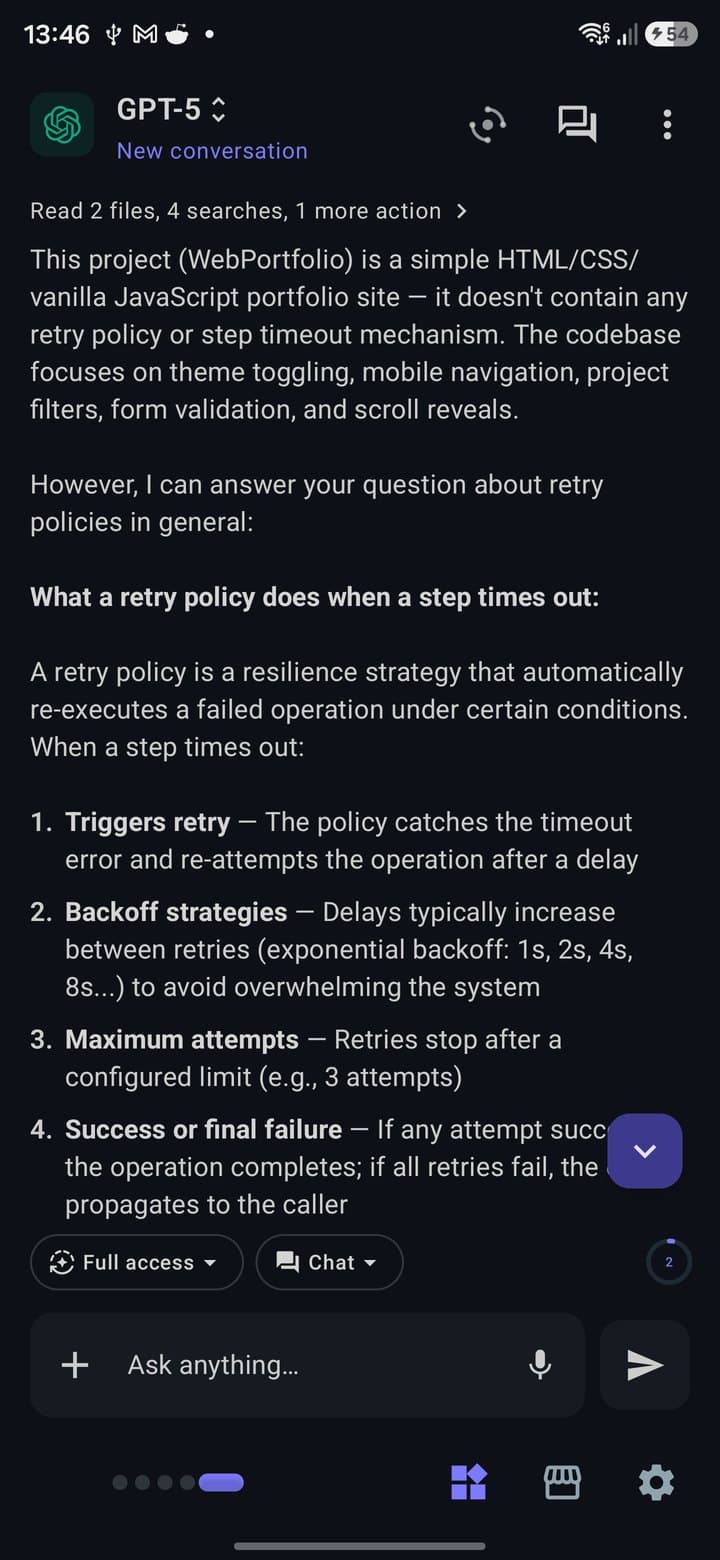
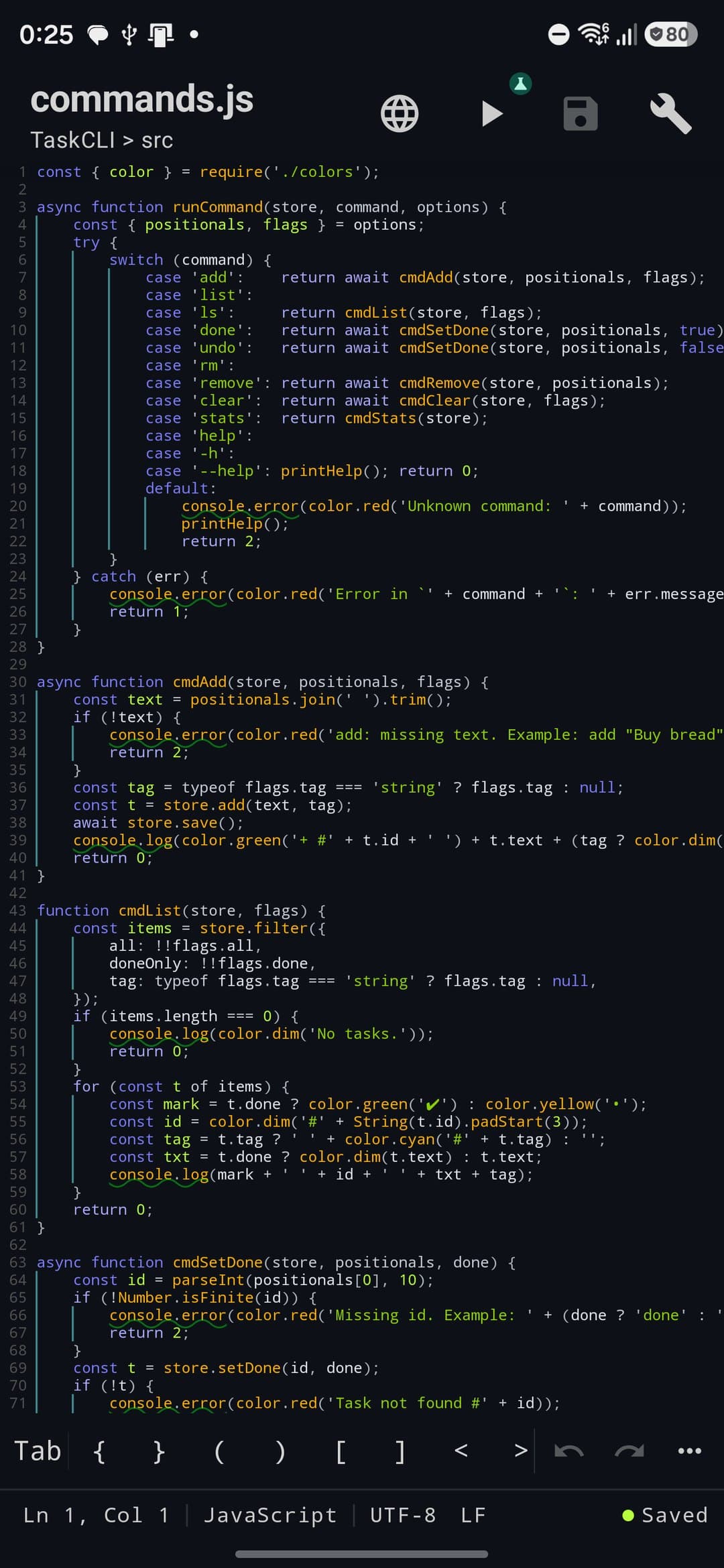
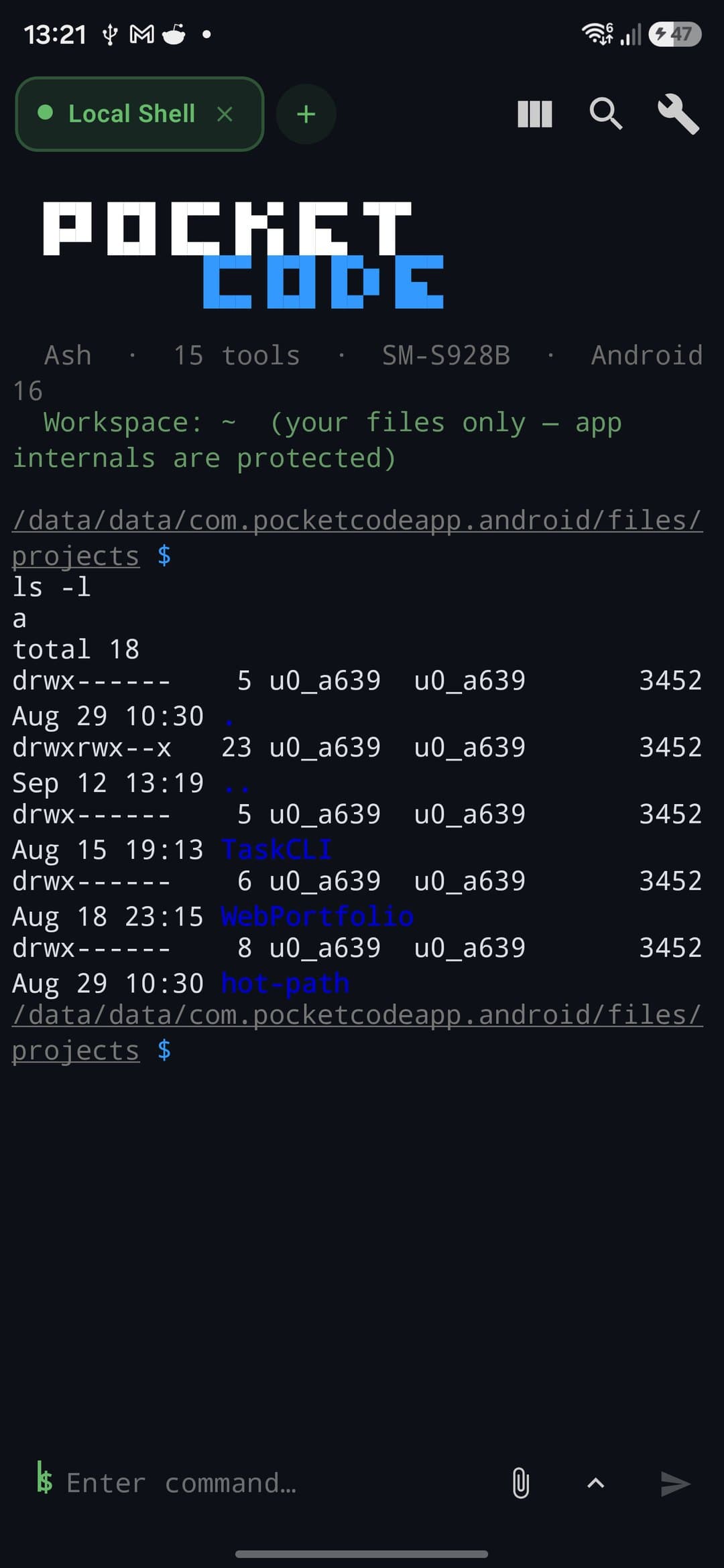
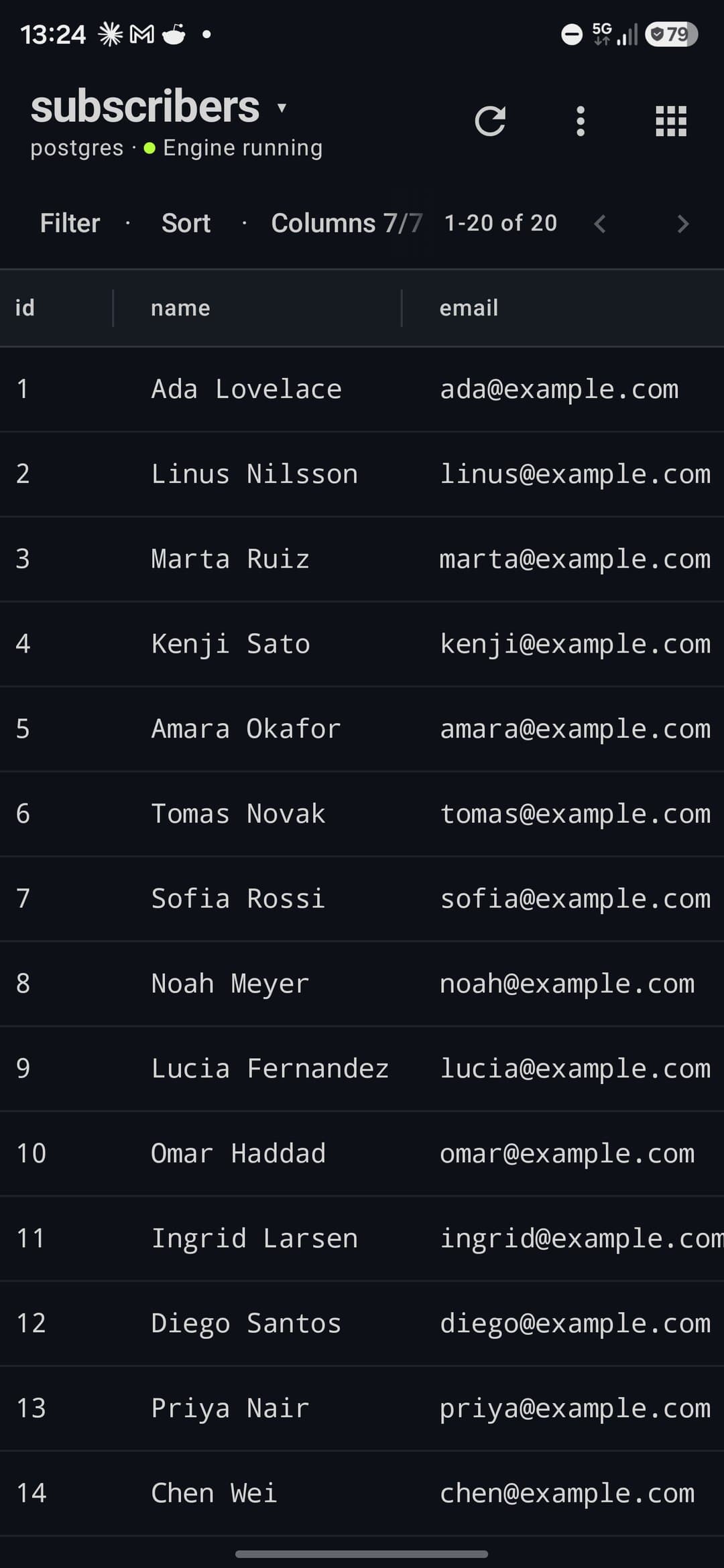
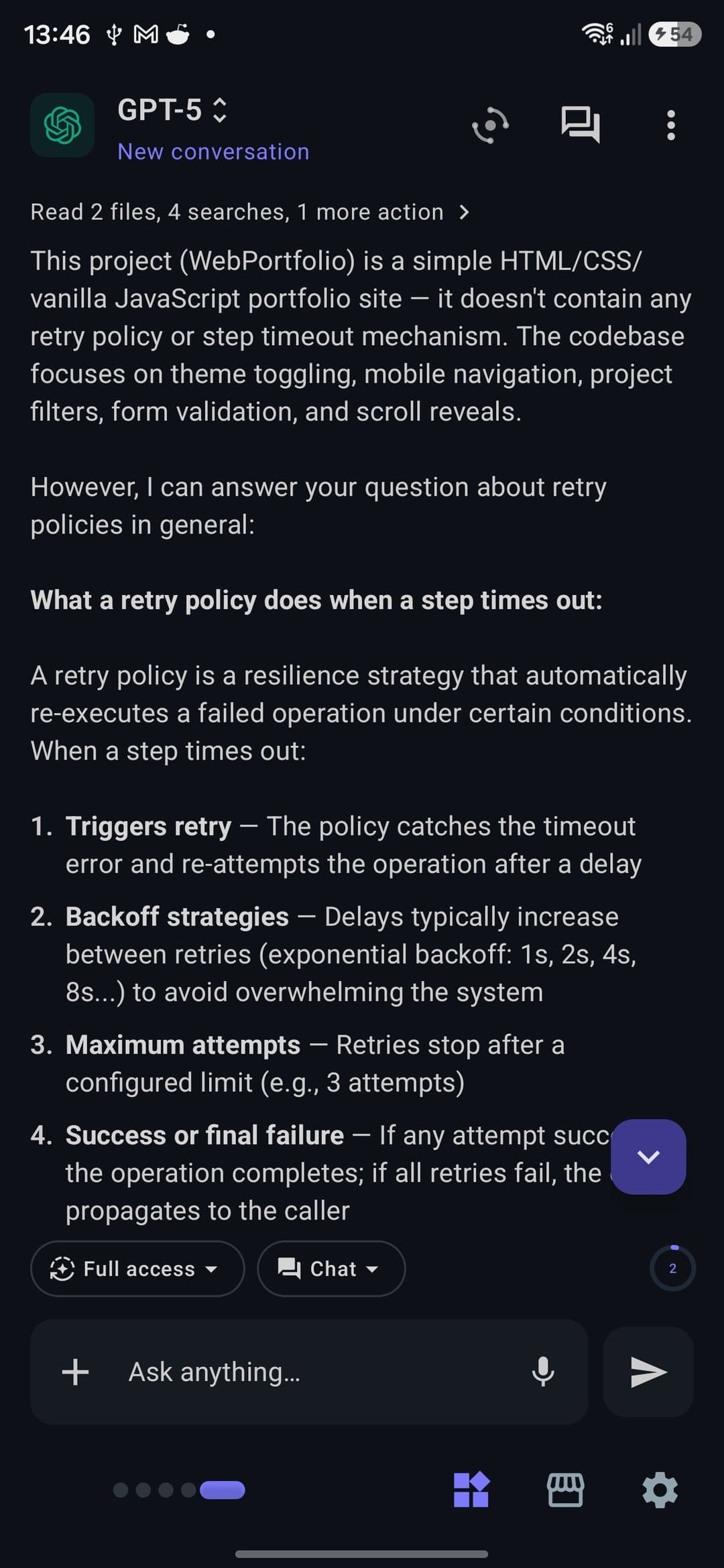
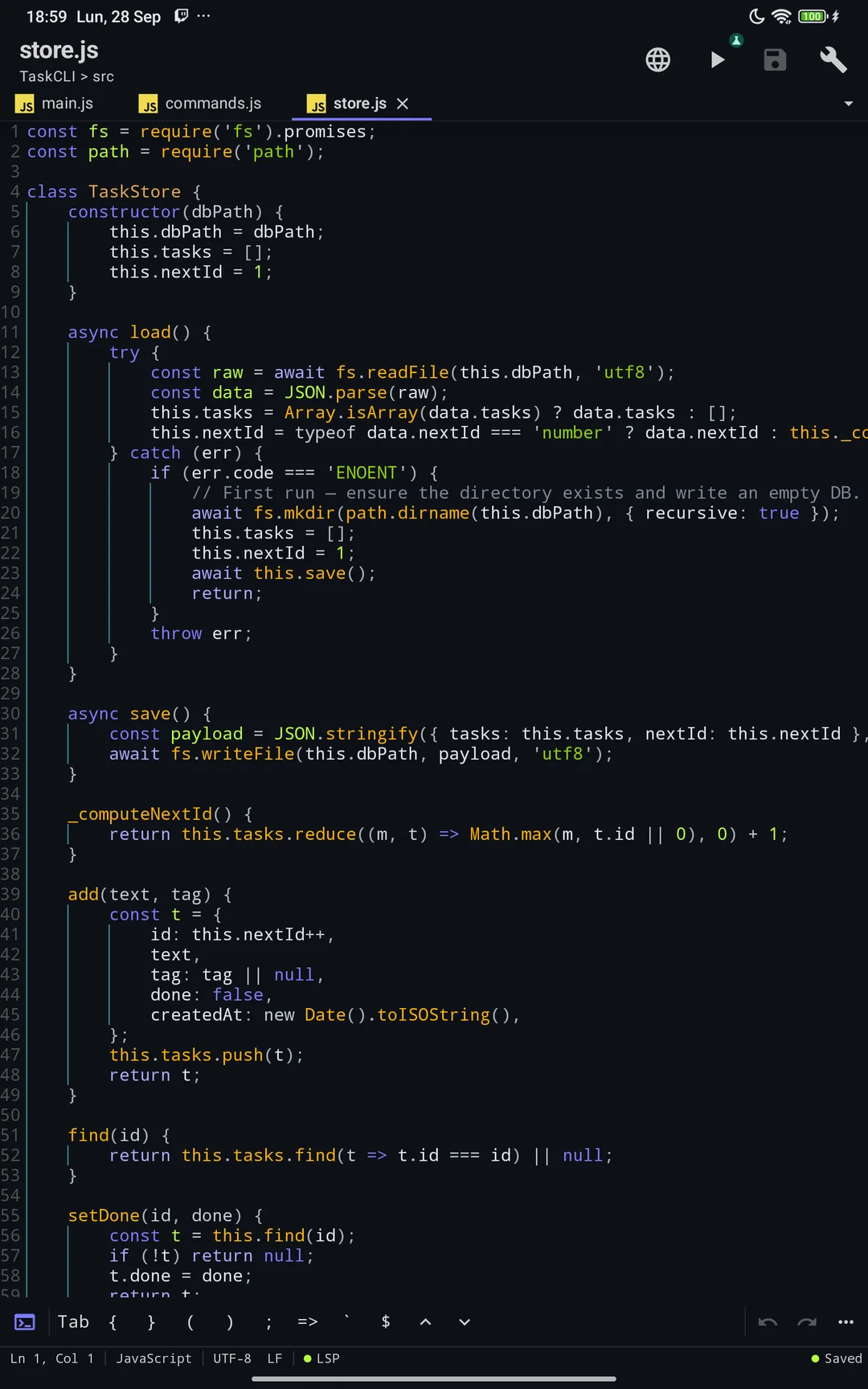
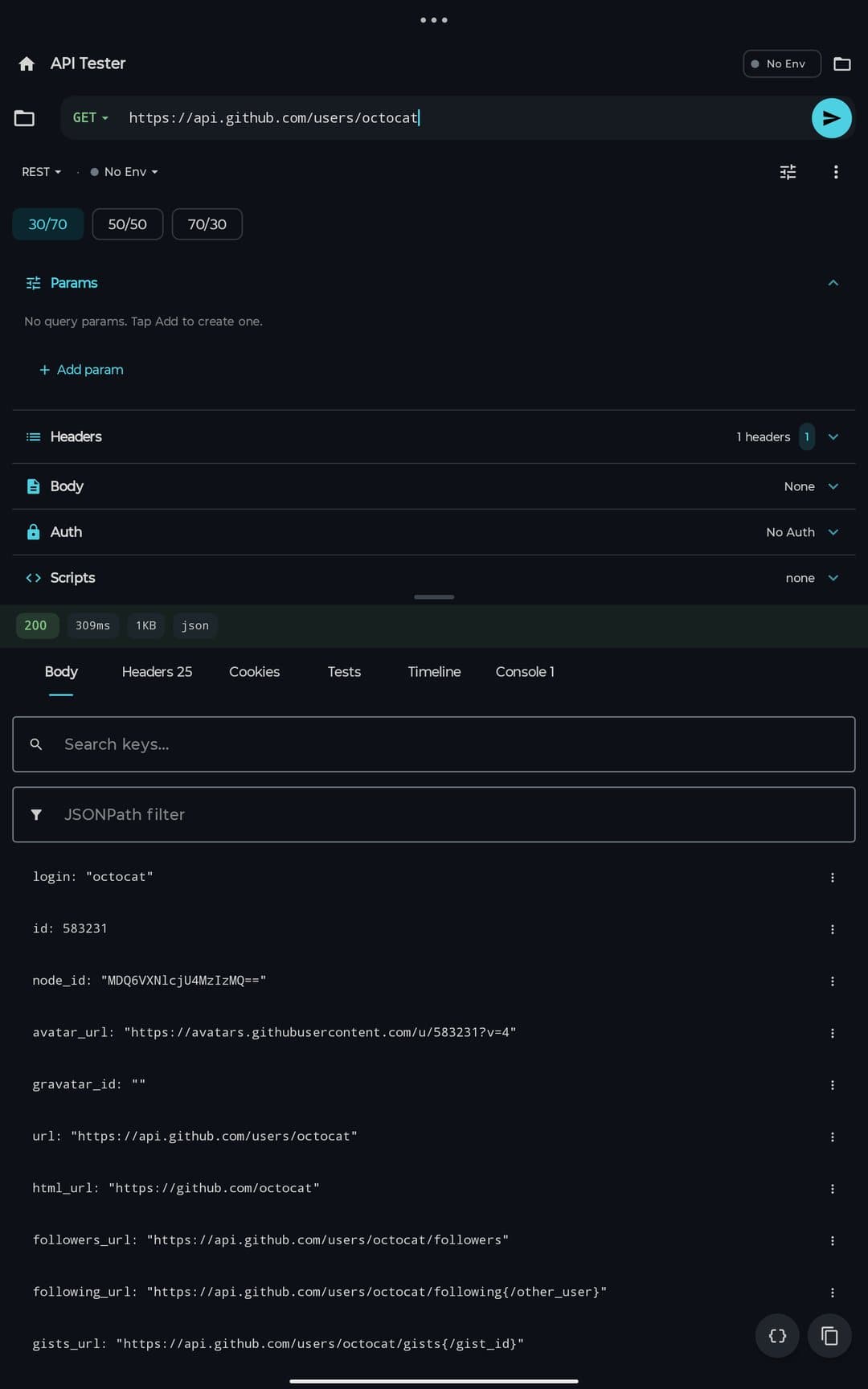
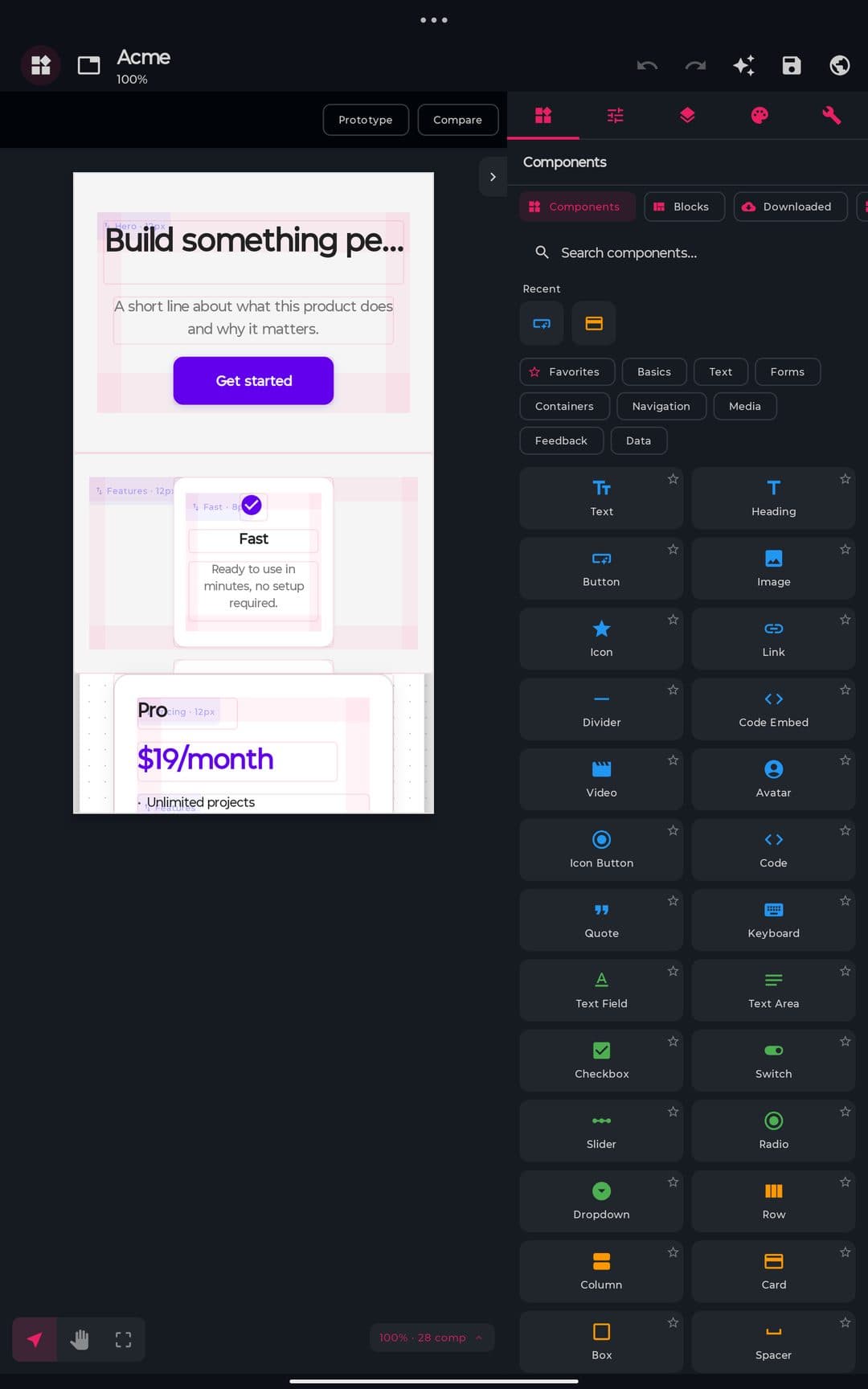
Pocket Code — Code editorPocket Code — All modules at a glancePocket Code — Built-in AI assistant

Stop juggling 5 separate apps

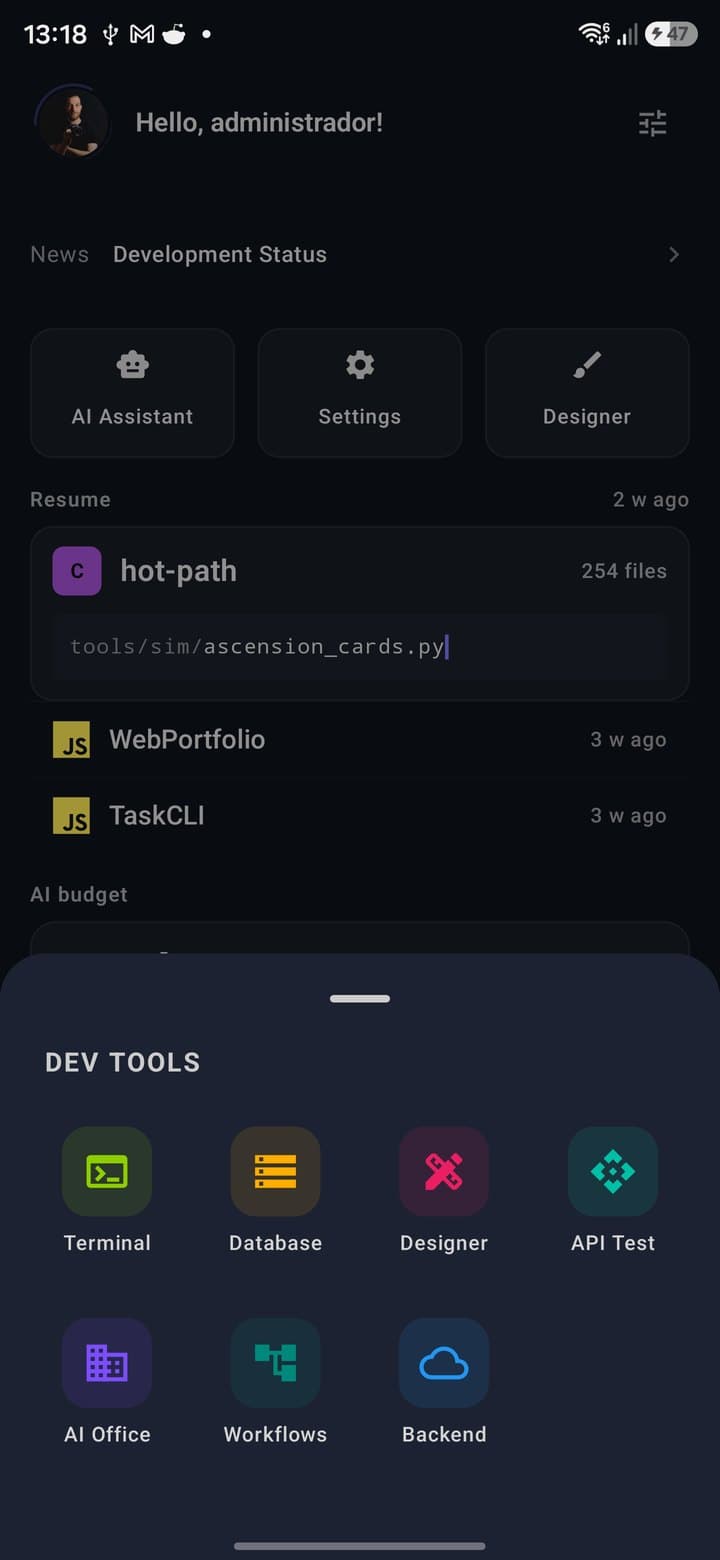
PocketCode replaces your entire mobile development toolkit

Before
Editor / IDE
For editing code
SSH Client
For remote servers
API Client
For API testing
DB Client
For databases
Design tool
For interfaces

5+ apps · multiple subscriptions · constant switching

Now
Pocket Code

9 professional tools integrated

  • Everything works offline
  • No app switching
  • One unified interface

Free · Premium $6.99/mo

What's included exactly

Each module competes with dedicated desktop tools

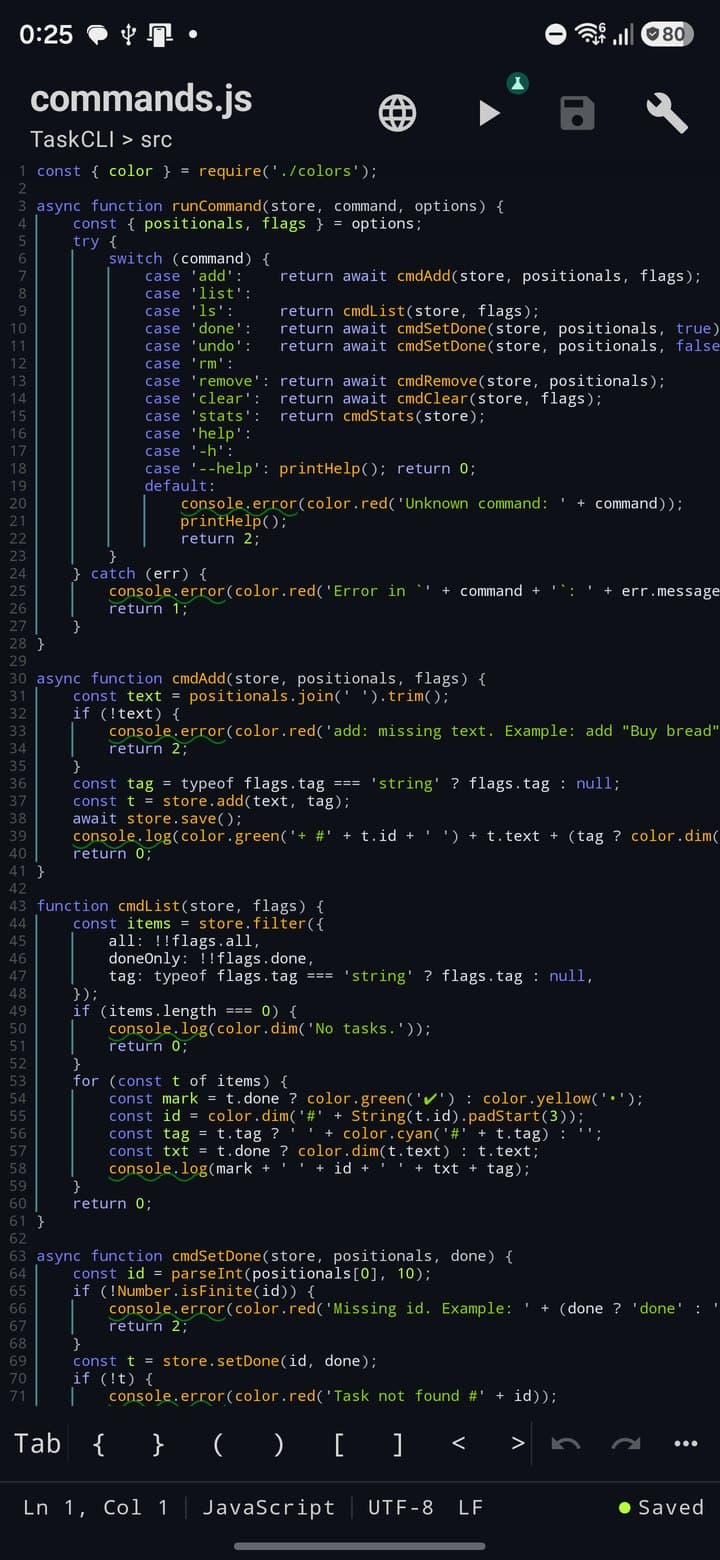
Code Editor

≈ VS Code
  • Sora Editor with gap-buffer, multi-cursor and folding
  • LSP for 8 languages + TextMate highlighting for 33
  • AI assistant with ghost text, chat and refactoring
  • Built-in Git: commit, diff, blame and branches
169 Kotlin files · 33 languages

Linux Terminal

≈ Termius
  • PTY shell + BusyBox bundled in the APK
  • SSH with SFTP, port forwarding and TOFU
  • 100+ predefined snippets across 15 categories
  • Full ANSI parser + marketplace themes
60 Kotlin files · 47 sheets

API Tester

≈ Postman
  • REST, WebSocket, GraphQL and SSE in one client
  • Local Mock Server on a configurable port
  • Code generator for 25+ languages
  • Hierarchical collections + environments with vars
32 Kotlin files · 4 protocols

DB Manager

≈ DBeaver
  • PostgreSQL 18 embedded in the APK, no root
  • 9 engines: SQL + NoSQL unified
  • SQL console with AI assistant + ER diagram
  • Safe mode, backups, monitoring and security
61 Kotlin files · 32 screens

Visual Designer

≈ Figma Lite
  • 2D canvas Figma-style with smart snapping
  • Export HTML/CSS/SVG and React/Vue/Svelte
  • AI Designer with brief → review → apply flow
  • 5 built-in templates + marketplace assets
31 Kotlin files · 14 built-in components

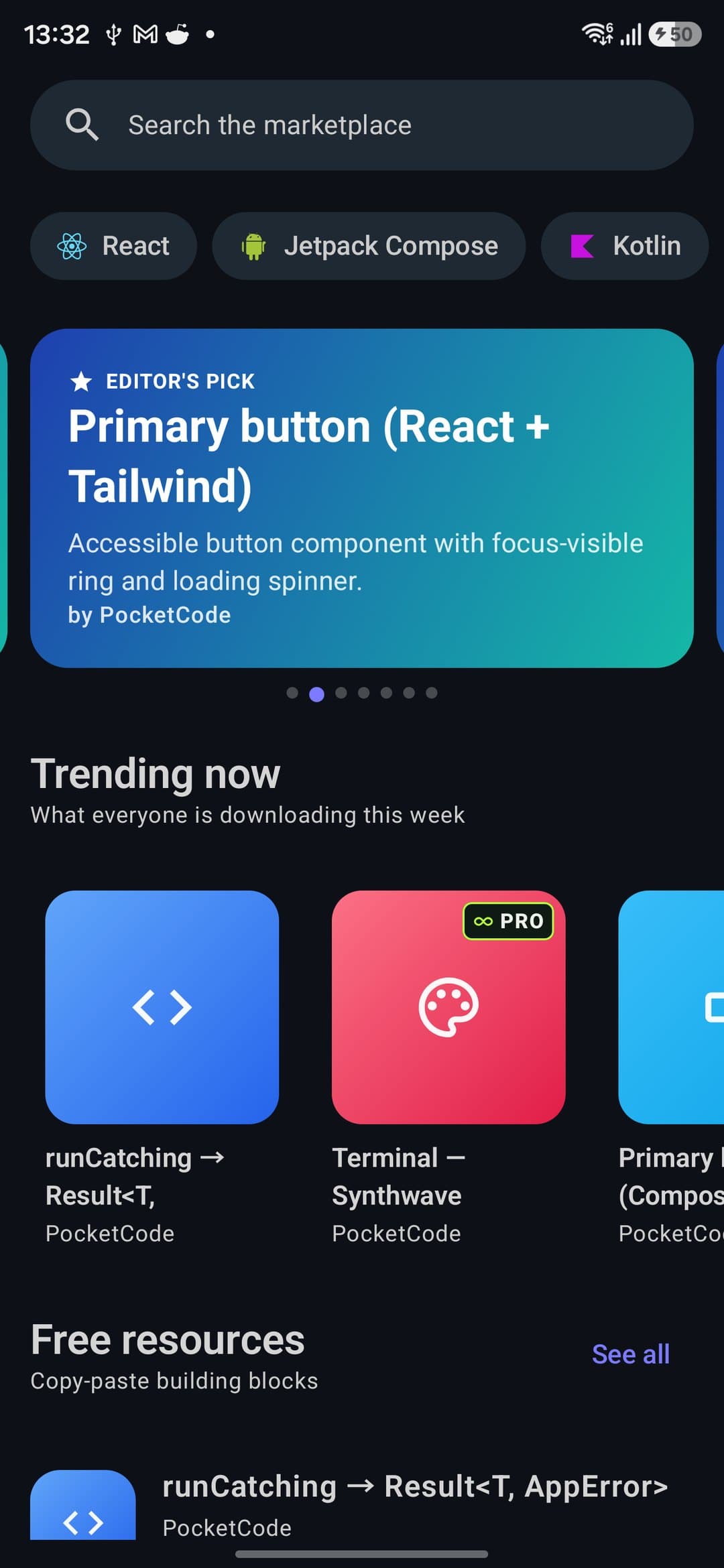
Marketplace

≈ VS Code Marketplace
  • 12 asset kinds: snippets, themes, prompts, MCP, AI agents…
  • Ed25519 signing, auto-update and declarative permissions
  • Ratings, reviews and weekly editorial picks
  • 5-minute trial on Premium themes
5 screens · 72 Kotlin files

AI Assistant & AI Office

≈ Copilot + AutoGPT
  • 4 providers · 26 models: Gemini/OpenAI/Claude/Copilot
  • 37 tools across 11 categories + streaming with thinking
  • AI Office multi-agent: PM/Dev/QA/DevOps/Tech Writer
  • 9 workflows (Feature/Bug/Refactor/SPARC) + research
165 Kotlin files · 24 screens

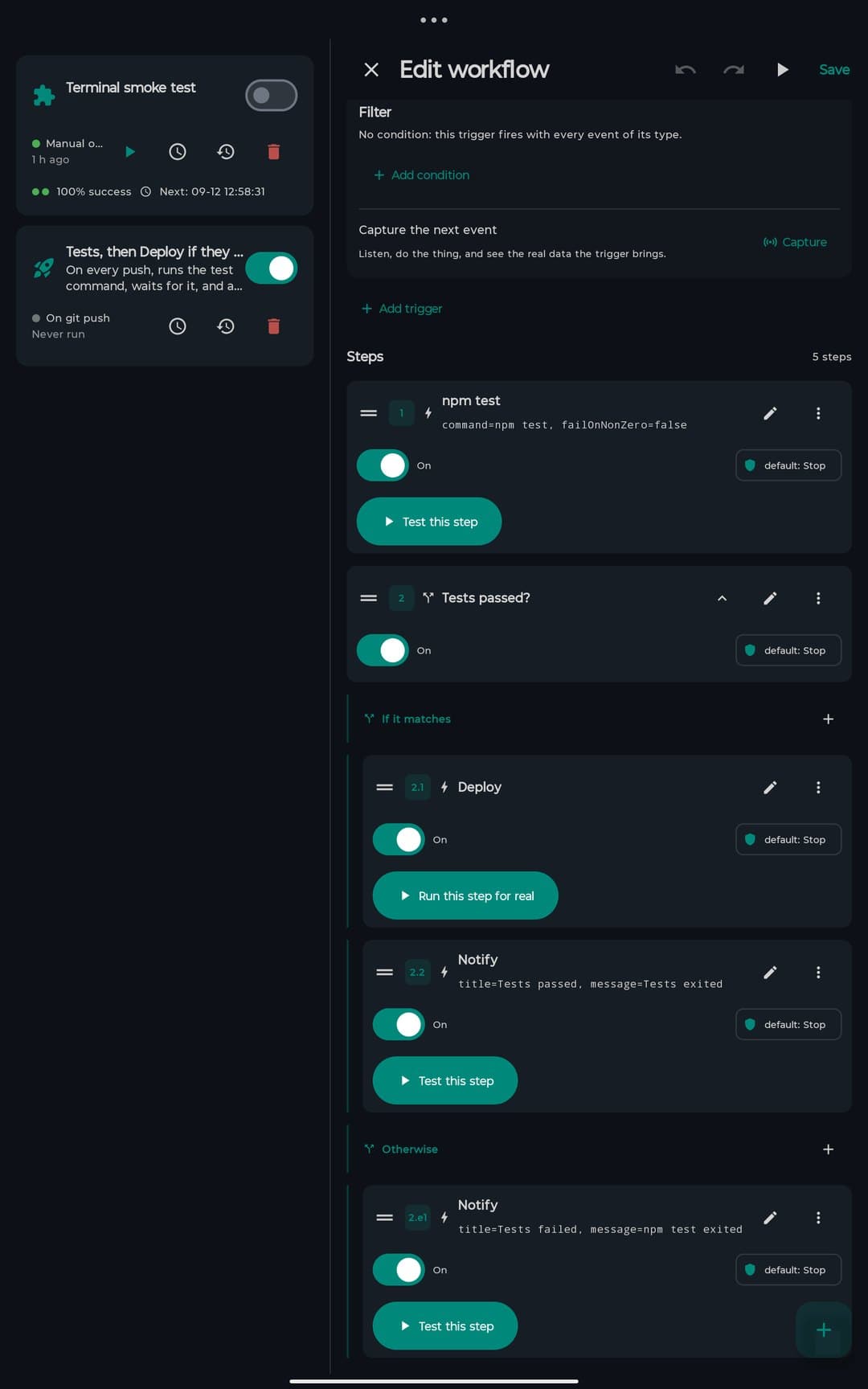
Workflows

≈ GitHub Actions
  • Engine v2: Action, Conditional, Loop, Parallel, Wait
  • Event triggers + cron scheduling (WorkManager)
  • 8 built-in templates + real LLM generator
  • Run history + workflows as agent tools
30 Kotlin files · Engine v2 with control flow

Simple and transparent

The full IDE works for free. Premium unlocks more.

Free

$0forever
  • Full editor with LSP (8 languages)
  • SSH Terminal (1 host)
  • Full API Tester
  • SQLite + Firestore
  • Visual designer
  • Marketplace (download)
  • AI with your own Gemini account (BYOK)
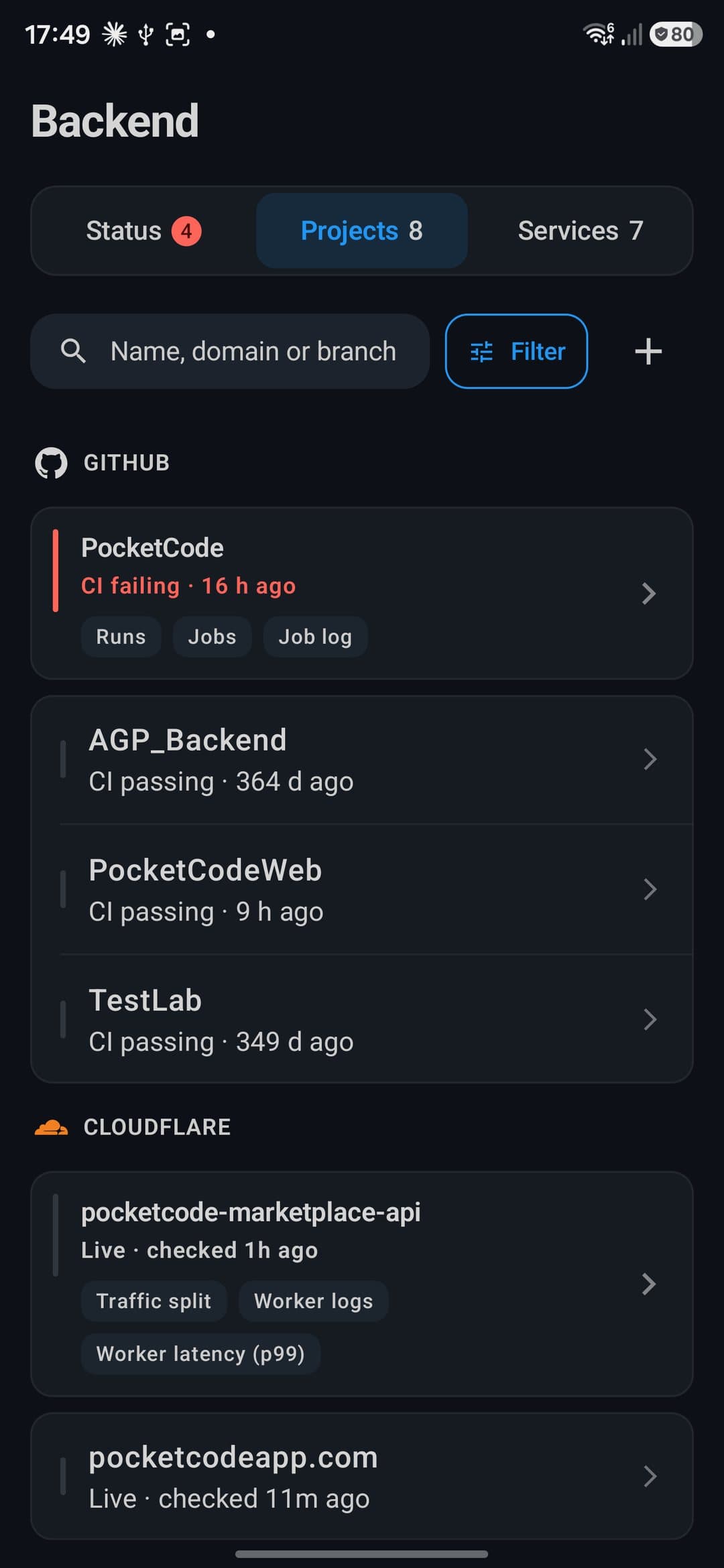
  • Integrated Git
Popular

Premium

$6.99/month
  • Everything in the free plan
  • GPT-4, Claude + 37 AI services
  • Unlimited SSH hosts
  • 9 database engines
  • Multi-session terminal
  • Export React/Vue/Svelte
  • Publish to Marketplace
  • Deploy to Vercel/Railway

Official Documentation

Detailed guides, API references and tutorials to get the most out of every Pocket Code module.

Getting started

Install the app and set up your environment in minutes

Modules reference

Full documentation for every built-in tool

API & integrations

Connect Pocket Code with your external services

AI assistant

Configure and leverage the available AI models

Start coding from your Android

Download free. No sign-up. No credit card.

Download Pocket Code

Android 9.0 or higher

Official download

System requirements

Android 9.0 (Pie) or higher
~250 MB download · ~500 MB installed
3 GB RAM minimum · 4 GB recommended
Internet recommended (editor, local terminal and SQLite work offline; AI, deploy, marketplace and sync require a connection)
9
Pro modules
300+
Screens
8
LSP Languages
9
DB Engines

Frequently Asked Questions

Everything you need to know about Pocket Code