
Automation that lives in the app
Event-driven automation on your phone — 25 triggers or a cron schedule, a real step engine with branches, loops, parallel blocks and sub-workflows, retry and timeouts, per-workflow permissions and encrypted secrets, and 17 built-in templates. Describe a flow in plain words and get a scaffold.
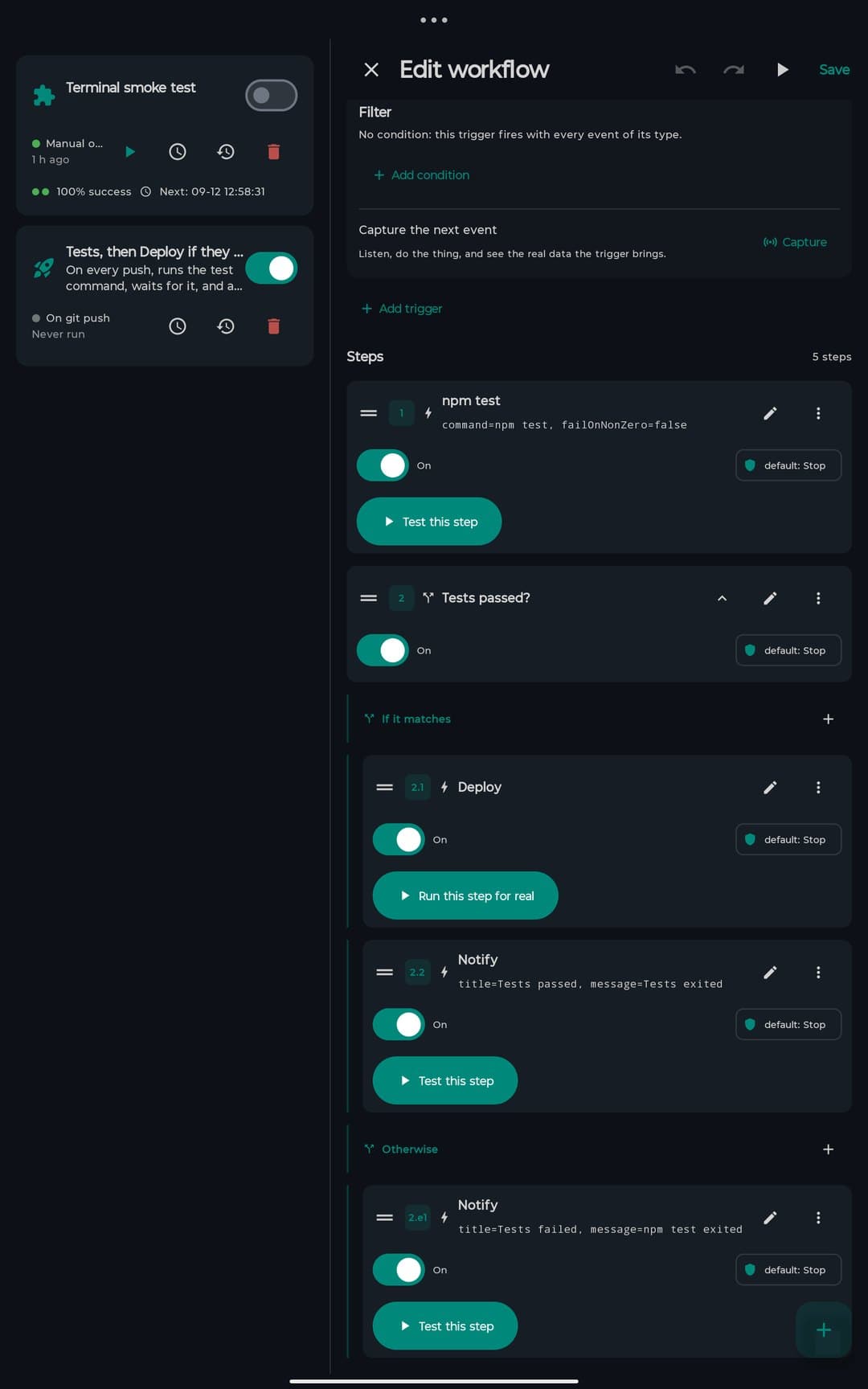
Triggered by anything
React to what happens, or run on a schedule.
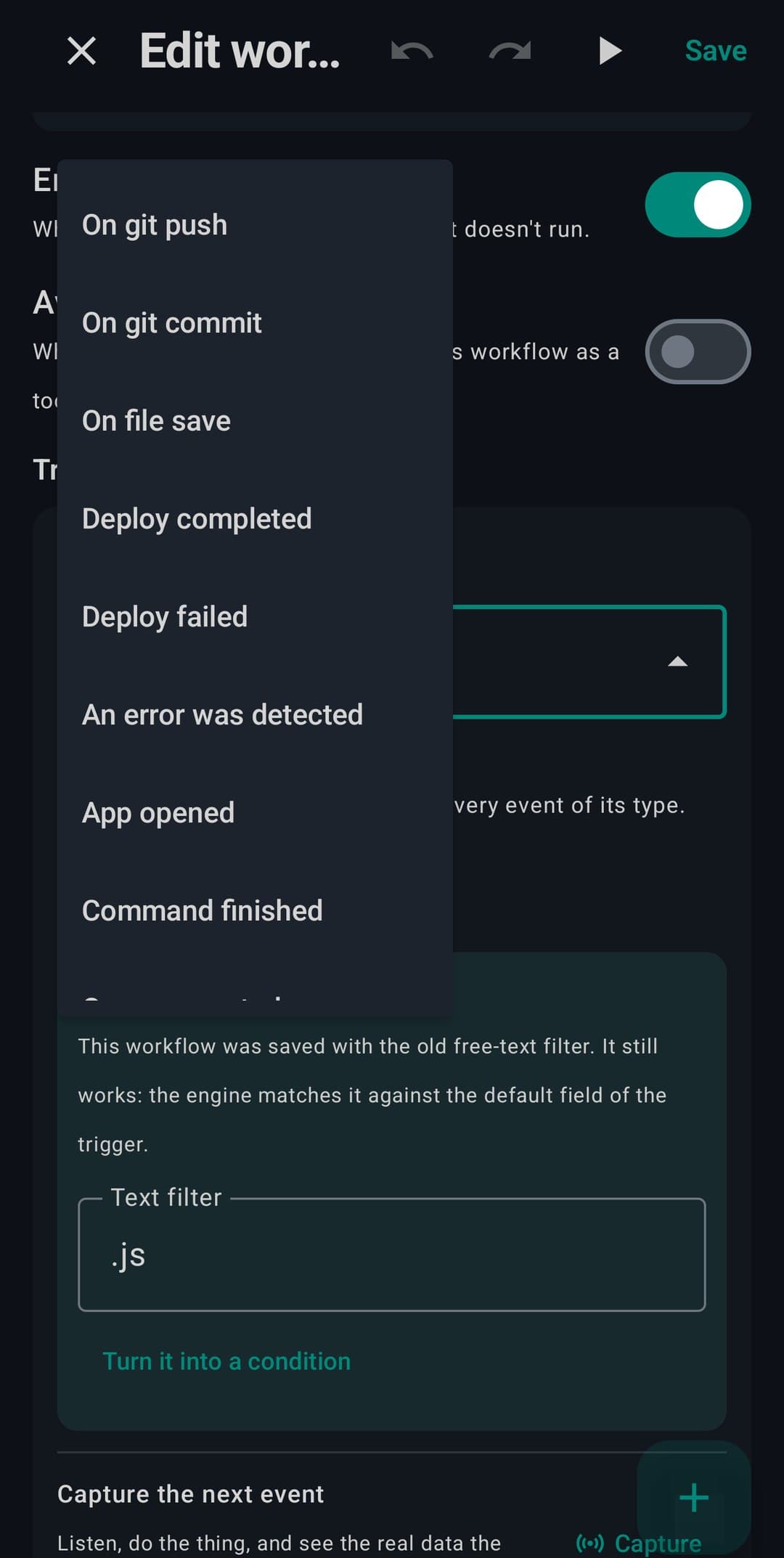
- Twenty-five triggers from the app bus: git push, file saved, deploy, a shortcut on your home screen…
- Cron and interval scheduling on WorkManager
- Typed filters — branch “main”, path “*.kt”, and a button that captures the next real event
Real control flow
Not a linear macro — a step engine.
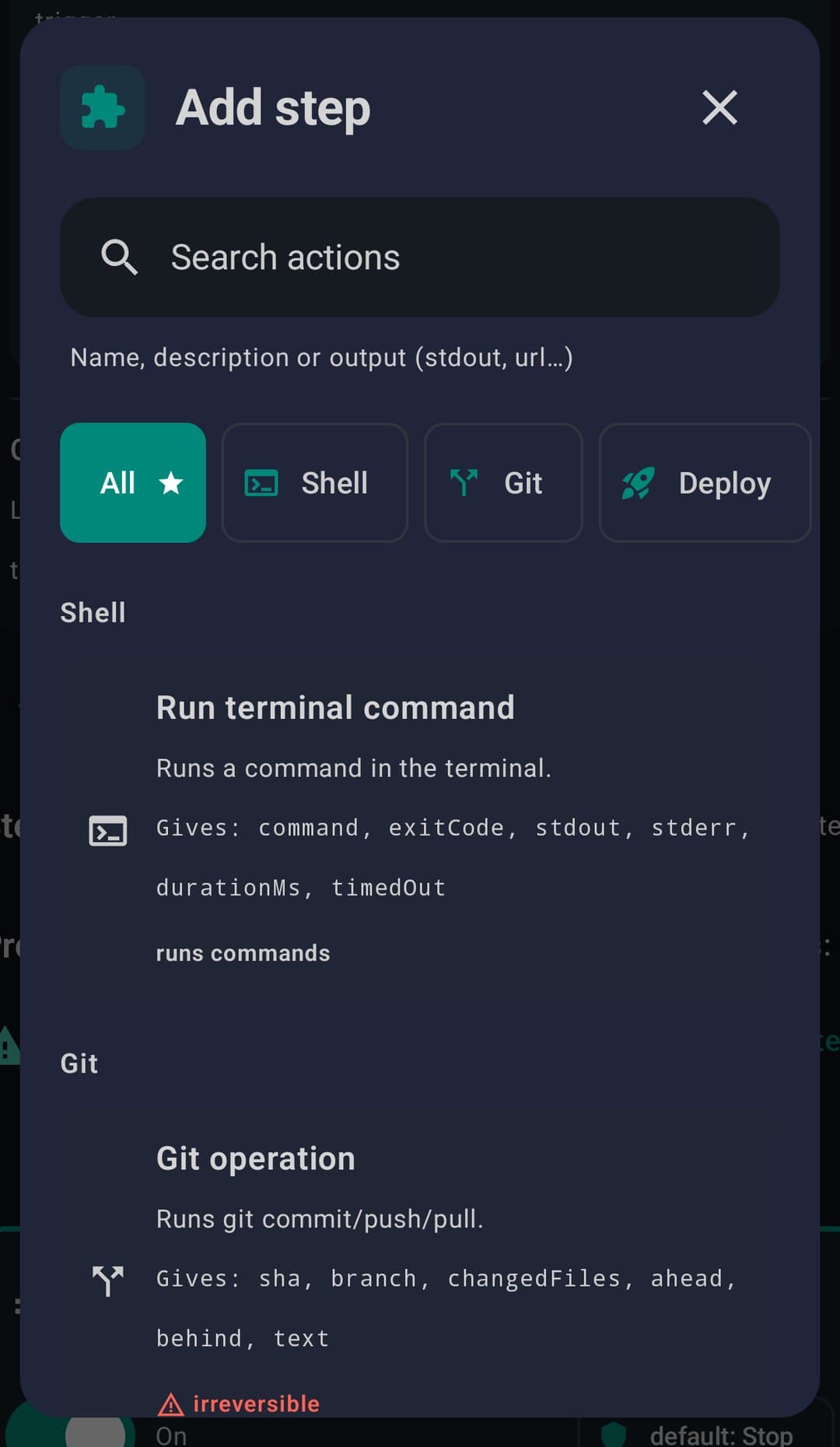
- Seven kinds of step: action, if/else, for-each, parallel, wait, try/on-failure, sub-workflow
- Shared context with variable bindings passed between steps
- Fifteen actions, every one wired to something that really runs
Runs that don't flake
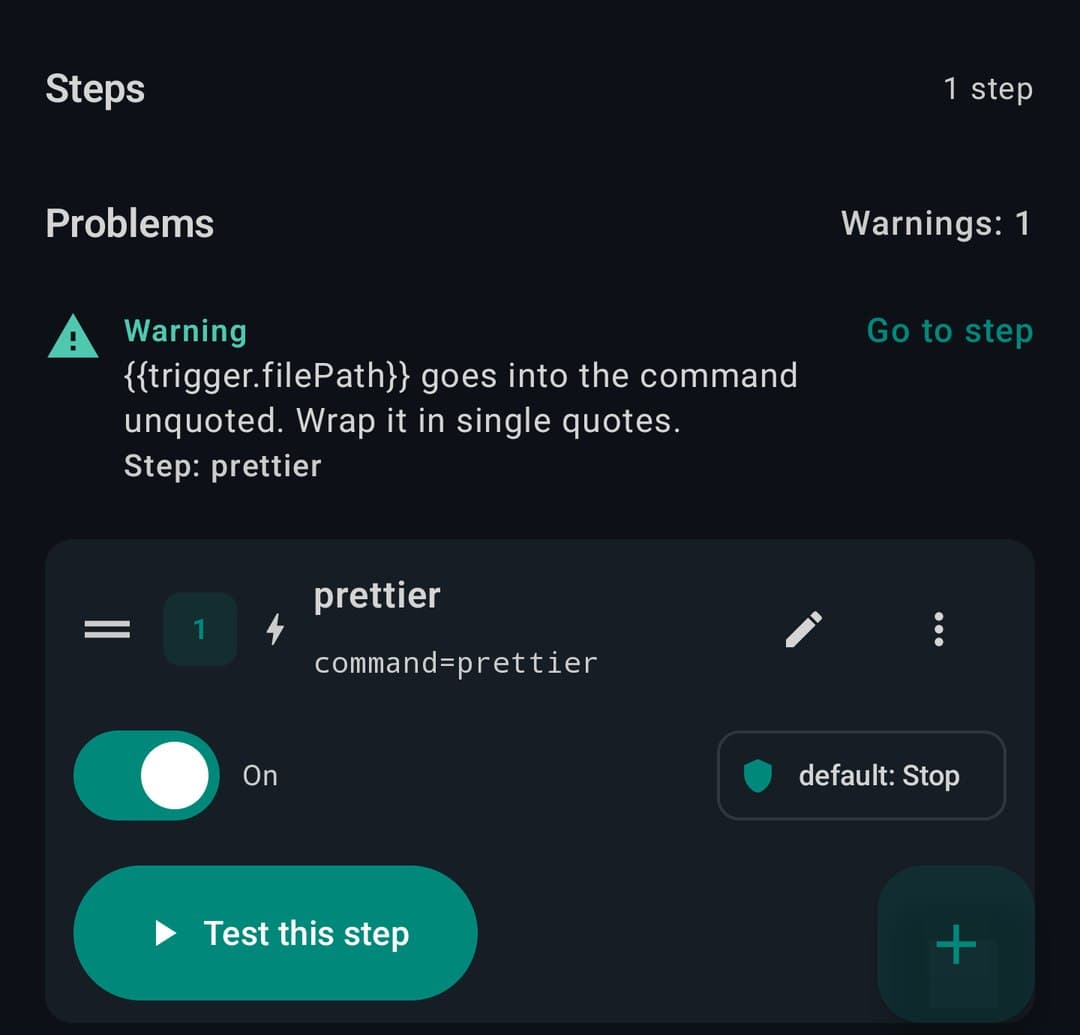
Failure handling is built into every step.
- Per-step retry with exponential backoff
- Timeouts and try/catch to contain errors
- Run history you keep as long as you want — 100 runs and 30 days by default
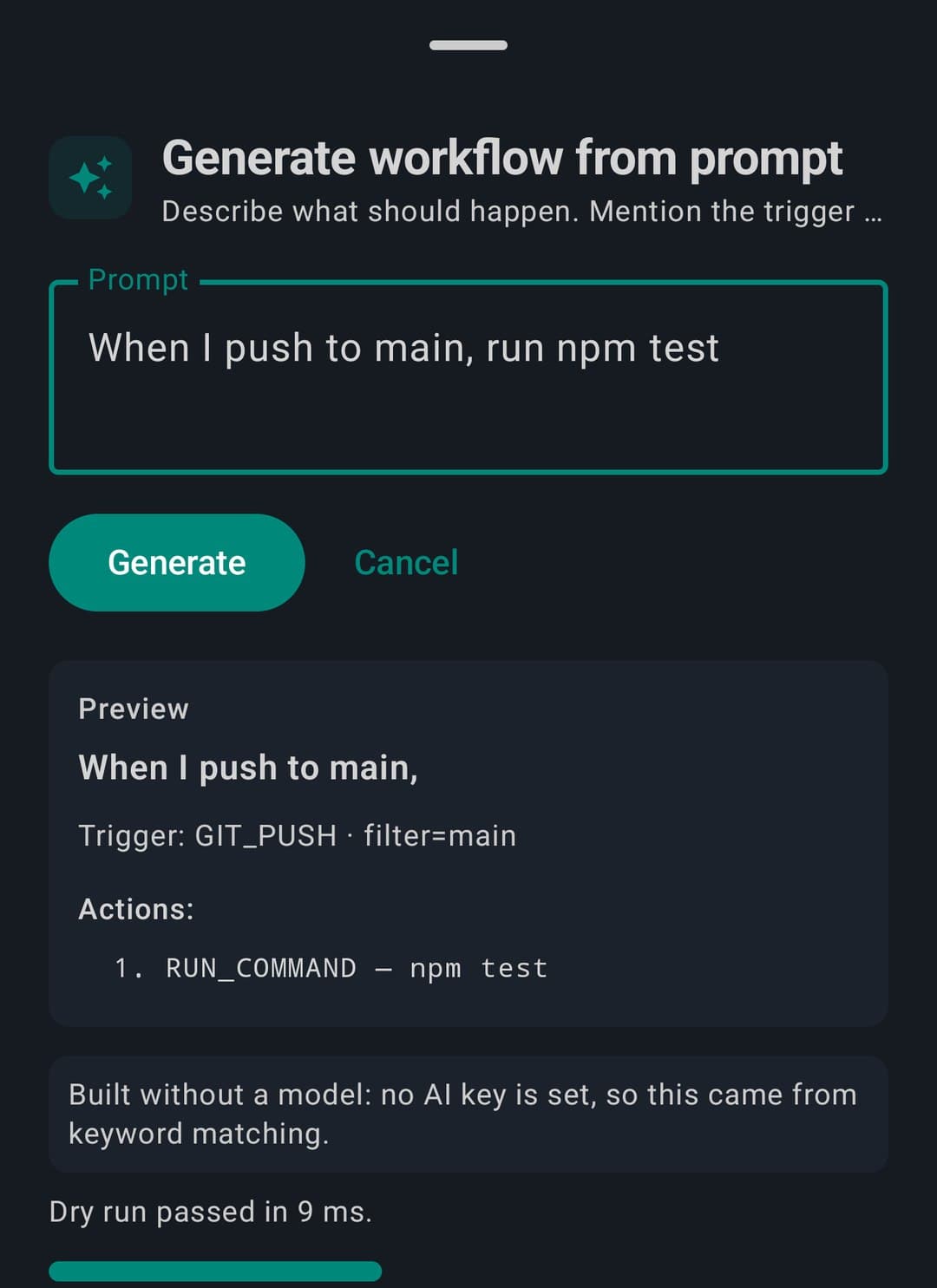
Describe it, get a workflow
Plain words in, editable scaffold out.
- Natural-language prompt → a workflow you can edit
- Visual editor: trigger, steps, reliability, drag to reorder
- Share a workflow as a file; it arrives disabled, with a new id and no secret values
// spec
The spec sheet
✓ included in Free
The whole engine. No asterisks.
// works with
// faq
Frequently asked questions
Can you automate tasks on Android with PocketCode?
Yes. The workflows tool builds automations from 10 trigger types and 8 actions, with control-flow steps (if, loop, try), so you can chain multi-step jobs that run on your phone without wiring up an external automation service.
Can workflows run on a schedule?
Yes. You can trigger a workflow on a cron expression or a fixed interval, so recurring jobs run automatically without you starting them by hand — for example a nightly backup or a periodic health check.
Can AI build a workflow for you?
Yes. Describe what you want in plain language and the AI turns it into a working flow (natural language to flow), which you can then edit step by step — a faster start than dragging every node into place yourself.
Does it keep a run history?
Yes. It retains up to 100 runs for 30 days, so you can review what each workflow did, inspect the output of every step, and debug a failed run instead of guessing why an automation misbehaved.
Are there ready-made workflow templates?
Yes. Eight templates give you a starting point for common automations, so you can adapt an existing flow instead of building every workflow from a blank canvas — handy when you want a result quickly.