
Design it on the phone. Ship it as code
A 2D canvas with smart snapping, fourteen components and real responsive preview — export HTML, CSS and SVG, or React, Vue and Svelte. AI turns a brief into a page.
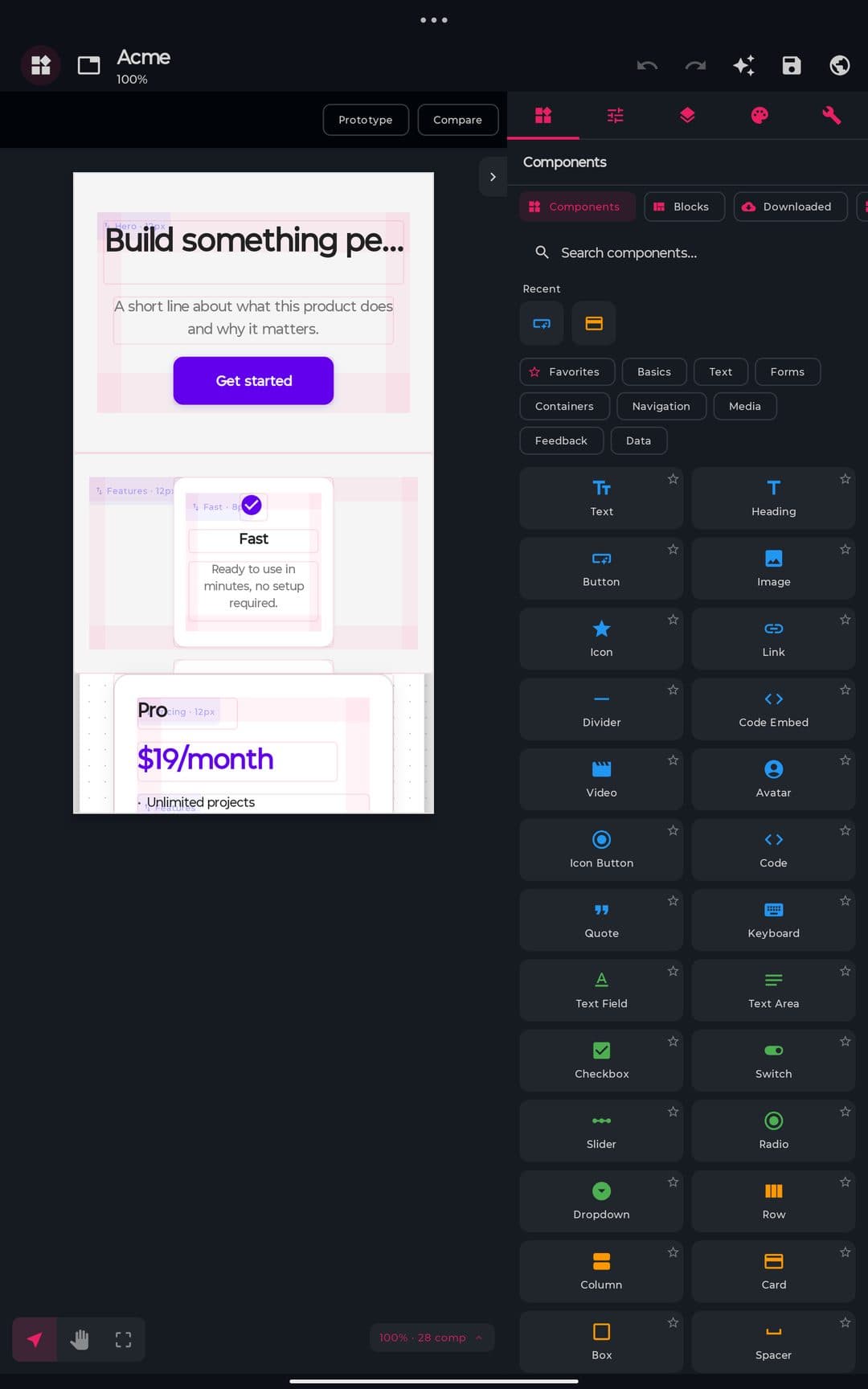
A canvas that helps
Smart guides, layers and multi-page in your hand.
- Snap-to-grid with live distance labels
- Multi-select, align and distribute
- Layers with lock, visibility and z-index
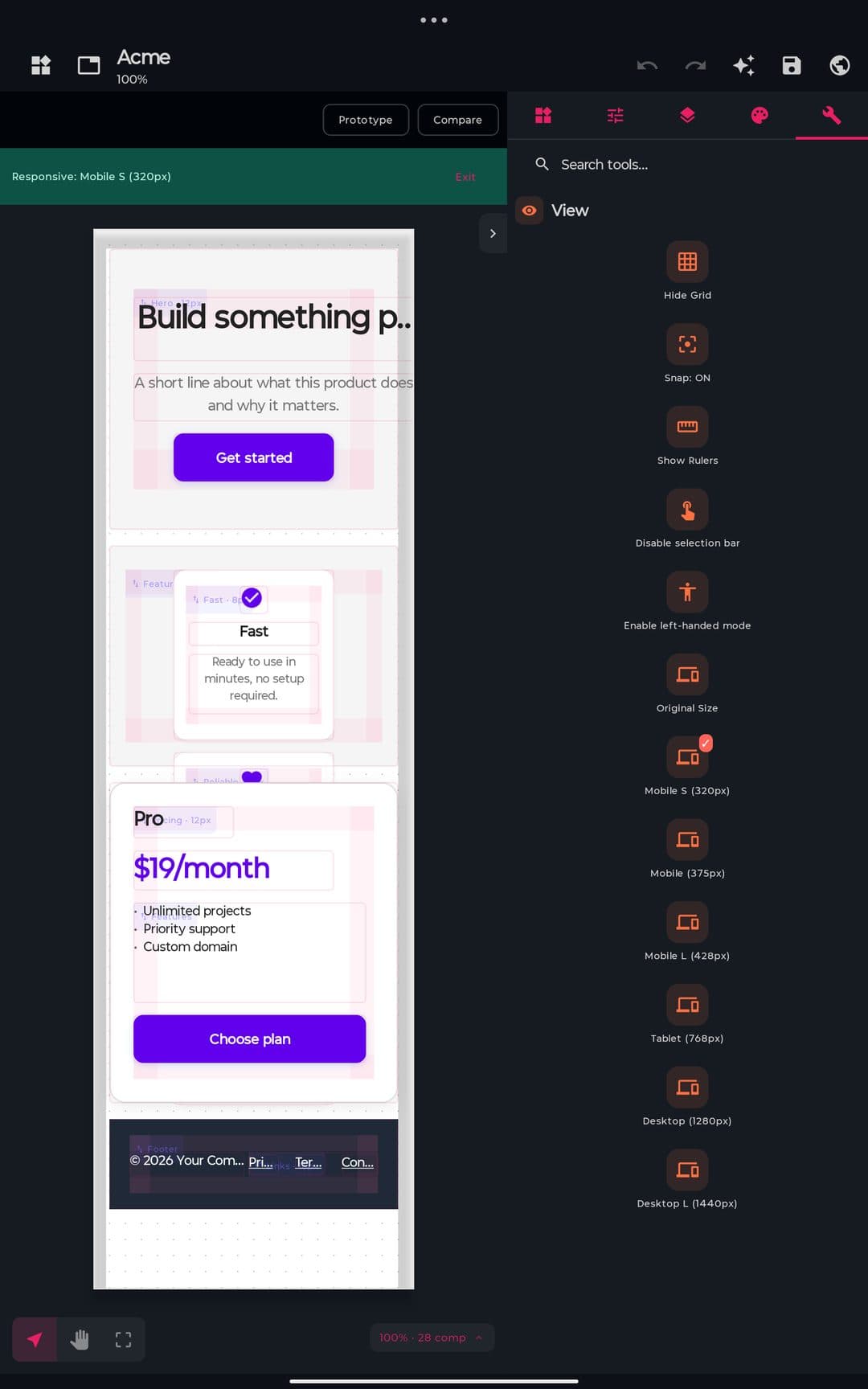
Responsive, for real
Preview at true device widths, not a simulation.
- Real @media queries fire in the preview
- Auto-stack reflow to mobile
- Per-breakpoint overrides, no code
Brief to page
Describe a screen; review before it lands.
- Five-phase flow: brief, questions, generate, review, apply
- 20 page types, 10+ styles, 8 palettes
- Self-critique score before applying
Export to production code
From prototype to codebase in one tap.
- HTML, CSS and SVG, free
- React (JSX), Vue (SFC) and Svelte
- Media queries and overrides preserved
// spec
The spec sheet
plan.free
- ·Full canvas and components
- ·Responsive preview to desktop
- ·Export HTML, CSS and SVG
plan.premium
- +Export React, Vue and Svelte
- +AI Designer, Align and Component
- +Desktop-L and custom breakpoints
- +Unlimited template-based designs
// works with
// faq
Frequently asked questions
Can you design app screens visually on Android?
Yes. The visual designer is a drag-and-drop canvas with 14 components and zoom from 0.1x to 4x, letting you lay out UI screens by hand and turn them into real code rather than a static mockup.
Can it generate a design with AI?
Yes. Describe the screen you want and the AI design wizard builds a starting layout you can refine, so you don't have to place every element manually — a fast way to get from idea to editable UI.
Does it support responsive layouts?
Yes. You can preview designs across 7 modes and 20 page types to check how a layout adapts to different screen sizes, and design tokens keep spacing, color, and type consistent as the screen changes.
What formats can designs export to?
Designs export in 6 formats and support design tokens, so your visual work becomes real, usable code or assets rather than a flat image — you can hand it to the code editor and keep building from there.
Does the designer work offline?
Yes. The designer runs entirely on-device on Android 9 and newer, so you can build, preview, and export UI without any internet connection — the same as every other tool in PocketCode.