

JuiceSSH alternatives for Android: what to use now that it has left Google Play
JuiceSSH left Google Play in December 2025. What happened, and when to pick Termius, ConnectBot, Termux or PocketCode, with the limits of each.
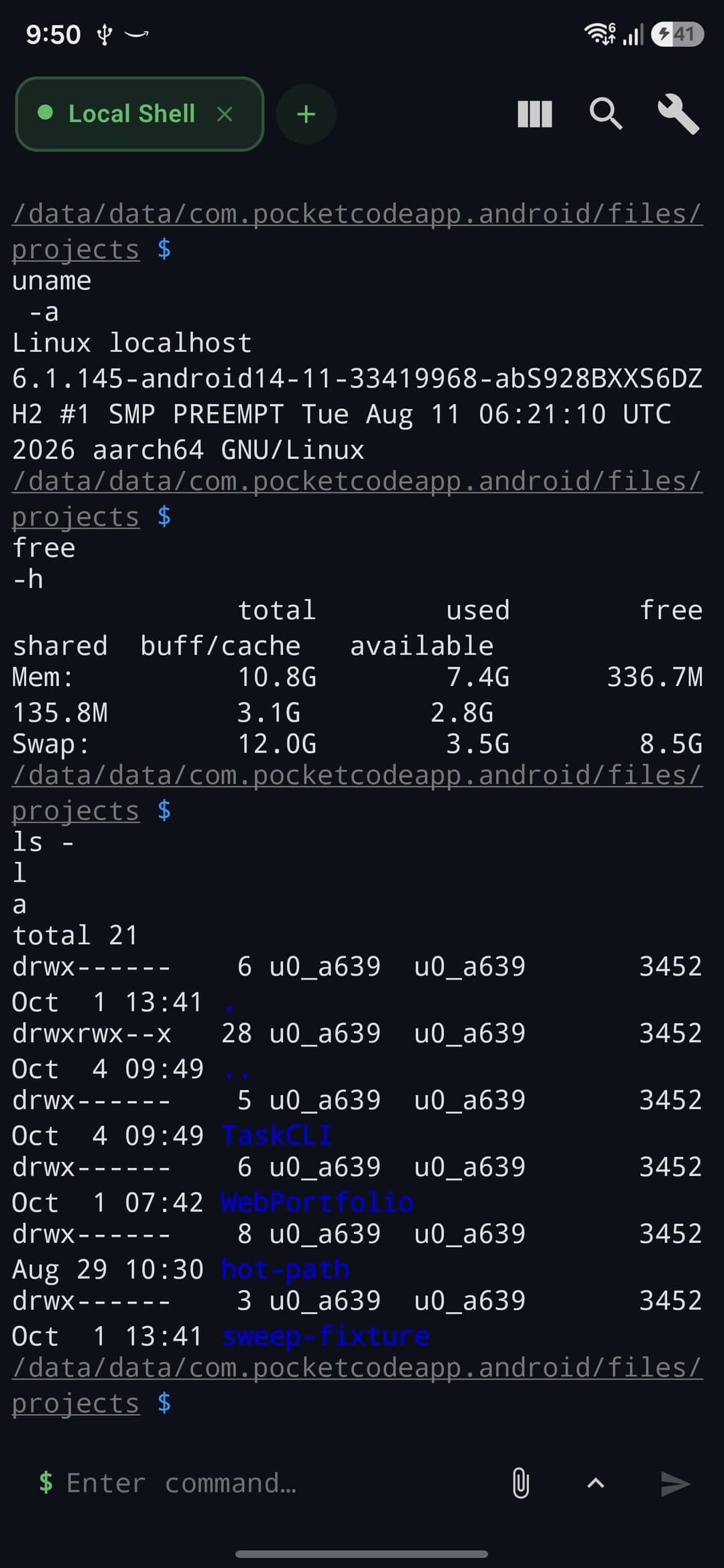
JuiceSSH is no longer on Google Play, and I could not find an explanation from the developer or Google. If you only need an SSH client, look at Termius or ConnectBot. For command-line work, use Termux. If you also want a code editor and Git next to your SSH sessions, PocketCode does that, and its free plan allows one saved host.
I build PocketCode, which is one of the options below, so weigh what I say about it with that in mind. I have tried to describe each app by what it does and where it falls short, PocketCode included.
What happened to JuiceSSH
JuiceSSH was a popular SSH client for Android. Today its Google Play page returns a not-found error (I checked on 31 October 2026), and AppBrain lists it as removed from Google Play on 11 December 2025. I found no announcement from the developer or from Google explaining the removal, so I will not guess at a reason.
The best-known account of the fallout is a Hacker News thread from 26 January 2026, "JuiceSSH – Give me my pro features back", which reached 402 points and 172 comments. These are claims by commenters, and I could not verify them independently:
- Some people who had paid for Pro said the app no longer recognised their purchase, and one said it asked them to pay again.
- Some said the cloud backup of their SSH keys was removed without notice.
- Some said their emails to the developers went unanswered.
- On refunds, commenters quoted Google's 120-day window.
The practical lesson has nothing to do with any one app. Keep a copy of your private keys that does not depend on someone else's server, and write down your hosts, ports and usernames somewhere you control.
Which app fits your case
You want a dedicated SSH client: Termius
Termius is an SSH client for phone and desktop. Its pricing page lists a local vault, SSH, SFTP and port forwarding in the free Starter plan. Syncing across mobile and desktop, session logs and snippet automation are in the paid plan. The Android changelog shows 7.10.0 (15 September 2026) making proxy, agent forwarding, host chains and serial connections free, and 8.0.0 (29 October 2026) bringing a new terminal rendering engine.
The limit: if you want your hosts on several devices, you need the paid plan. I have not compared the sign-in flow with the others, so check that before you commit.
You want a small open-source client: ConnectBot
ConnectBot is open source (Apache-2.0). Its README points to Google Play as the easiest way to get it, and GitHub releases are also available. The latest release I found was 1.11.1, published on 13 October 2026.
The limit is file transfer. An SFTP client pull request (#1810) was opened in December 2025 and was still open when I checked on 31 October 2026, so I could not confirm SFTP in a stable release. Check the release notes before you rely on it.
You live on the command line: Termux
In Termux you install the openssh package and use ssh, sftp and scp as you would on a Linux machine. It is free and open source, and it was the app most often recommended in the Hacker News thread. The Termux README recommends installing from F-Droid or GitHub and describes the Google Play build as experimental, so choose the source with care.
The limit: there is no graphical list of hosts and no file browser. Everything is typed, which suits some people and not others on a touchscreen. I wrote more in Termux alternatives for Android.
You want SSH next to your code: PocketCode
PocketCode is an IDE for Android: a code editor, Git, database tools and an AI assistant that uses your own key. On the SSH side it has saved hosts, port forwarding and an SFTP browser where you can browse, create folders, rename, delete, upload and download. Your projects, the editor and the Git panel are in the same app, so you can edit locally, push, and connect to the server without switching apps. The SSH guide covers setup.
The limits are real, and some may rule it out:
- On the free plan you get one saved SSH host, one session at a time, one port forward and 10 SSH snippets. Pro raises these, and you can try Pro for 7 days with no card. The trial does not renew or charge you. Details are on the pricing page.
- Remote files cannot be edited in place. You cannot open a file from the SFTP browser straight into the editor.
- You need an account to open the app. The connection is only used to sign in. After that the app opens offline.
- It is a small independent project, which is worth weighing after JuiceSSH. Your projects stay on your phone, not on our servers. Cloud Sync is a Pro option and is off by default.
There are no ads. If you are mostly using SSH, a dedicated client is probably the better fit.
Comparison
Apps change quickly, so check the current listings before you install.
| Termius | ConnectBot | Termux | PocketCode | |
|---|---|---|---|---|
| What it is | SSH client for phone and desktop | Open-source SSH client | Terminal emulator with packages | IDE with an SSH client |
| SFTP file browser | Yes, in the free plan | Not confirmed in a release (pull request open) | No, use sftp or scp | Yes |
| Code editor and Git | No | No | No graphical editor | Yes, in the same app |
| Cost | Free plan, paid plan for sync | Free, open source | Free, open source | Free plan with limits, Pro optional |
| Main limit | Sync across devices is paid | SFTP not confirmed | No graphical host list | One saved host on Free |
The Hacker News thread also mentions ServerBox (on F-Droid, according to a commenter) and Termix. I have not tested either.
How to choose
- You want an SSH client with SFTP and nothing else: Termius.
- You want something small and open source, and you do not need SFTP: ConnectBot.
- You are happy typing commands and want packages: Termux, from F-Droid or GitHub.
- You want to edit code, push to Git and reach a server from one app, and one host is enough to start: PocketCode.
Whichever you pick, export or copy your keys first and keep a backup you control.
Sources
All pages were checked on 31 October 2026.
- JuiceSSH – Give me my pro features back, Hacker News thread (26 January 2026).
- JuiceSSH on AppBrain, for the removal date.
- Termius pricing and Termius Android changelog.
- ConnectBot on GitHub, its latest release and the SFTP pull request.
- Termux app README, on install sources and the Play build.
PocketCode is free to download on Google Play. Get PocketCode if you want SSH, SFTP, an editor and Git in one place, and keep a dedicated SSH client if SSH is most of what you do.
Frequently asked questions
Is JuiceSSH still on Google Play?
No. The Play listing returns a not-found page (checked on 31 October 2026), and AppBrain lists the app as removed from Google Play on 11 December 2025. I could not find a statement from the developer or from Google explaining why.
What is the best alternative to JuiceSSH?
It depends on what you did with JuiceSSH. For an SSH client with a file browser, Termius. For a small open-source client, ConnectBot. For the command line and your own tools, Termux. For SSH next to a code editor and Git, PocketCode.
Is there a free JuiceSSH alternative with SFTP?
Termius lists SSH, SFTP and port forwarding in its free Starter plan. PocketCode's free plan includes an SFTP browser but only one saved SSH host. In Termux you run sftp or scp from the shell. ConnectBot has an SFTP pull request that was still open when this was written.
Can I use PocketCode as an SSH client?
Yes, with limits. It has saved SSH hosts, an SFTP browser, port forwarding, a code editor and Git in one app, and the free plan allows one saved host and one session at a time.
Will I lose my JuiceSSH hosts and keys?
That depends on whether you kept your own copy. Some commenters in the Hacker News thread say the cloud backup of their keys disappeared without notice. Keep your private keys somewhere you control, and expect to re-enter your hosts in the new app.
Terminal & SSH
Quick answers on this
Keep reading
- TutorialTermux alternatives for Android in 2026: what each one is actually forTermux is still the best Linux command line on Android. If you need a distro, a code editor, VS Code or a ready-made IDE, these are the honest alternatives.7 min
- TutorialDebugging JavaScript on Android: Breakpoints, Stepping and the Call StackDebug Node.js code on your Android phone: breakpoints, conditions and logpoints, stepping, variables, the call stack and Hot Reload — and what it does not do yet.3 min
- FeatureTerminal & SSH on Android: Complete GuideLearn how to use PocketCode's built-in terminal — a local BusyBox shell plus an SSH client with SFTP and port forwarding — for scripting and remote servers.5 min