

Dcoder shut down: what to use instead on Android
Dcoder shut down on 31 March 2026. What happened, and what to use now on Android for Python, web code or several languages, with the limits of each.
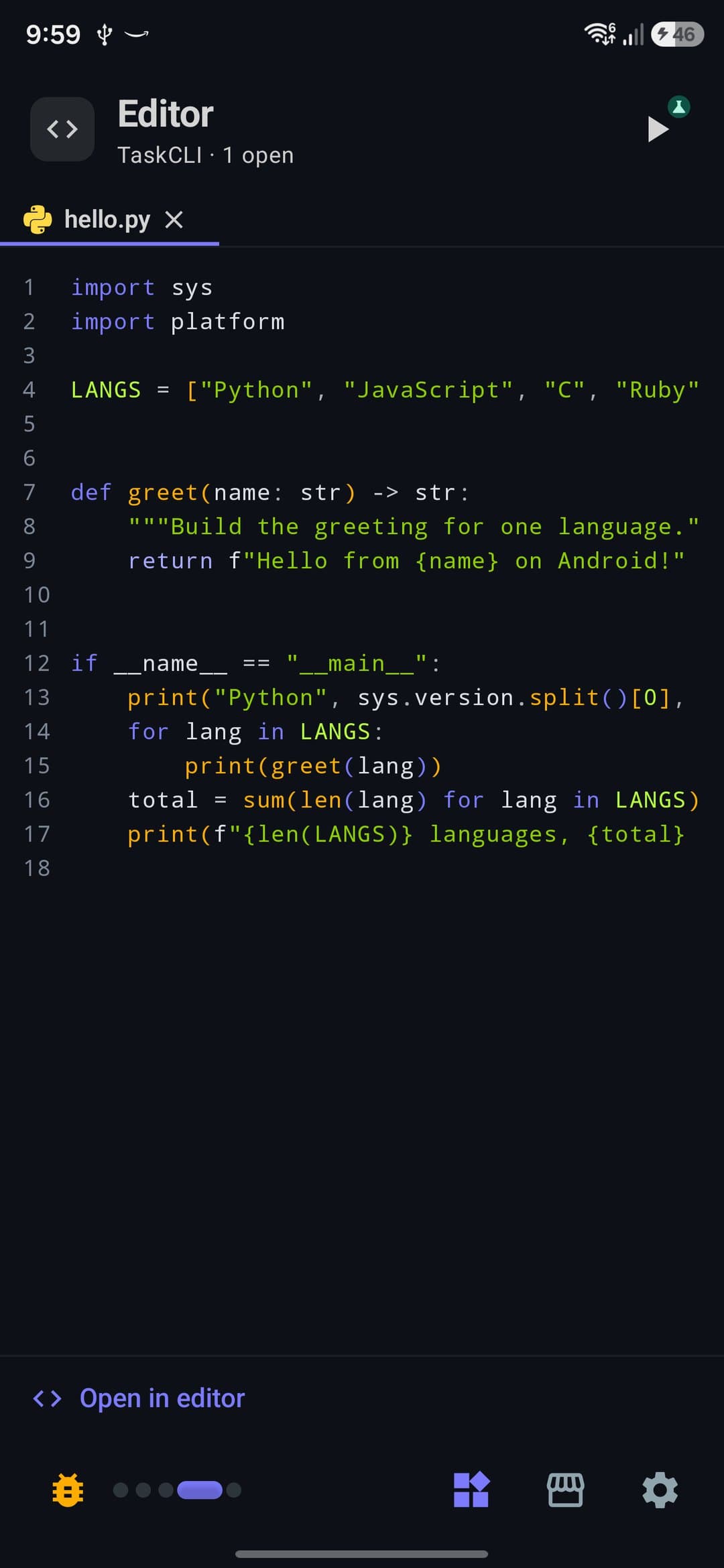
Dcoder shut down on 31 March 2026, and no single app replaces it. For Python with libraries like NumPy, use Pydroid 3. For editing code with plugins, use Acode. For a quick snippet when you have a connection, use a web compiler such as OneCompiler. For several languages that run offline in one app, with Git, SSH and databases, PocketCode fits, within the limits of its Free plan.
I build PocketCode, which is one of the options below, so weigh what I say about it with that in mind. I describe the other apps from their own pages and store listings, read on 31 October 2026, not from hands-on testing, and I say where PocketCode falls short.
What happened to Dcoder
Dcoder was a mobile IDE and compiler for Android. Its site says it launched in 2016 with C, Java and Python, grew to more than 35 languages, and reached over 5 million developers and 15 million projects. It joined the Techstars Bangalore accelerator in 2019.
The page at dcoder.tech now says "Dcoder has officially shut down" and gives 31 March 2026 as the date, after ten years. Clubic, a French software site, reports the closure too (its page was updated on 8 June 2026).
The team does not say why it closed, so I won't guess. The page has a line for questions about your data with a contact address, and it says nothing about what happens to saved projects. If you had work in Dcoder, write to that address and check whether you kept a copy anywhere. I don't know of an app that replaces its community, so the options below cover the tool only.
What to use now, by what you did in Dcoder
You practised Python: Pydroid 3
Pydroid 3 is a Python IDE. Its Google Play listing says the Python 3 interpreter runs offline, and it adds pip with prebuilt packages such as NumPy, SciPy, matplotlib and scikit-learn, plus Tkinter and a built-in C and C++ compiler.
Its limits, from the same listing: it contains ads and offers in-app purchases, and some features (code prediction and real-time code analysis among them) are marked Premium only. It is built around Python. The listing names C, C++ and Fortran, but nothing like Dcoder's 35 languages.
You edited code and wanted plugins: Acode
Acode is an open-source code editor under the MIT licence. Its listing mentions syntax highlighting for more than 100 languages, a plugin store, Git, SSH, FTP and SFTP, and a built-in terminal. It needs Android 7.0 or later.
It is an editor first. Running C or Python goes through its terminal and plugins, and the listing's own getting-started steps include a one-time terminal setup, so expect some configuring. The free version contains ads, and the Pro version removes them.
You pasted code into a compiler to see the output: a web compiler
Sites like OneCompiler run your code on their servers from the browser. OneCompiler describes itself as a free online compiler for more than 110 languages and databases, with nothing to install. That covers the "type it, run it" part of Dcoder for almost any language.
The limits come with the format. It needs a connection, your code runs on someone else's machine, and I have not checked what each site limits or where it keeps your files. Read that before you rely on one.
You want several languages offline in one app: PocketCode
PocketCode is an IDE for Android: code editor with language servers, Git, a terminal, SSH and SFTP, database managers, an API tester and an AI assistant that uses your own key. It has no ads. It is on Google Play for Android 9 and later, on 64-bit devices.
What runs on the phone without a connection, once you are signed in: Python, JavaScript, TypeScript, C, Java, Ruby, PHP, SQL and shell scripts. A few come with caveats:
- Python runs offline with its standard library. More in Python on Android.
- Java runs through a limited interpreter, and TypeScript runs without type checking.
- Lua, Go and Kotlin run after a one-time download. Kotlin's tools come from Google Play, about 119 MB.
SSH and SFTP are in the same app.
Three things to know before you install:
- You need an account. PocketCode asks you to sign in with email, Google or GitHub, and there is no guest mode. The connection is only needed to sign in. After that the app opens without one.
- The Free plan has limits. It holds one project at a time (you can keep many files in it), one saved SSH host, one database connection with four tables per database, one API collection, one local shell session and one SSH session at once, one active deploy and three design templates. Pro removes those limits. A 7-day Pro trial needs no card, returns you to Free when it ends and never renews or charges. The pricing page has the full table.
- Your projects live on the phone. They sit in the app's private storage, so other apps cannot see them. You can export a project as a ZIP file or push it to Git.
AI is optional and uses your own key, so you pay your provider and PocketCode sells no credits. If that interests you, see AI coding agents on Android.
Comparison
Listings change often, so check each one before you install.
| Pydroid 3 | Acode | Web compilers (e.g. OneCompiler) | PocketCode | |
|---|---|---|---|---|
| What it is | Python IDE | Open-source code editor | Compilers in the browser | IDE with editor, Git, SSH, databases |
| Where code runs | On the phone; the listing says Python is offline | On the phone, through its terminal and plugins after a one-time setup | On the site's servers | On the phone, for the languages listed above |
| Ads | Has ads; in-app purchases | Free version has ads; Pro removes them | Check each site | None |
| Cost | Free, with in-app purchases | Free with ads, or Pro | OneCompiler says free to use | Free plan with limits; Pro optional; 7-day trial |
How to choose
- You used Dcoder to learn Python or do exercises with libraries: Pydroid 3.
- You mostly edit web projects or want plugins and open source: Acode.
- You need a quick run of a snippet in any language and have signal: a web compiler.
- You want C, Python, JavaScript or SQL to run offline, plus Git and SSH, with no ads, and you accept an account and one project on the Free plan: PocketCode.
For a wider list of editors, see apps to code on your Android phone and Termux alternatives. If you are learning, learning to code on your phone covers the first steps.
Sources
All read on 31 October 2026.
- Dcoder, the shutdown notice, the date and the company timeline.
- Clubic, "Dcoder a fermé ses portes", a second report of the closure.
- Pydroid 3 on Google Play, for its features, ads and Premium features.
- Acode on Google Play and on GitHub, for its licence, features and the free version's ads.
- OneCompiler, for how it describes itself.
PocketCode is free to download on Google Play. Get PocketCode if you want several languages running offline in one app, and keep a copy of your code outside any single app.
Frequently asked questions
Did Dcoder shut down?
Yes. The Dcoder website says the app officially shut down on 31 March 2026, after ten years. A French software site, Clubic, also reports that it ceased operations.
Why did Dcoder shut down?
The team has not said. Its closing page thanks its users and gives no reason, so any explanation you read elsewhere is a guess.
What happened to my Dcoder projects?
The closing page does not say. It has a line for questions about your data with a contact address, so write to that address. Whatever you use next, keep a copy of your code in Git or in a ZIP file.
What should I use instead of Dcoder?
It depends on what you did there. For Python with libraries such as NumPy, Pydroid 3. For editing code with plugins, Acode. For a quick snippet when you have a connection, a web compiler such as OneCompiler. For several languages that run offline in one app, with Git, SSH and databases, PocketCode, within its Free plan limits.
Is there a Dcoder alternative that works offline?
Yes. Pydroid 3 says its Python interpreter is offline, and PocketCode runs Python, JavaScript, TypeScript, C, Java, Ruby, PHP and SQL on the phone without a connection once you are signed in. Kotlin needs a one-time download from Google Play first. Web compilers need a connection.
Which languages does PocketCode run on the phone?
Python (with its standard library), JavaScript, TypeScript, C, Java (through a limited interpreter), Ruby, PHP, SQL and shell scripts run on the phone without a connection once you are signed in. Lua, Go and Kotlin run after a one-time download (Kotlin's tools are about 119 MB, from Google Play).
Is PocketCode free, and do I need an account?
PocketCode has no ads and a Free plan with limits, including one project at a time. Pro is optional, and there is a 7-day Pro trial that needs no card and does not renew. You do need an account (email, Google or GitHub) to open the app, and a connection to sign in.
Code Editor
Quick answers on this
Keep reading
- TutorialApps to code on your Android phone in 2026: which one for whatTermux, Acode, Pydroid 3, Replit, Spck and PocketCode: what each app for coding on an Android phone is good at, what it costs and where it stops.5 min
- TutorialAn IDE for Android tablets: what a bigger screen changes, and what to useAn Android tablet with a keyboard can be a real coding machine. What to look for in a tablet IDE, the options, and how PocketCode uses the extra space.5 min
- TutorialC++ on Android: What Runs Today and What Doesn'tC++ files open and highlight in PocketCode, but they can't be run yet: the Clang pack can't be installed. Here is what works today, starting with C and TCC.2 min